130
Network & Internet Operations
Setting Proxy
In Network & Internet window, Proxy settings
Proxy/port/exclusion list Set each item OK
Connecting to Network via Set Proxy
In Network & Internet window, Proxy settings
Enable proxy YES ( )
・
Tap Enable proxy to toggle on ( )/off ( ).
Adding VPN Destinations
In Network & Internet window, VPN Set
details SAVE
・Set pattern/Lock No./password for unlocking screen
beforehand.
・
Tap an added VPN to connect/disconnect it. Tap to
edit/delete it.
Enabling/Disabling Signal-Transmitting
Functions
In Network & Internet window, Airplane mode
・
Tap Airplane mode to toggle on ( )/off ( ).
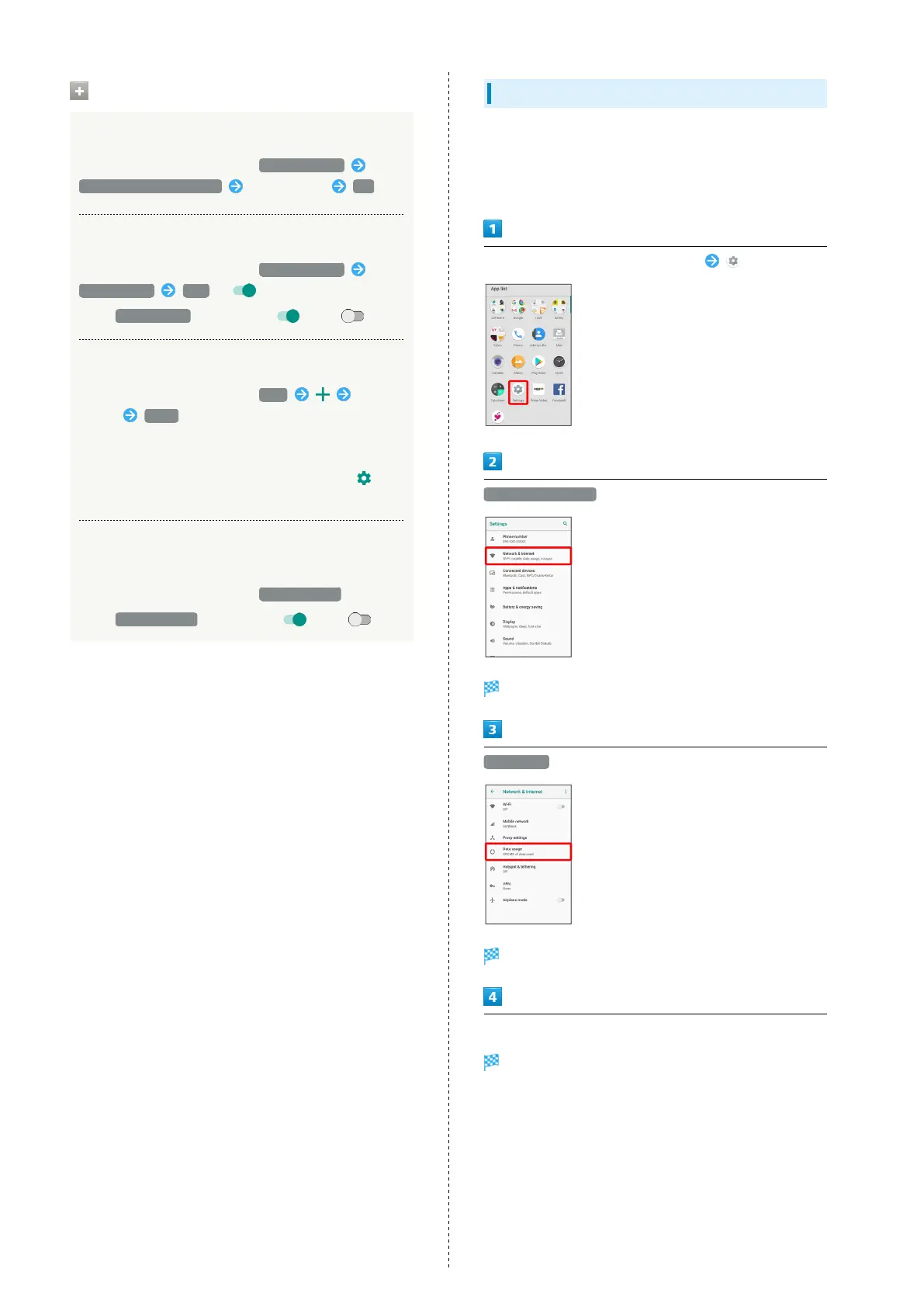
Data Usage Settings
Check the amount of your mobile data usage (per month) and
restrict usage.
Data usage is only as tracked by handset, and may differ from
actual data usage statement.
In Home Screen, Flick Favorites Tray up (Settings)
Network & Internet
Network & Internet window opens.
Data usage
Data usage menu opens.
Set each item
Setting is complete.



 To Next Page