39
Handset Interface
AQUOS R compact
Changing Wallpaper
Touch & Hold open area of Home Screen
・Alternatively, Pinch Home Screen.
WALLPAPERS
Tap application
Select image
・Operations may vary depending on selected option. Follow
onscreen prompts.
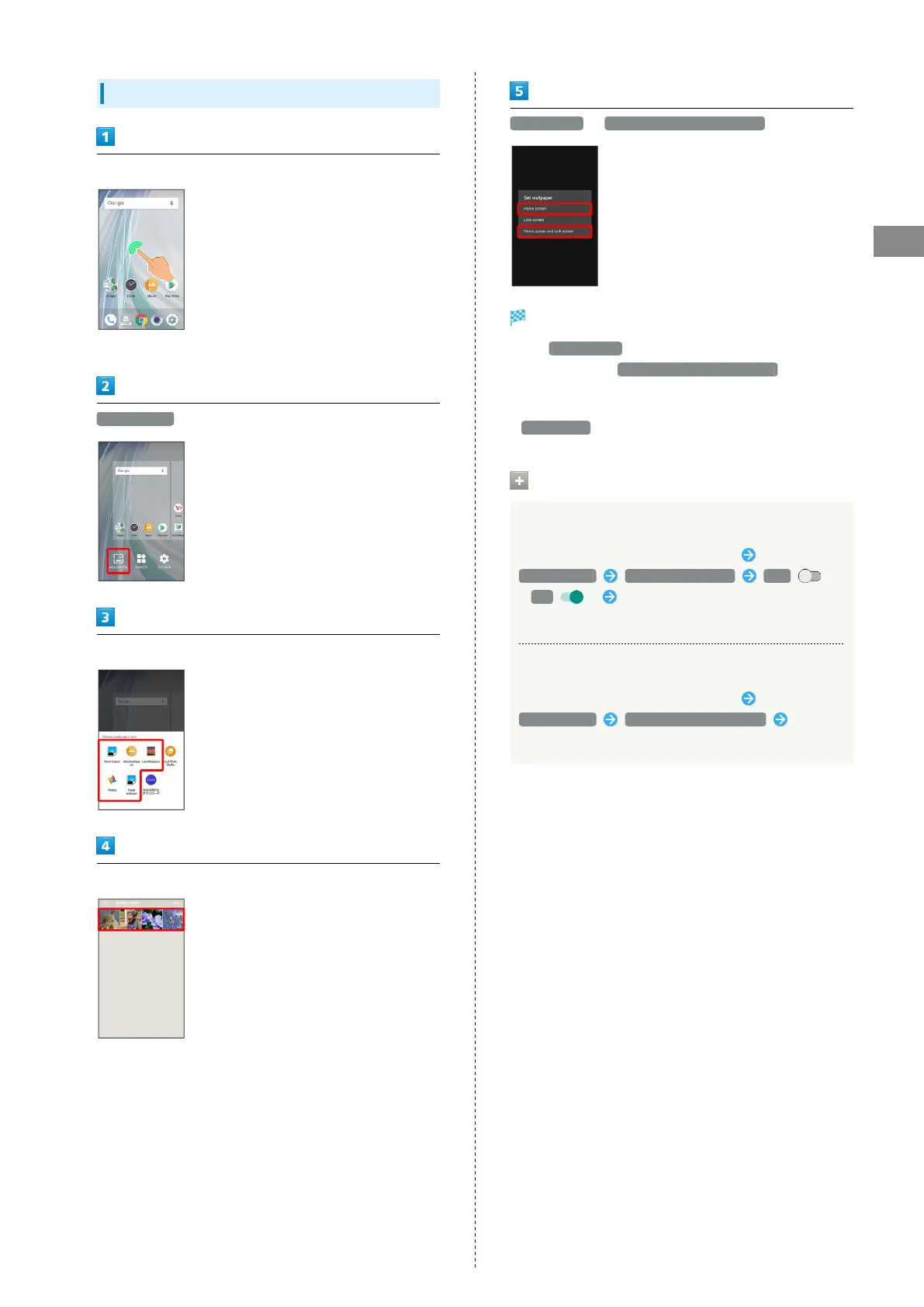
Home screen / Home screen and lock screen
Setting is complete.
・
Tap Home screen to set the image as Wallpaper for Home
Screen only. Tap Home screen and lock screen to set the
same image as Wallpaper for Home Screen and lock screen.
・To set the image as Wallpaper for lock screen only, Tap
Lock screen .
Wallpaper Change Operations
Using Lock Photo Shuffle
Touch & Hold open area of Home Screen
WALLPAPERS Lock Photo Shuffle OFF
( ON ) Select folder to show with Lock Photo
Shuffle
Using SHSHOW
Touch & Hold open area of Home Screen
WALLPAPERS SHSHOWからダウンロード Follow
onscreen prompts



 To Next Page