159
Handset Settings
AQUOS R compact
Security & Location Settings
Security & Location Settings
Make security settings including Screen lock and security
codes. Settable items are the following.
Item Description
Google Play
Protect
Set whether to scan handset for security
issues.
Find My
Device
Set location to be shown if handset is
lost.
Security
update
Check for available system updates.
Operation
password
setting
Set a code, required for using some
functions.
See "Setting Operation Password" for
details.
Screen lock Set a screen lock.
Lock screen
preferences
Make settings for notifications and
messages shown in lock screen.
Fingerprint
Make settings for Fingerprint Sensor.
See "Using Fingerprint Authentication
Function" for details.
Smart Lock
Enable handset to check whether it is
being carried or for trusted place, device,
voice, or face and unlock screen.
Location Enable location information.
Visible
passwords
Enable characters to be visible as
password is entered.
Device admin
apps
Enable device administration functionality.
Set up SIM
card lock
Set whether to require PIN when handset
powered on to allow operation.
See "Enabling SIM PIN" for details.
Encryption &
credentials
Make settings for encrypting handset and
authentication.
Trust agents Set whether to show trusted agents.
Screen pinning
Set to keep only screen of specified
application in view.
Apps with
usage access
Manage applications that can access
application usage history data.
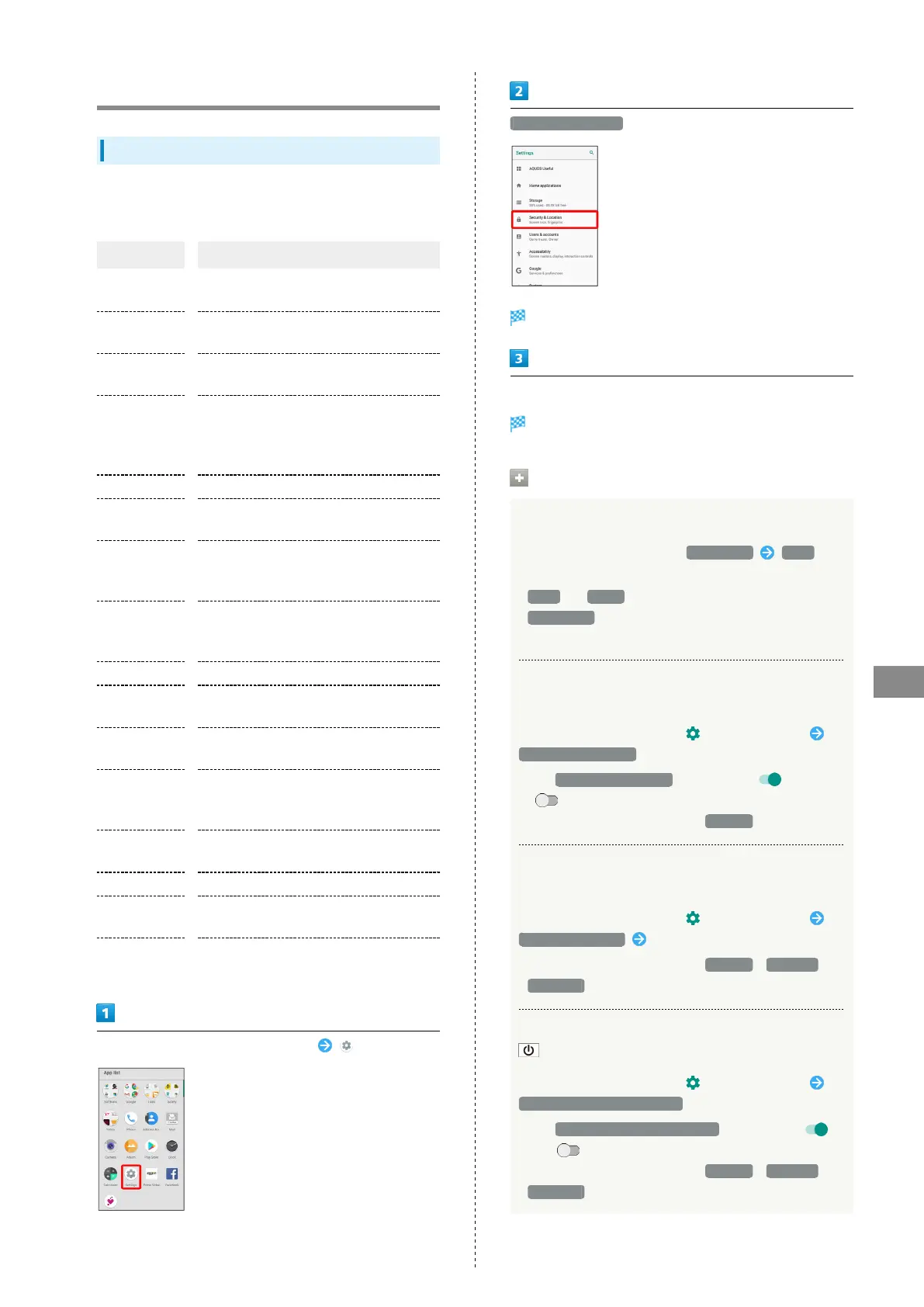
In Home Screen, Flick Favorites Tray up (Settings)
Security & Location
Security & Location menu opens.
Set each item
Setting is complete.
Security & Location Operations
Setting Screen Not to Lock
In Security & Location menu, Screen lock None
・If method for unlocking screen is setting other than
None or Swipe before changing setting, first Tap
Screen lock and unlock screen.
・If confirmation appears, follow onscreen prompts.
Setting Whether Traced Pattern is Visible when
Unlocking Screen
In Security & Location menu, for "Screen lock"
Make pattern visible
・
Tap Make pattern visible to toggle on ( )/off
( ).
・
Appears when unlock method is Pattern .
Setting Time after Display Off until Screen
Locks
In Security & Location menu, for "Screen lock"
Automatically lock Tap option
・
Appears when unlock method is Pattern / Lock No. /
Password .
Enabling Immediate Screen Lock by Pressing
In Security & Location menu, for "Screen lock"
Power button instantly locks
・
Tap Power button instantly locks to toggle on ( )/
off ( ).
・
Appears when unlock method is Pattern / Lock No. /
Password .



 To Next Page