173
Handset Settings
AQUOS R compact
Setting Whether to Correct Display Colors
In Accessibility menu, Color correction Off
/ On
・
Tap Off to toggle On ( ), On to
toggle Off ( ).
・
Tap Correction mode to select a mode.
・If confirmation appears, follow onscreen prompts.
Setting Whether to Invert Display Colors
In Accessibility menu, Color inversion
・
Tap Color inversion to toggle on ( )/off ( ).
・If confirmation appears, follow onscreen prompts.
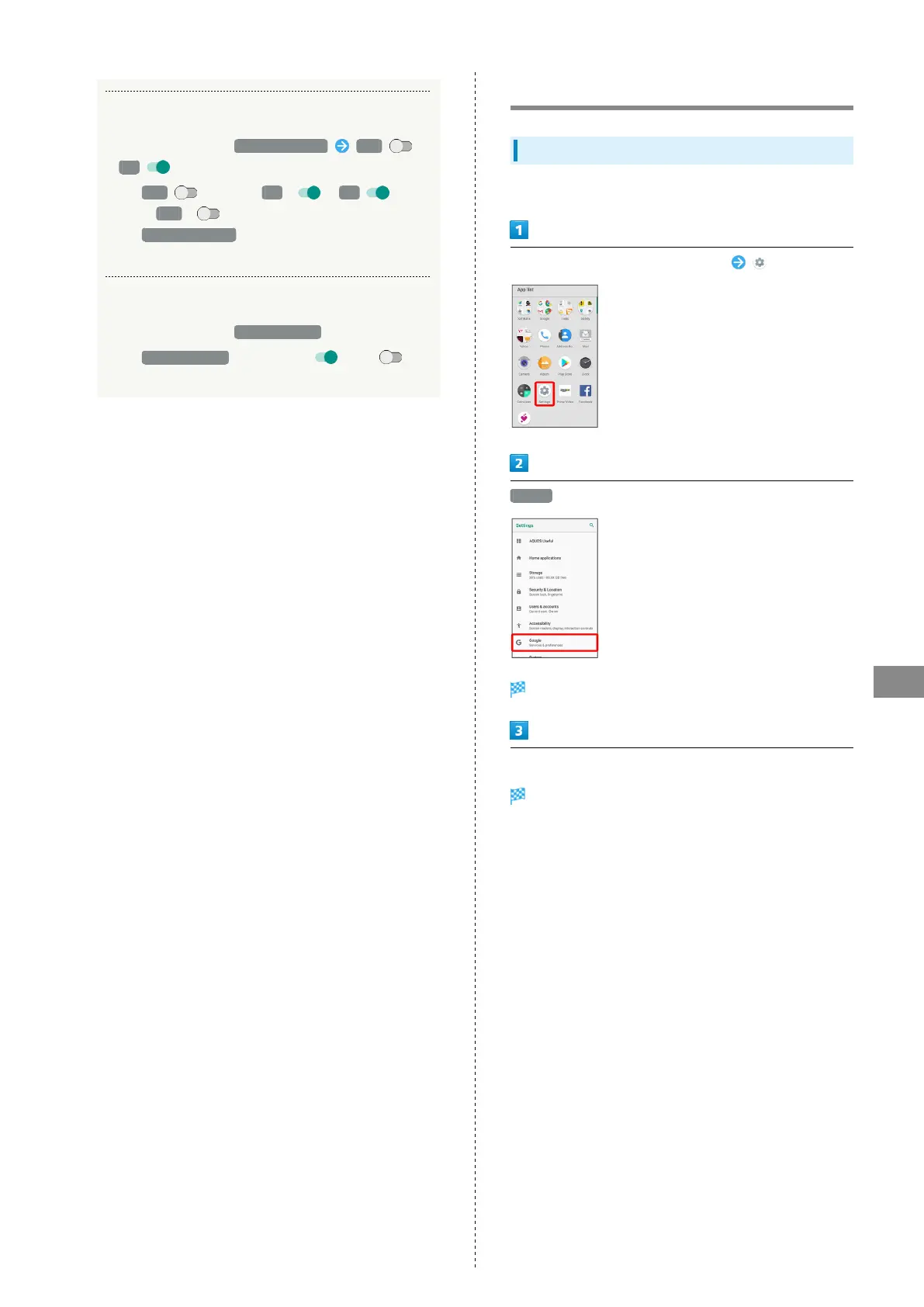
Google Settings
Google Settings
Make settings for Google services.
In Home Screen, Flick Favorites Tray up (Settings)
Google
Google window opens.
Set each item
Setting is complete.



 To Next Page