40
Adding Shortcuts
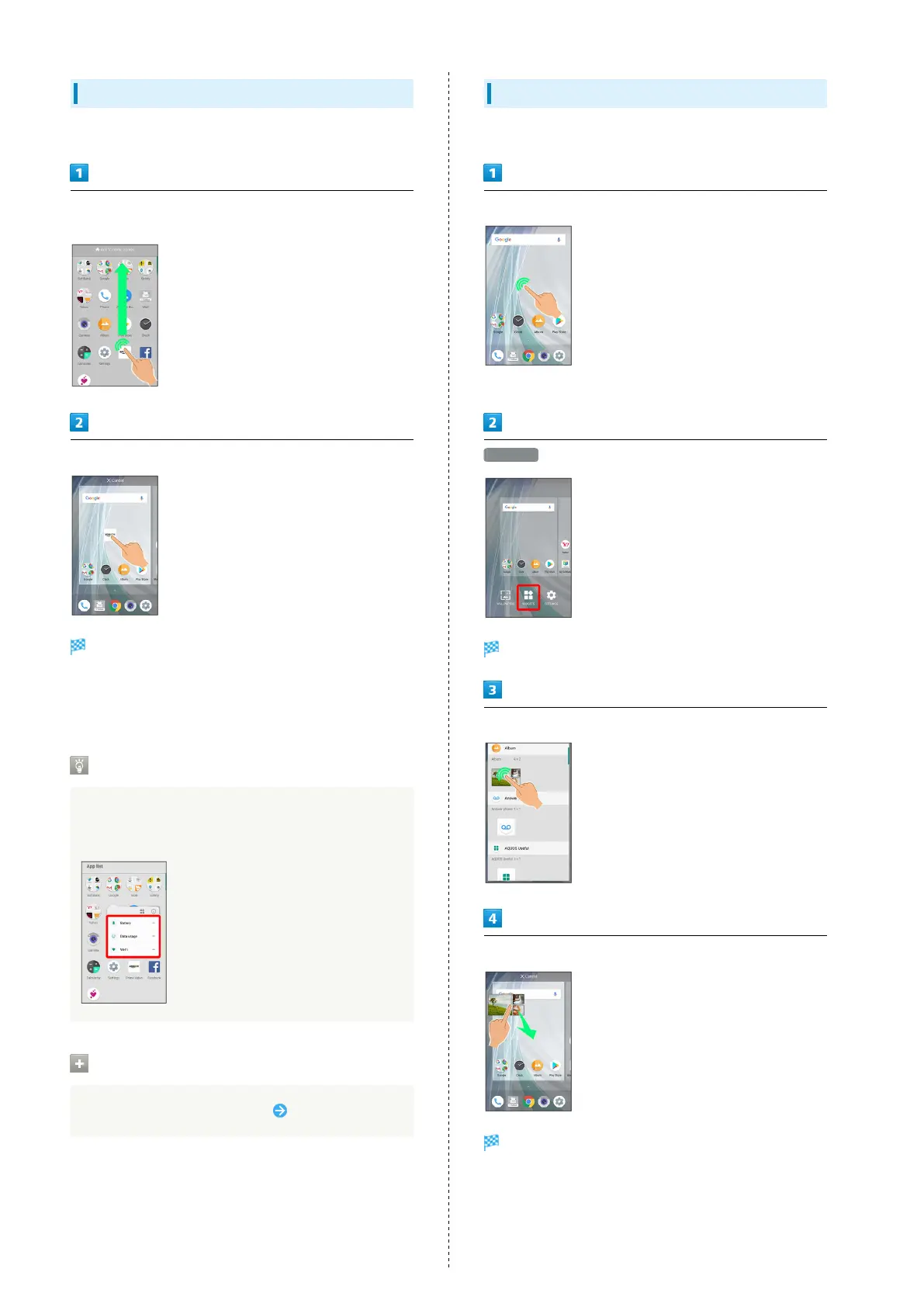
Add shortcuts for applications in Home Screen.
In app list, Touch & Hold application and Drag to "Add to home
screen"
Release finger at location to add shortcut
Shortcut is added.
・Drag to sheet visible at edge of Display to toggle sheets
and add. Drag to rightmost sheet to add one more sheet and
add.
Function Shortcuts
With some applications, Touch & Hold for shortcuts to
functions. Touch & Hold function shortcut then release
finger at location in Home Screen to add function shortcut.
Deleting Shortcuts
In Home Screen, Touch & Hold icon Drag to "Remove"
Adding Widgets
Add Album, Analog clock, etc. as follows.
Touch & Hold open area of Home Screen
・Alternatively, Pinch Home Screen.
WIDGETS
A list of widgets opens.
Touch & Hold widget
Drag to location to add widget
Widget is added.
・Drag to sheet visible at edge of Display to toggle sheets
and add. Drag to rightmost sheet to add one more sheet and
add.



 To Next Page