65
Phone
AQUOS R compact
Making Call Settings
Call Settings
Check call information and make settings. Settable items are
the following.
Item Description
Display
options
・Sort by
Change the sort order of callers/callees in
Call History.
・Name format
Change how caller/callee names are
displayed in Call History.
Sounds and
vibration
・Phone ringtone
Set Phone ringtone
・Also vibrate for calls
Enable vibration when calls arrive
・Keypad tones
Enable confirmation tones when Tapping
dialpad
Quick
responses
Edit an SMS message for when unable to
answer a call
Calls
・Fixed Dialing Numbers
Set outgoing call barring
・Call forwarding
Make Call Forwarding settings
・Additional settings
Set Caller ID and Call Waiting
・Answer phone
Set Answer phone
・SoftBank call settings
Set international calling and call barring
Call blocking Set numbers to block calls from
Voicemail
・Notifications
Make notification settings
・Advanced Settings
Check Voicemail settings
Accessibility Set the TTY mode
About
Check build version, open source license,
privacy policy, and terms of service
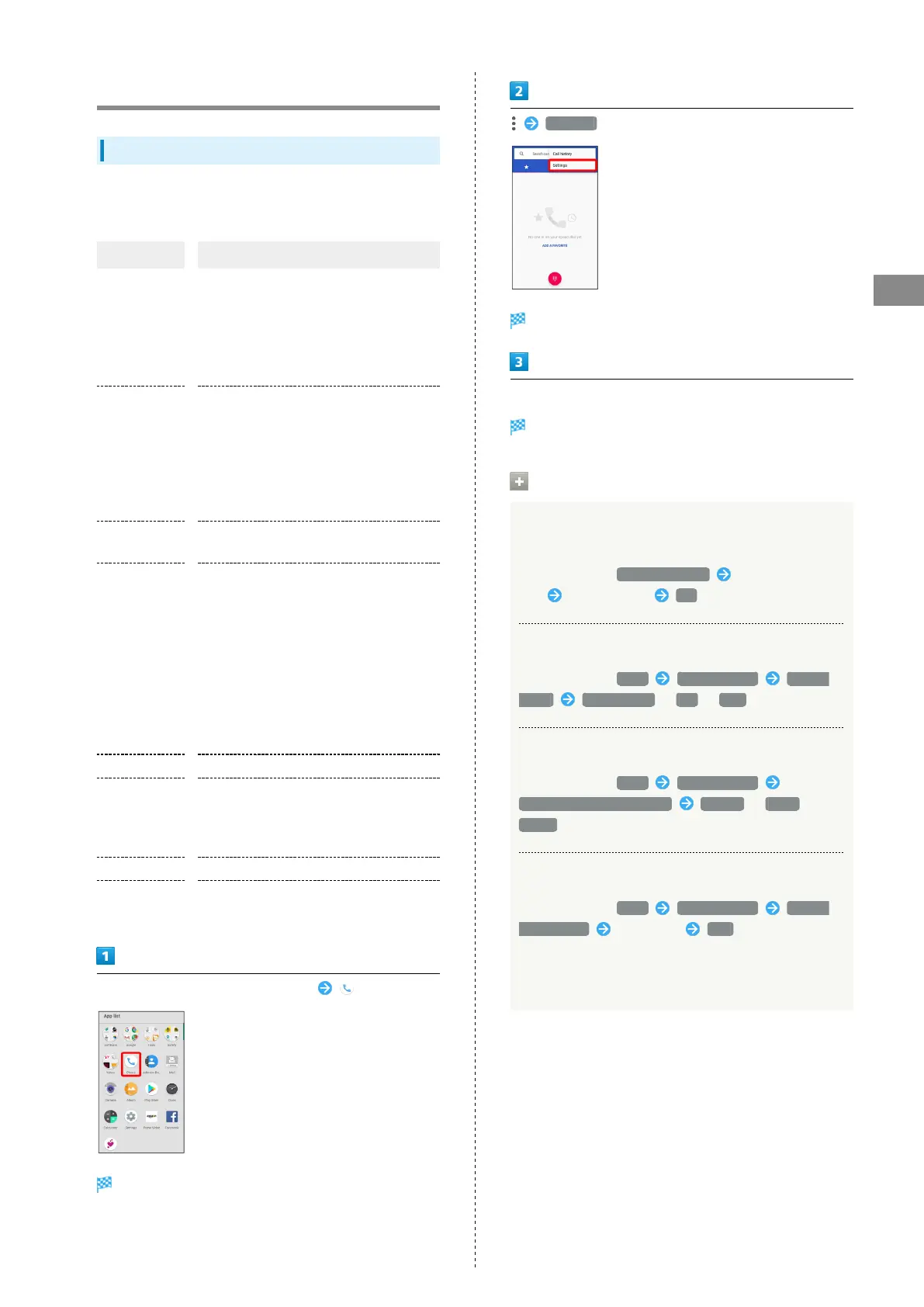
In Home Screen, Flick Favorites Tray up (Phone)
Phone opens.
Settings
Call settings appear.
Set each item
Setting is complete.
Call Setting Operations
Editing SMS Message to Send to Caller when
Unable to Answer
In Call settings, Quick responses Tap message to
edit Enter message OK
Setting/Canceling Answer Phone
In Call settings, Calls Answer phone Answer
phone Mannermode / ON / OFF
Setting Answering Message for Answer Phone
In Call settings, Calls Answer phone
Answering message setting Normal / Drive /
Public
Setting Answering Time for Answer Phone
In Call settings, Calls Answer phone Answer
time setting Select time SET
・If arriving calls are disconnected before answer time that
is set for Answer phone passes, disable Call Forwarding.
See "Call Forwarding" for details.



 To Next Page