157
Handset Settings
AQUOS R compact
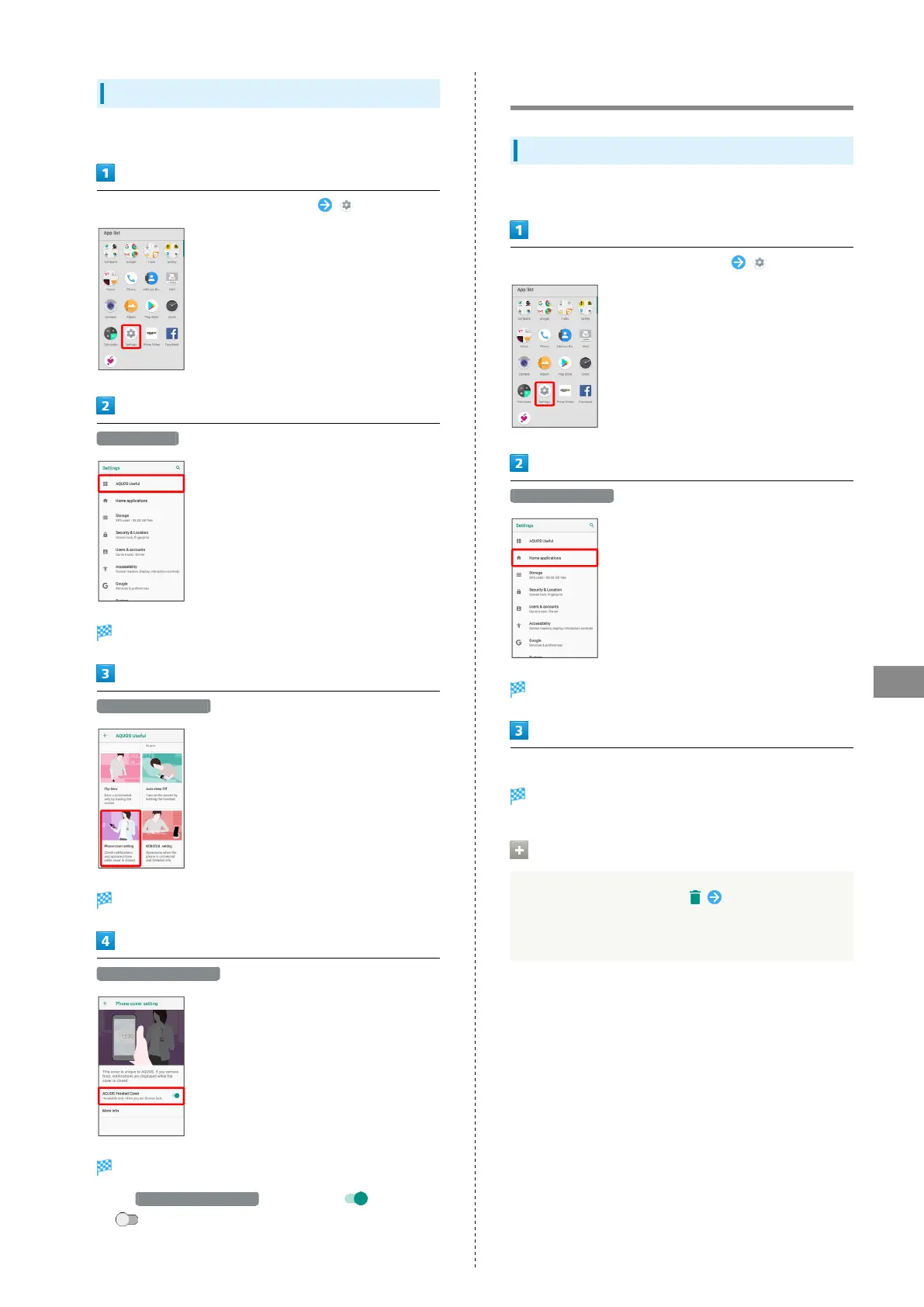
Phone Cover Setting
Make settings for smartphone cover motion.
In Home Screen, Flick Favorites Tray up (Settings)
AQUOS Useful
AQUOS Useful menu opens.
Phone cover setting
Phone cover setting opens.
AQUOS Frosted Cover
Setting is complete.
・
Tap AQUOS Frosted Cover to toggle on ( )/off
( ).
Home Applications Setting
Home Applications Setting
Set the home application.
In Home Screen, Flick Favorites Tray up (Settings)
Home applications
Home applications window opens.
Tap home application
Setting is complete.
Deleting Home Applications
In Home applications window, Follow onscreen
prompts
・Preinstalled home applications cannot be deleted.



 To Next Page