156
Auto Sleep Off Settings
Set Display on or off by handling handset. Settable items are
the following.
Item Description
Turn screen
on by holding
Set whether to turn on Display when
handset is picked up (e.g., from a desk)
and held still.
Bright Keep
Set whether to keep Display from turning
off while handset is held.
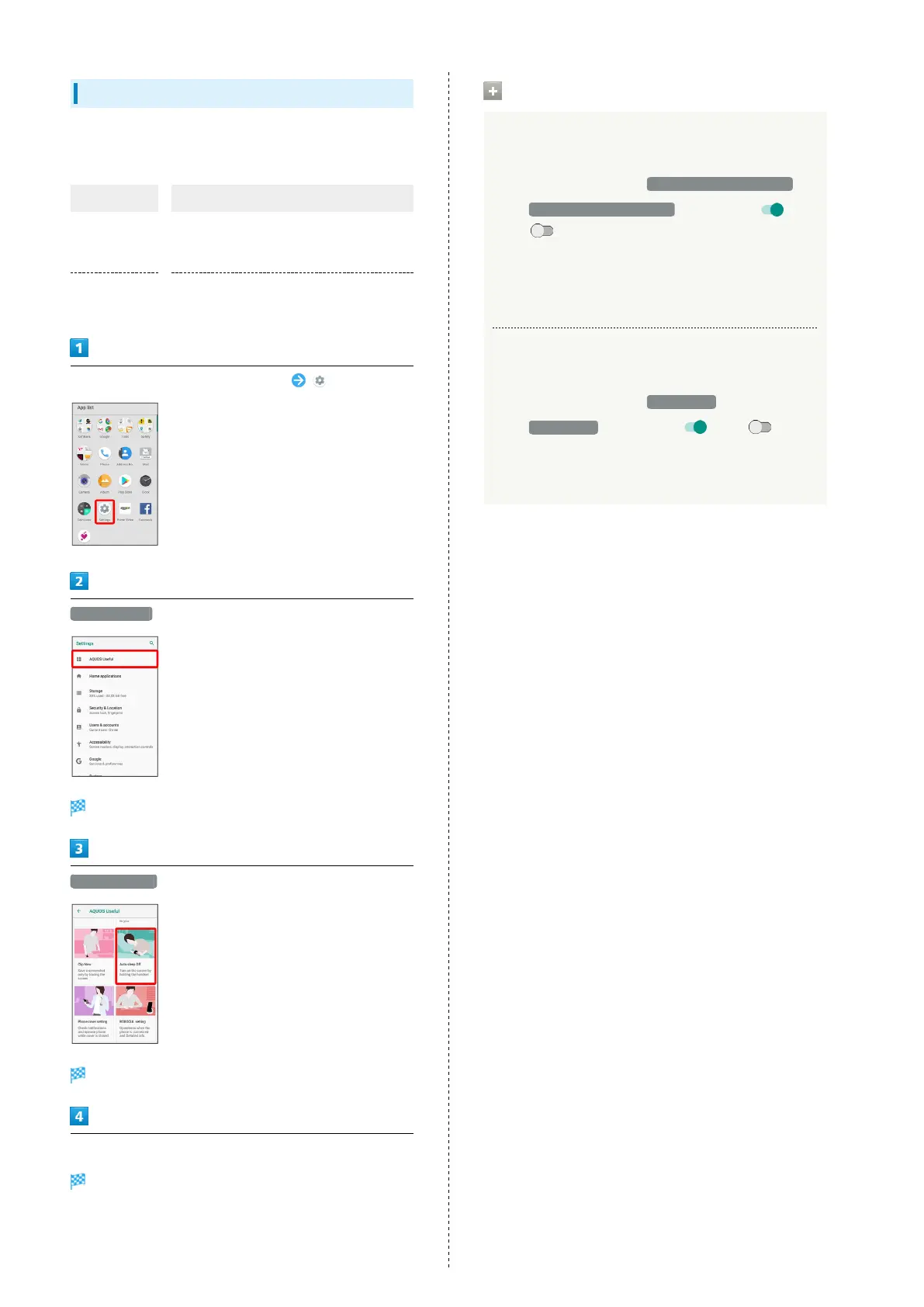
In Home Screen, Flick Favorites Tray up (Settings)
AQUOS Useful
AQUOS Useful menu opens.
Auto sleep Off
Auto sleep Off window opens.
Set each item
Setting is complete.
Auto Sleep Off Operations
Setting Whether to Turn On Display when
Handset is Picked Up
In Auto sleep Off window, Turn screen on by holding
・
Tap Turn screen on by holding to toggle on ( )/
off ( ).
・Whether handset is picked up is determined from handset
angle and Proximity/Light Sensor; holding handset
upright or moving while holding it may affect the
determination.
Setting Whether to Keep Display On while
Holding Handset
In Auto sleep Off window, Bright Keep
・
Tap Bright Keep to toggle on ( )/off ( ).
・Hand-held state is determined from handset angle
and Proximity/Light Sensor; usage status may affect
determination of hand-held state.



 To Next Page