112
Connecting by Wi-Fi
Handset supports Wi-Fi (wireless LAN). Access the Internet
via household Wi-Fi networks.
Automatic Updates for Optimizing Wi-
Fi Connection
While using Wi-Fi, updates for optimizing connection may
be received or applied automatically.
Connecting Selected Access Points
Select a scanned access point (Wi-Fi network) and connect.
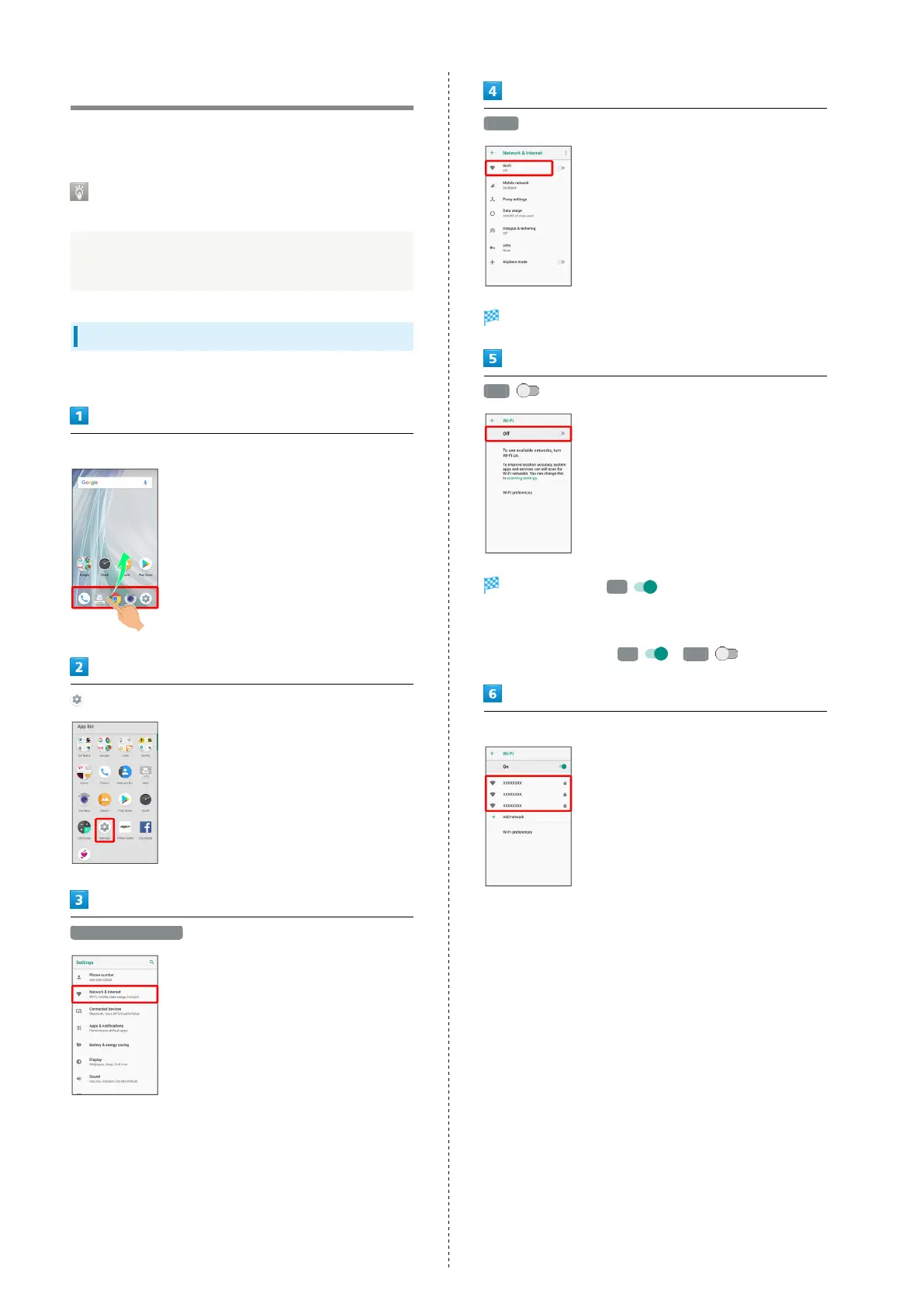
In Home Screen, Flick Favorites Tray up
(Settings)
Network & Internet
Wi-Fi
Wi-Fi menu opens.
Off
Wi-Fi is enabled ( On ).
・Access point search starts; available access points appear
upon completion.
・
To disable Wi-Fi, Tap On ( Off ).
Tap access point



 To Next Page