42
Moving Icons/Widgets
Icons can also be rearranged in Favorites Tray and app list.
In Home Screen, Touch & Hold icon/widget
Drag to target location
Icon/widget is moved.
・To a folder: Drag icon to target folder.
Making Home Screen Settings
Settable items are the following.
Item Description
Add icon to
Home screen
Set whether icon is added to Home Screen
after downloading new application.
Notification
dots
Set whether to show dots with application
icons for notifications.
Add
number on
notification
dots
Set whether to show number of
notifications with notification dots.
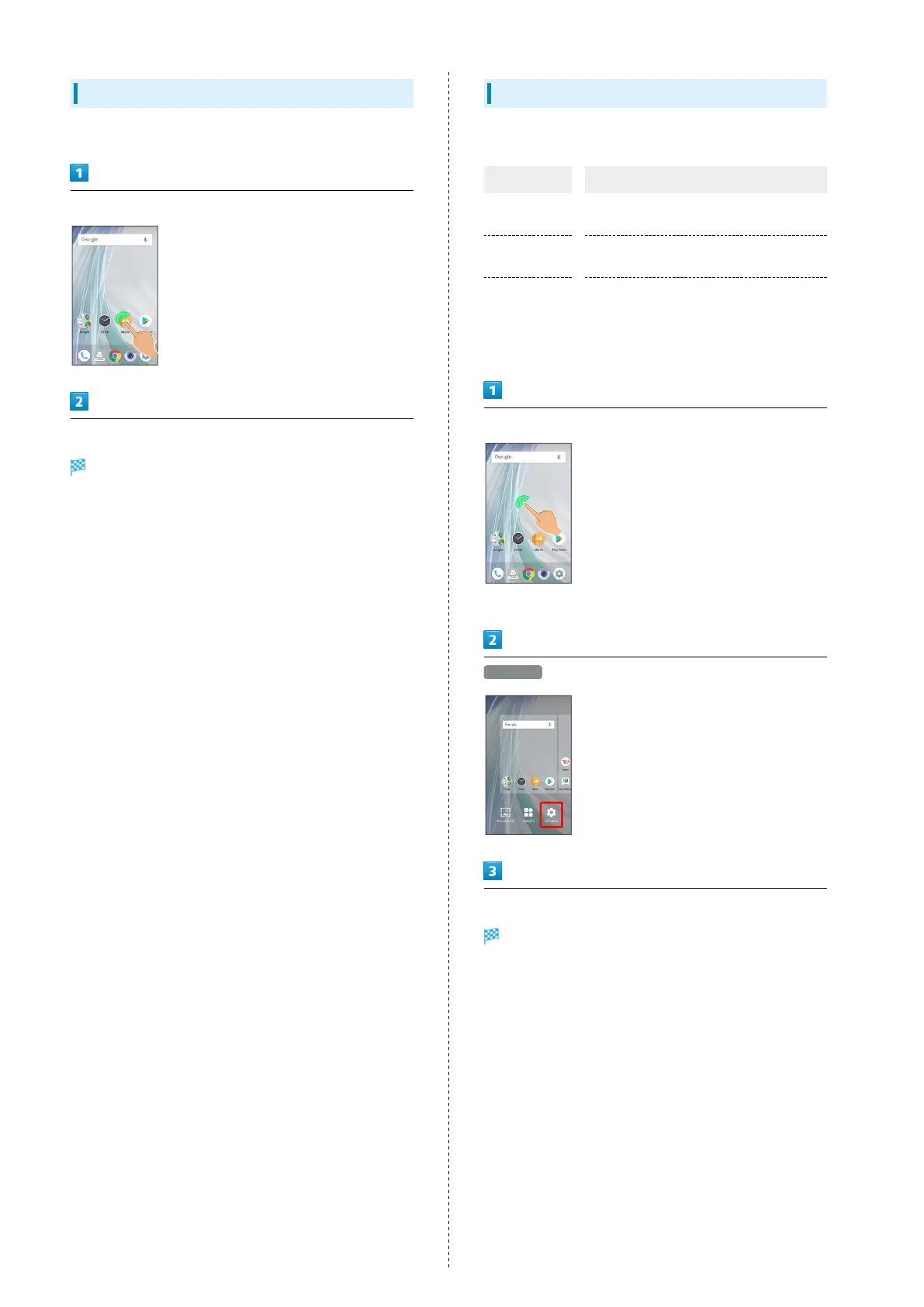
Touch & Hold open area of Home Screen
・Alternatively, Pinch Home Screen.
SETTINGS
Set items
Settings are complete.



 To Next Page