10
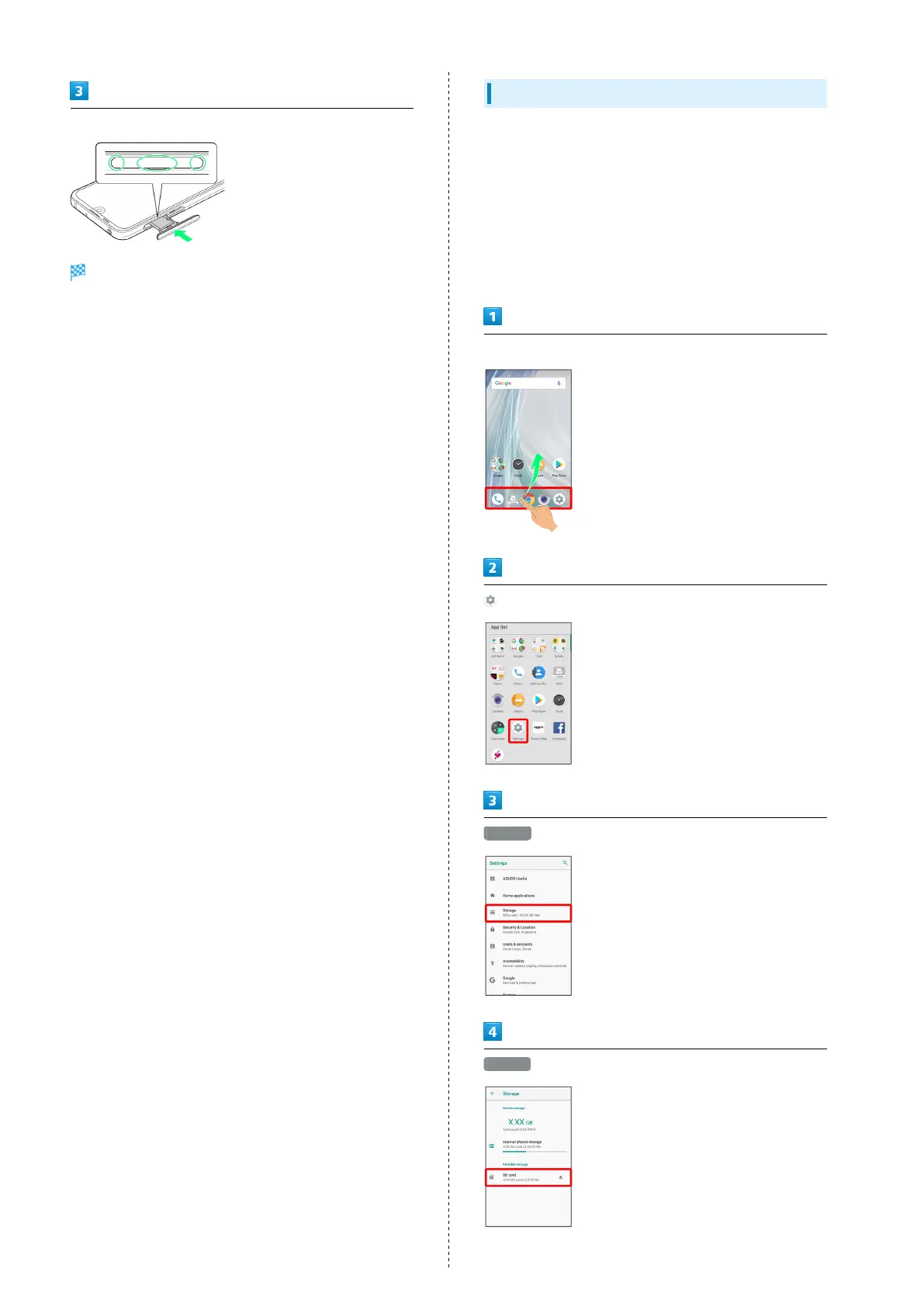
Insert Card Tray in SIM/SD Card Slot
SD Card is inserted.
・Do not insert Card Tray upside down.
・Insert gently all the way horizontally in direction shown.
・Push Card Tray firmly where circled (○) so that there is no
gap between handset and Card Tray.
・To maintain water and dust resistance, use handset with
Card Tray completely closed.
Formatting SD Card
When using a new SD Card for the first time, always format it
on handset.
・Formatting erases all data on SD Card. Format SD Card with
caution.
・When formatting, keep handset charged or charge it
adequately beforehand.
・Insert SD Card beforehand. See "Inserting SD Card" for
details.
In Home Screen, Flick Favorites Tray up
(Settings)
Storage
SD card



 To Next Page