139
Handset Settings
AQUOS R compact
Viewing Handset Screen on Other Device
Available when the counterpart model is a Miracast-compatible
model.
・Some screens may not be viewable on the connected device
depending on the handset application.
・Cast disconnects automatically if battery is low.
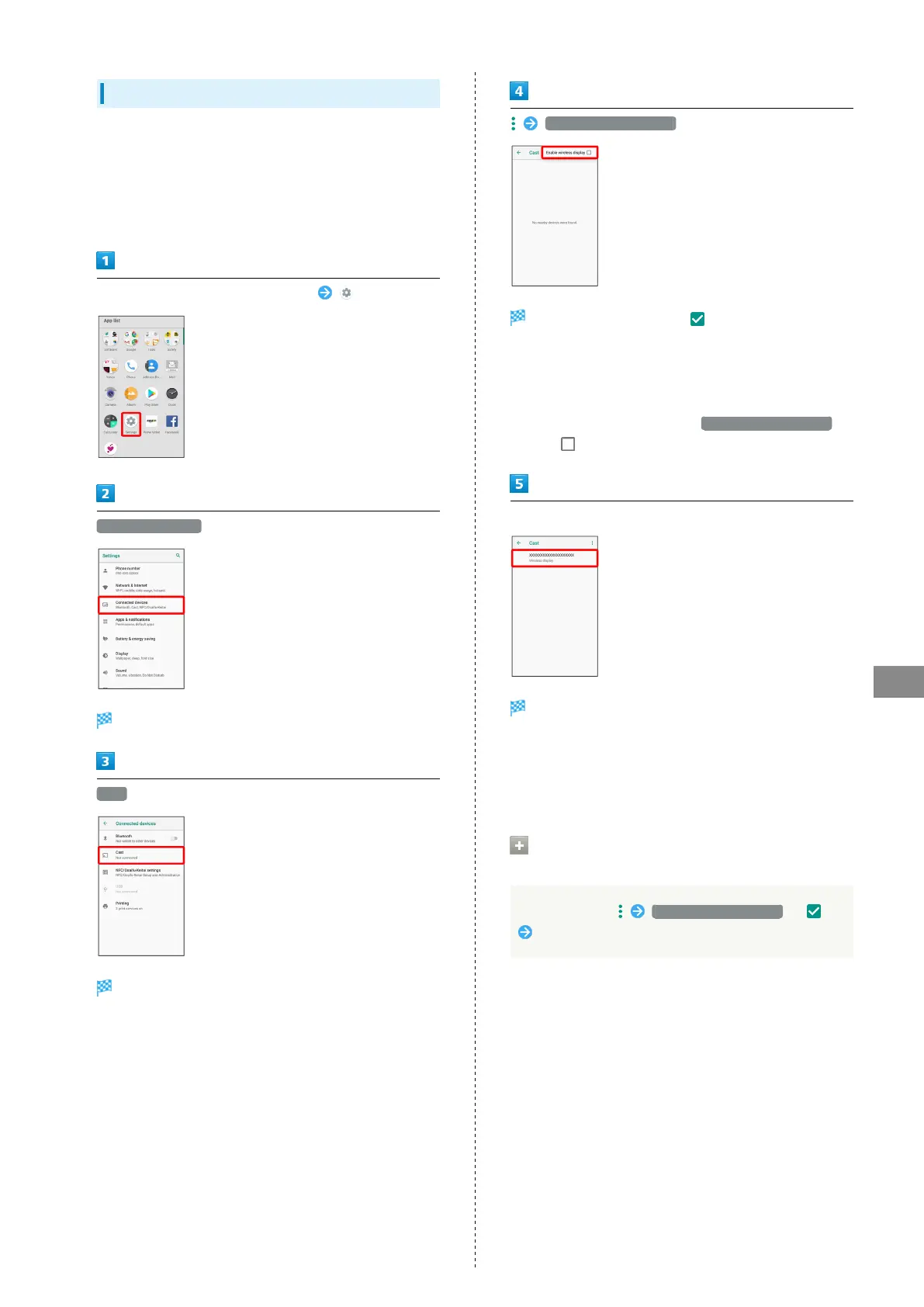
In Home Screen, Flick Favorites Tray up (Settings)
Connected devices
Connected devices menu opens.
Cast
Cast window opens.
Enable wireless display
Wireless display is enabled ( ).
・"Wi-Fi" turns On if turned Off when wireless display is
enabled.
・Nearby device search starts; available Miracast-compatible
viewing devices appear upon completion.
・
To disable wireless display, Tap Enable wireless display
again ( ).
Tap target device
After authenticating, same content as handset screen
appears on target device.
・Authenticated device is saved to handset.
・Screen on target device changes to match handset screen
with operation.
Connecting Wirelessly to Previously
Connected Device
In Cast window, Enable wireless display ( )
Tap device



 To Next Page