141
Handset Settings
AQUOS R compact
Changing Default Application Setting
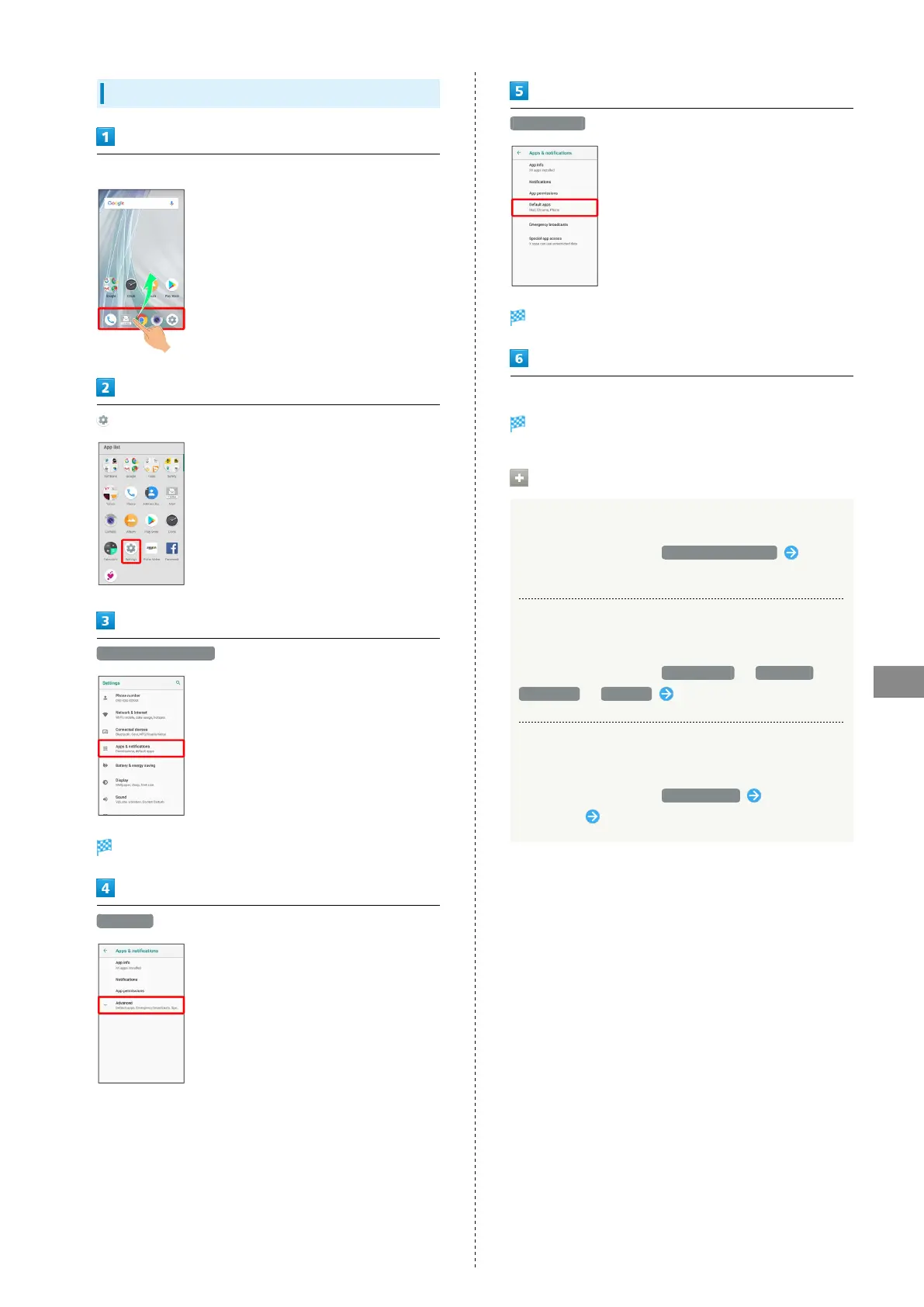
In Home Screen, Flick Favorites Tray up
(Settings)
Apps & notifications
Apps & notifications window opens.
Advanced
Default apps
Default apps menu opens.
Set each item
Setting is complete.
Default Application Operations
Make Settings for Assist Applications
In Default apps window, Assist & voice input Follow
onscreen prompts
Setting Default Applications for Browser, Home
Screen, Phone, SMS, Etc.
In Default apps window, Browser app / Home app /
Phone app / SMS app Tap application
Setting Integration with Other Applications,
Etc.
In Default apps window, Opening links Tap
application Follow onscreen prompts



 To Next Page