21
Getting Started
AQUOS R compact
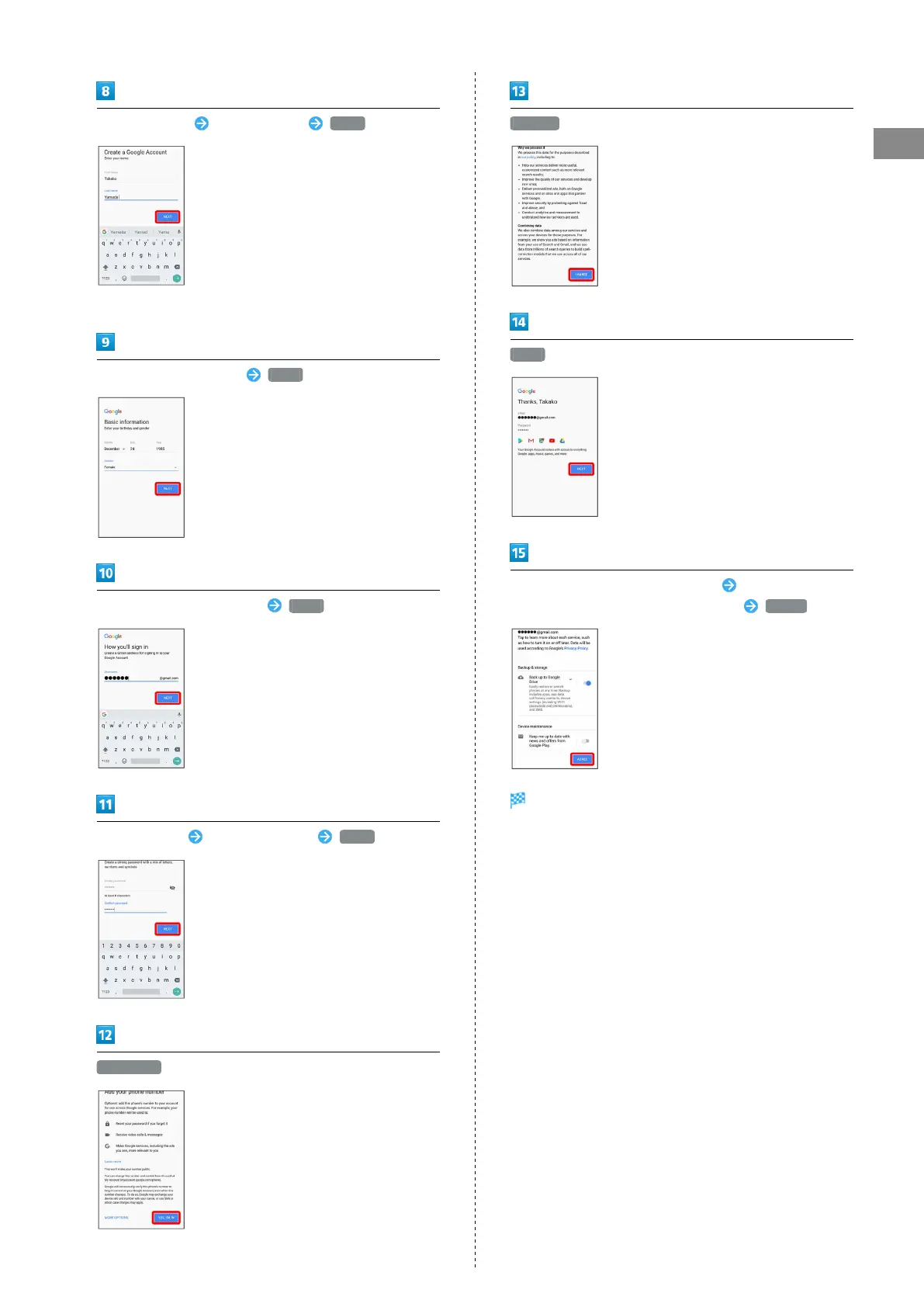
Enter first name Enter last name NEXT
・If confirmation appears, follow onscreen prompts.
Enter birthday and gender NEXT
Enter username (mail address) NEXT
Enter password Re-enter password NEXT
YES, I'M IN
I AGREE
NEXT
Select whether to enable data backup Select whether to
receive news and offers from Google Play AGREE
Account is created.
・If confirmation appears, follow onscreen prompts.



 To Next Page