55
Phone
AQUOS R compact
Emergency Calls
Emergency Location Report
Making emergency calls (110, 119 or 118) automatically
reports handset location to corresponding agency (police,
etc.). This system is referred to as Emergency Location
Report, and notifies location based on positioning from
base stations.
・Location Report does not incur registration/transmission
fees.
・Location/signal conditions affect positioning accuracy.
Always provide location and call purpose.
・Hiding Caller ID (using 184, etc.) cancels Location Report.
However, corresponding agency may obtain location
information in life threatening situations.
・Location Report is not sent for calls made while outside
Japan.
After Making an Emergency Call with Reject
Call Enabled
Reject call is disabled for about two hours to receive calls
from corresponding agency. To manually enable Reject call
again after making an emergency call:
In Home Screen, Flick Favorites Tray up (Phone)
Settings Call blocking RESTORE
PREVIOUS SETTINGS TO BLOCK CALLS. YES
Calling Emergency Number When
Handset Screen is Locked
In lock screen, Flick up Emergency Enter number
for emergency service
・Use if method for unlocking screen is setting other than
None or Swipe . For details on screen lock methods,
see "Security & Location Settings."
Troubleshooting
Q. Call does not connect
A. Did you dial all digits for the number? Dial all digits
for numbers starting with a "0" area code, etc.
A. Is the signal weak? Change locations and call again.
Emergency Call Cautions
Areas Where Usable
Emergency calls from handset can be made only in SoftBank
service areas.
Airplane Mode
Note that emergency calls cannot be made in Airplane
mode. Drag Status Bar down and cancel it.
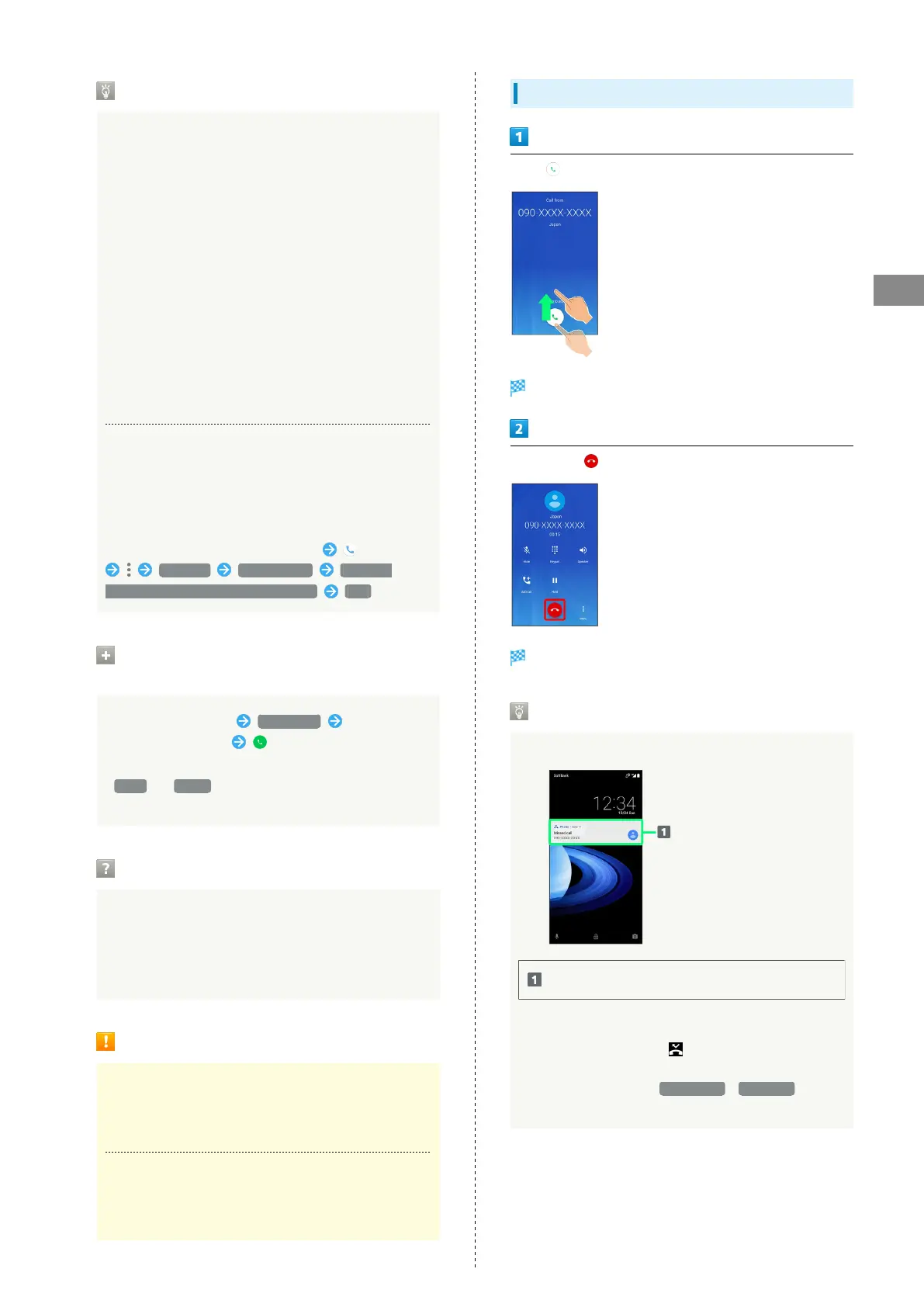
Answering Calls (Display Off)
Drag up when call is arriving
Call connects.
To end call,
Call ends.
Missed Calls
For unanswered calls, notification appears in lock screen.
Notification
・Tap notification twice to check missed call records and
call back as needed.
・
When screen is unlocked, appears on Status Bar.
Drag Status Bar down for Notifications Window, then
Tap notification. When CALL BACK / MESSAGE appear
below notification, Tap to call back or send SMS.



 To Next Page