85
Internet
AQUOS R compact
History
History window opens.
Tap record
Webpage opens.
Opening New Tabs
Open multiple webpages in different tabs to switch between
them easily.
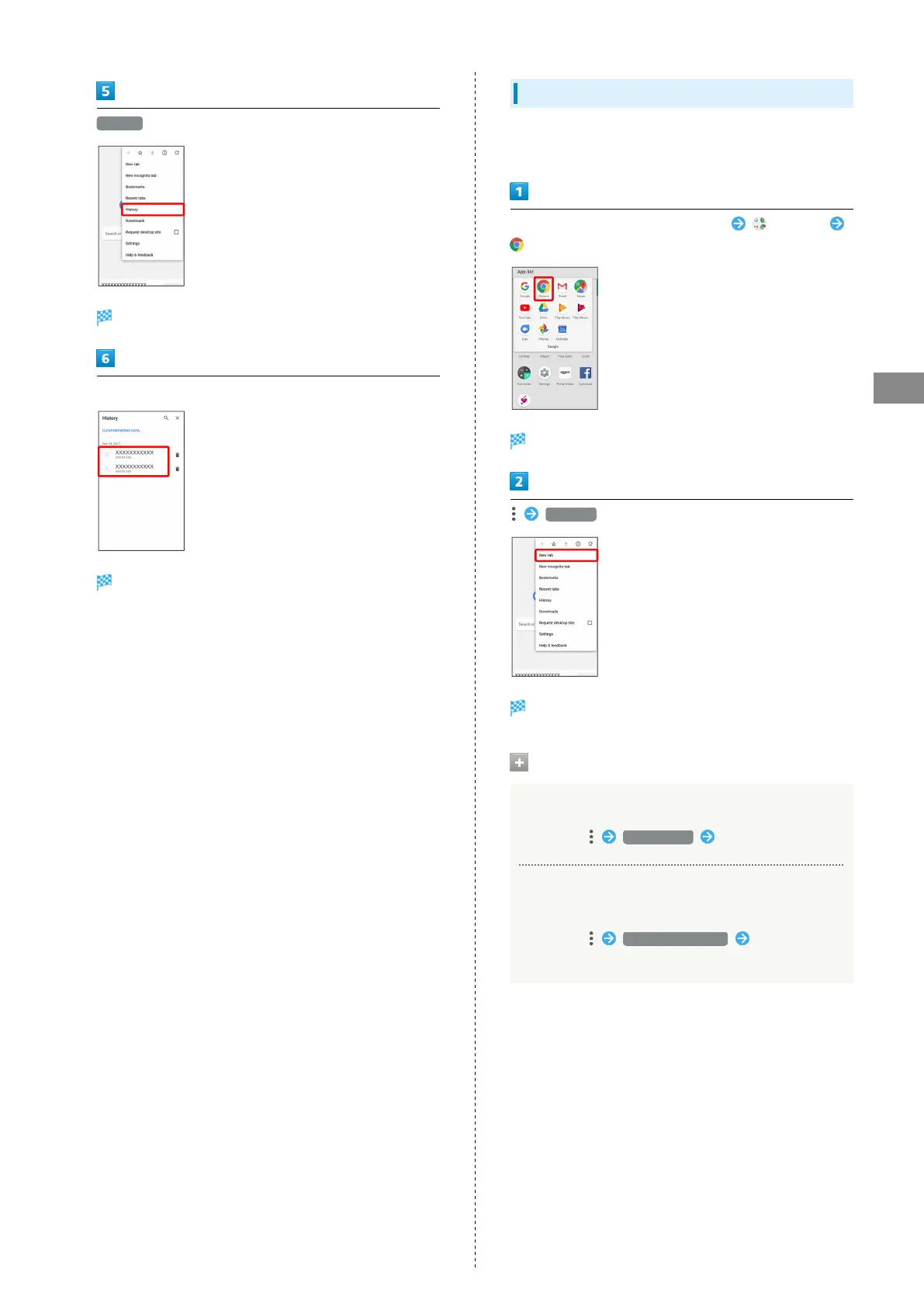
In Home Screen, Flick Favorites Tray up (Google)
(Chrome)
Chrome activates.
New tab
Another tab opens.
Tab Operations
Opening Recent Tabs
In Chrome, Recent tabs Tap tab
Viewing Webpages without Leaving Browsing
History, Cookies, Etc.
In Chrome, New incognito tab Follow onscreen
prompts



 To Next Page