101
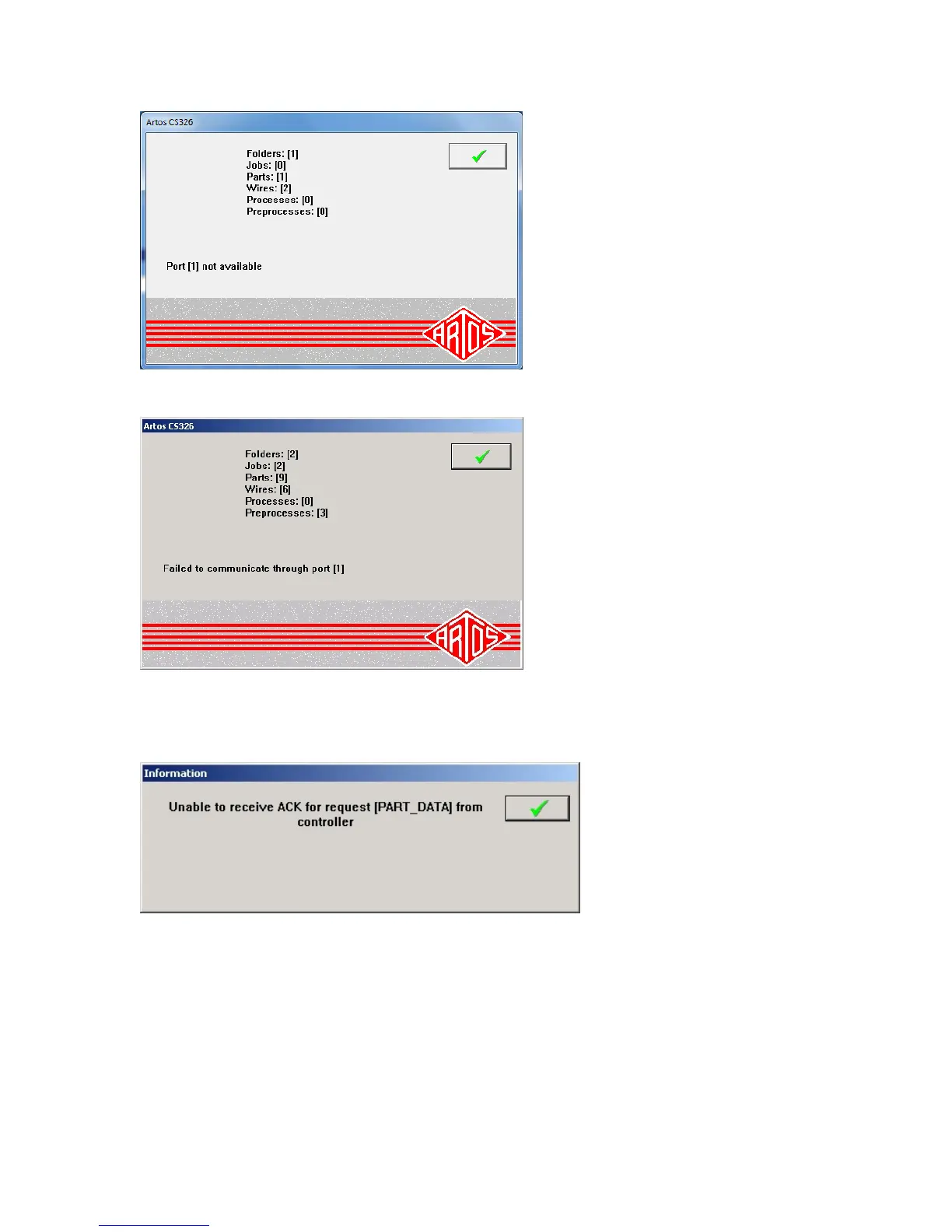
2. The message failed to communicate will appear on startup of the machine. See Items to check
below.
3. A message regarding “Unable to receive ACK for request………………..” may appear. This means
the machine started properly but communication was lost after that time. In this case the machine
should be powered down and restarted. If the problem keeps occurring see Items to check below.
Items to check
1. The serial cable must be plugged into the COM port of the computer. The default settings are
COM 1. Make sure it is not loose.
2. The software configuration file must have properly defined the COM port number that the cable
is plugged into. The configuration file is C:\program files(x86)\Artos
Engineering\CS326GUI\Config\mtxcfg.xml. If the (x86) directory does not exist then go to
C:\program files\Artos Engineering\CS326GUI\Config\mtxcfg.xml. To edit the file right click on



 To Next Page