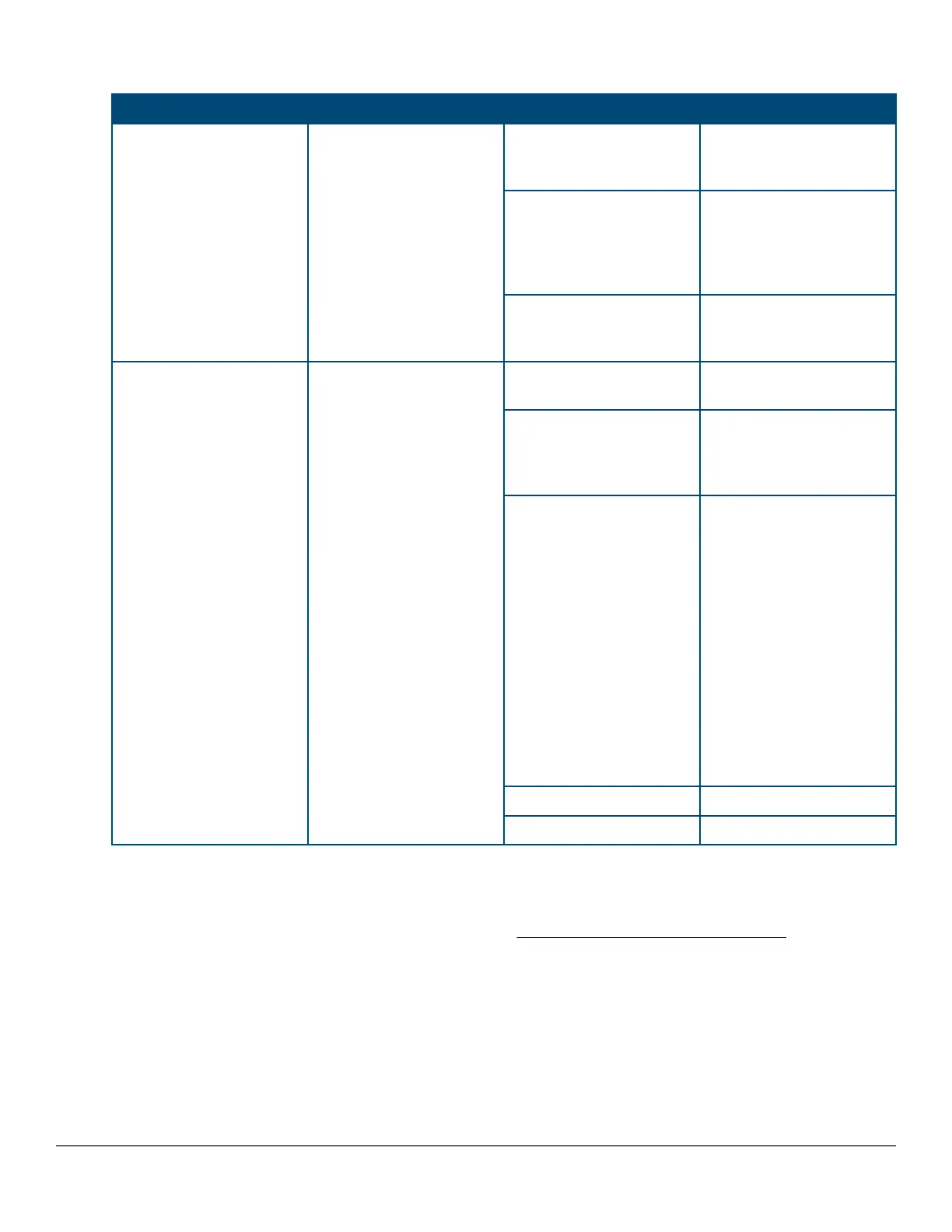
Table 11: LEDs on the back of the switch
Switch LEDs Function State Meaning
PSU module Status Status of PSU: Looking at
the back of the unit, PSU1
is on the left and PSU2 is
on the right.
On Green The power supply has
valid AC input and valid
DC outputs.
Slow Flash Green Either the power supply
has an internal fault, or
switch has a fault that is
causing power supply to
cycle on/off.
Off The power supply has an
invalid AC input, or invalid
DC outputs.
Uplink module status Status of uplink module On Green Uplink module operating
correctly.
Slow Flash Orange* Uplink module has
experienced a fault. The
Global Status LED should
be flashing synchronously.
Fast Flash Orange**
Uplink module or one or
more of its ports is/are
experiencing an alert
condition.
Alert conditions include
that an unsupported cable
has been installed in the
module or that the uplink
module has been installed
while the switch was
powered on (hot-swapped)
and the switch needs to be
rebooted to support the
module.
Off No power
No Present No Module
2930M stacking module
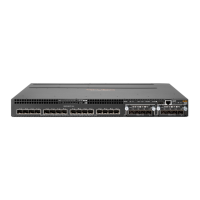
The 2930M 2-port stacking module (JL325A) is a component you can add to an 2930M switch to provide high-
speed stacking connections to other 2930M switches. See Stacking information and topologies and the HPE
Chapter 2 Introducing the 2930M switches 25












 To Next Page