Tip Problem Solution
8 A redundant power supply has experienced a fault. At least one power supply must be operating
properly. To make sure that the power supply is
plugged in to an active power source, check the
power supply. If the power supply is operating but
the LEDs are still blinking, the power supply may
have failed. Unplug the power supply, wait for 5
seconds for residual charge to dissipate, and then
plug the power supply. If the fault light is still
blinking, replace the power supply.
9 The switch has overheated. Check to ensure that the fans are functioning
correctly.
10 The port may have an internal hardware failure. The
port may be denied PoE power. The port may be
detecting an external PD fault.
Check the port for a hardware failure. Doing so may
require a reboot of the switch. Check the port for
correct PoE configuration and allocation. Also check
the external PD for a fault.
11 A redundant power supply is not connected to an
active AC power source.
(At least one power supply must be operating
properly.) Connect the unplugged power supply to
an AC power source, using a supported power cord
for your country/region.
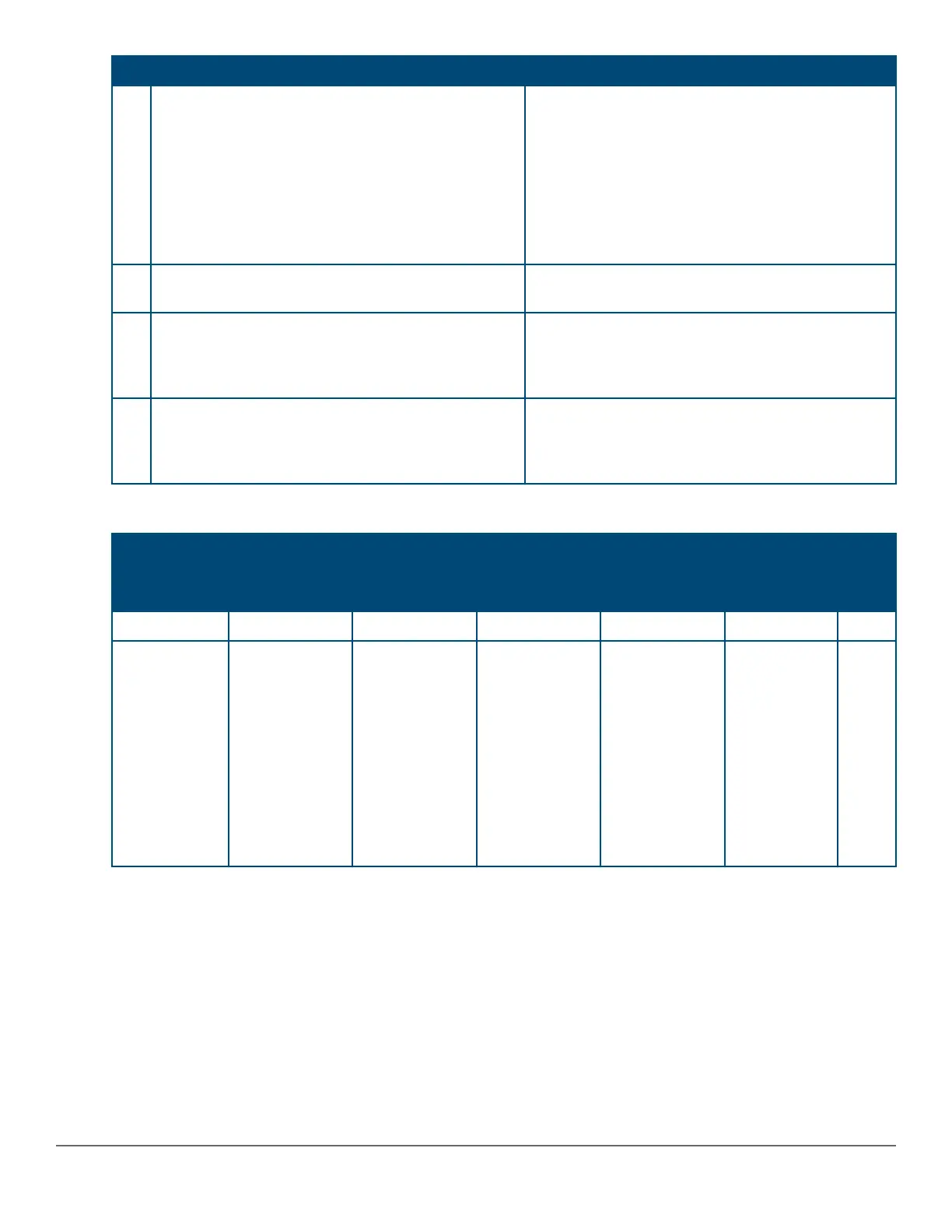
Table 20: Stacked switch and stacking module LED error indicators
Global Status
LED
Chassis status Mode/status Port LED Back side of chassis See
diag
tip
Back LED Usr Stacking
module
Stacking port
Solid Green Off Solid Green Off Solid Green Off 1
Slow Flash
Orange
Slow Flash
Orange
Solid Green
Slow Flash
Green -
Member
Fast flash
Green -
Commander
Slow Flash
Orange -
Member in
other fragment
Slow Flash
Orange
Off 2
Table Continued
74 Aruba 2930M Switches














 To Next Page