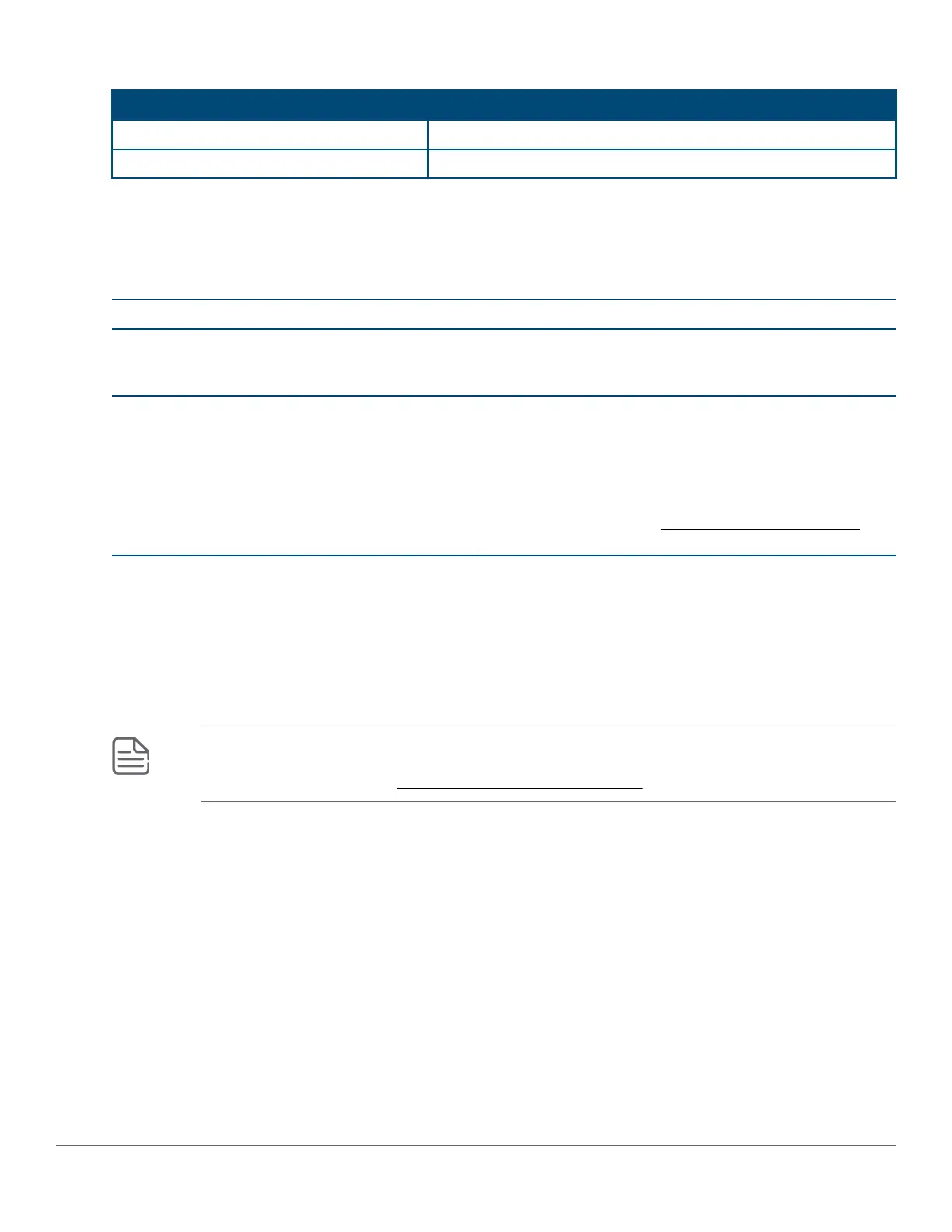
Table 16: Location of module status LEDs: Label and description
Label Description
1 Back LED
2 Global Status LED
During the normal switch boot-up process, if the module is installed properly and the switch is powered on, the
module undergoes a self-test. You can use the LEDs to determine that the module is installed properly and has
passed the self-test. See the following table.
Table 17: Stacking module LED behavior
LED Display for a properly installed module
Global Status and back LEDs on the front of the
switch and Module Status LED on the stacking
module
After boot-up sequencing, LEDs are on steady green.
Link (for each stacking port on the module) The LED turns ON green if stacking cables are connected
to the module and to a stacking module on another
powered-on 2930M switch. This behavior indicates that the
stacking port is enabled, connected, and detects a signal
from the attached switch. If stacking cables on a given port
are not connected between switches, the port LED is not lit.
For more information, see 10. (Optional) Installing the
stacking cables on page 48.
5. Disconnect power from the switch
Disconnect the power cord from all of the switch power supplies and from the power sources.
6. (Optional) Install the uplink port module
NOTE: The 2930M uplink port module can be hot-swapped with another uplink port module of the
same SKU (Stock Keeping Unit). However, it cannot be hot-swapped with another uplink port module
having a different SKU. See Replacing the uplink port module on page 66.
Chapter 3 Installing the switch 41














 To Next Page