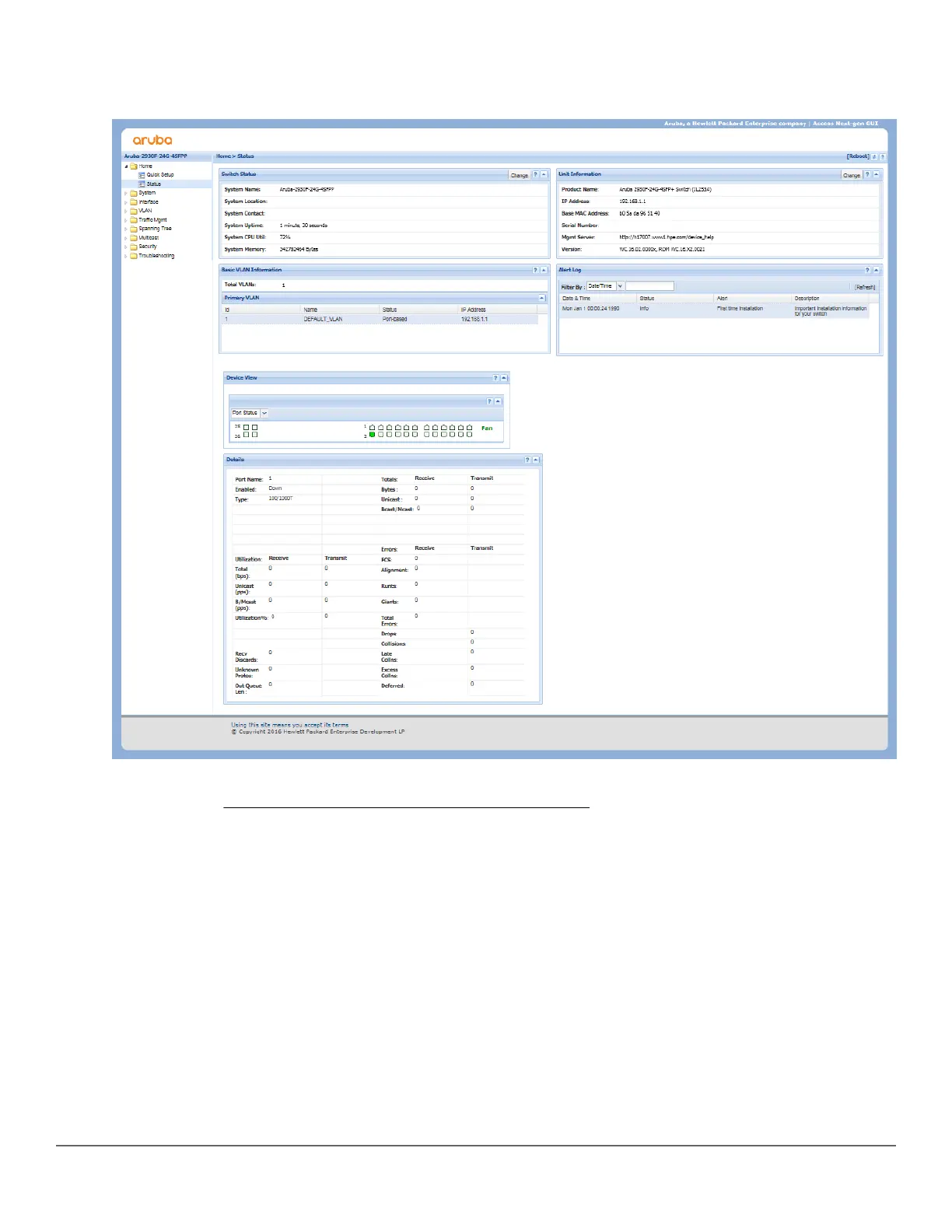
The following illustration shows a typical web browser interface screen.
Figure 22: Web browser interface screen
For more information on using the web browser interface, see the Management and Configuration Guide for your
switch model at https://www.hpe.com/networking/ResourceFinder.
An extensive help system is also available for the web browser interface. To access the help system, the subnet
on which the switch is installed must either have access to the Internet, or IMC or AirWave must be installed on a
network management station that is on the subnet.
Chapter 4 Getting started with switch configuration 63














 To Next Page