TD 92675GB
10 January 2011/ Ver. A
Configuration Manual
Ascom i62 VoWiFi Handset
58
8 VoWiFi Handset Internal Web Administration Page
The internal web administration page for the handset makes it possible to:
• Troubleshoot the VoWiFi System.
• View statistics
8.1 Access the Handset´s Internal Web Administration page
In a web browser, enter the handset´s IP address to access the internal web administration
page for the handset. The IP address can be found in the handset´s menu (Settings >Device
info >Network info).
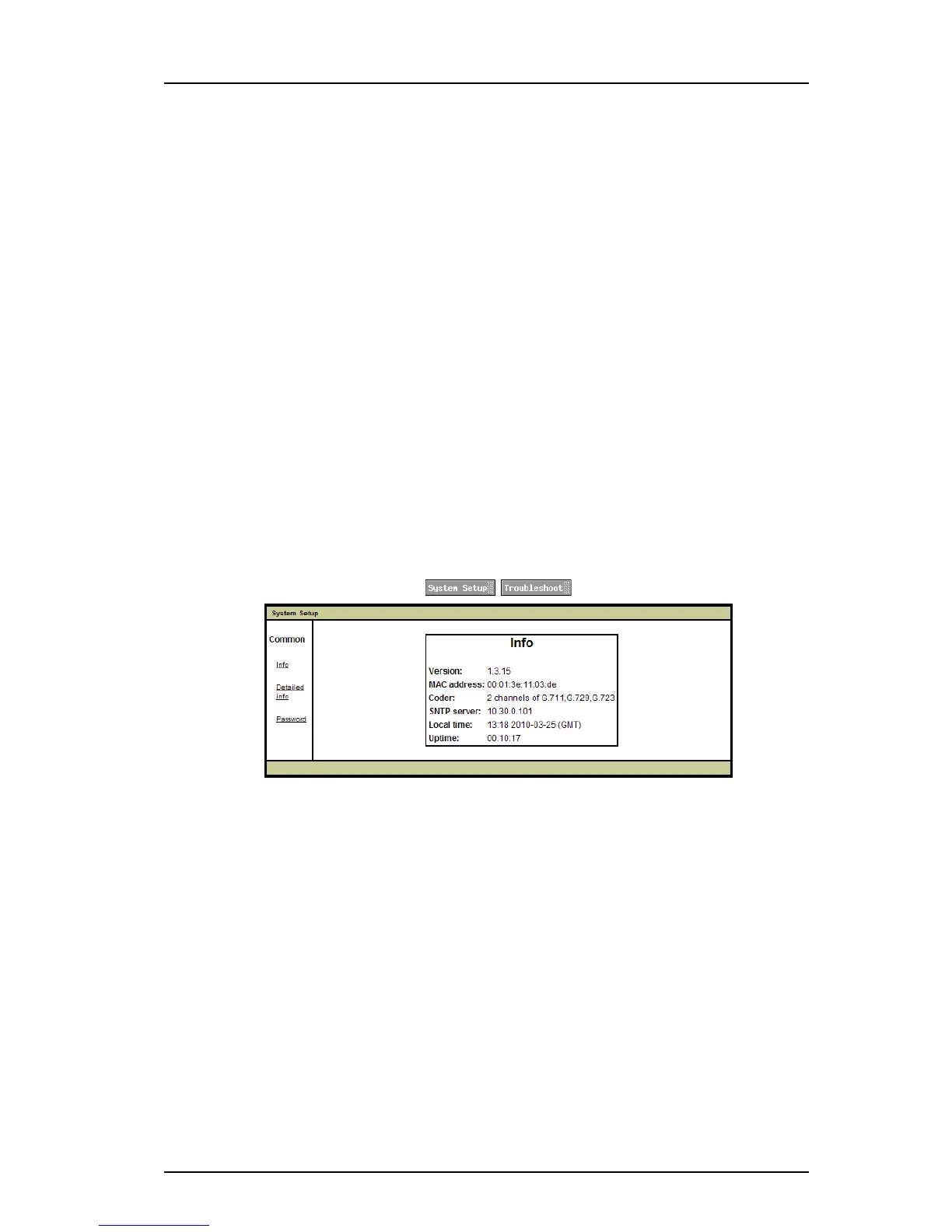
8.1.1 System Setup View
In the System Setup view, the following are shown:
• Software version
• MAC address
•Coder
•SNTP server
•Local time
•Uptime
Figure 8. The information view
4 Enter administration user name and administration password to access further
pages.
Default user name and password for an administrator:
• User name: admin
• Password: changeme
Note: If the user name or password is forgotten, it can be changed in the WinPDM. See 8.2.2
Change password via the WinPDM on page 60.
Show Detailed Information
Click the Detailed info link. The following information are shown (see figure 9):
• IP address
•Subnet mask
• Default gateway
• SIP proxy/H.323 gatekeeper IP address



 To Next Page