TD 92675GB
10 January 2011/ Ver. A
Configuration Manual
Ascom i62 VoWiFi Handset
44
6.7.1 Examples of TTR/TTP settings
Example 1
This example describes the message handling with the following message settings:
• TTP= Prioritize forever
• TTR= Close manually
Tip: It is recommended to use these settings if messages with the highest priority always
shall be displayed until the user closes the current message.
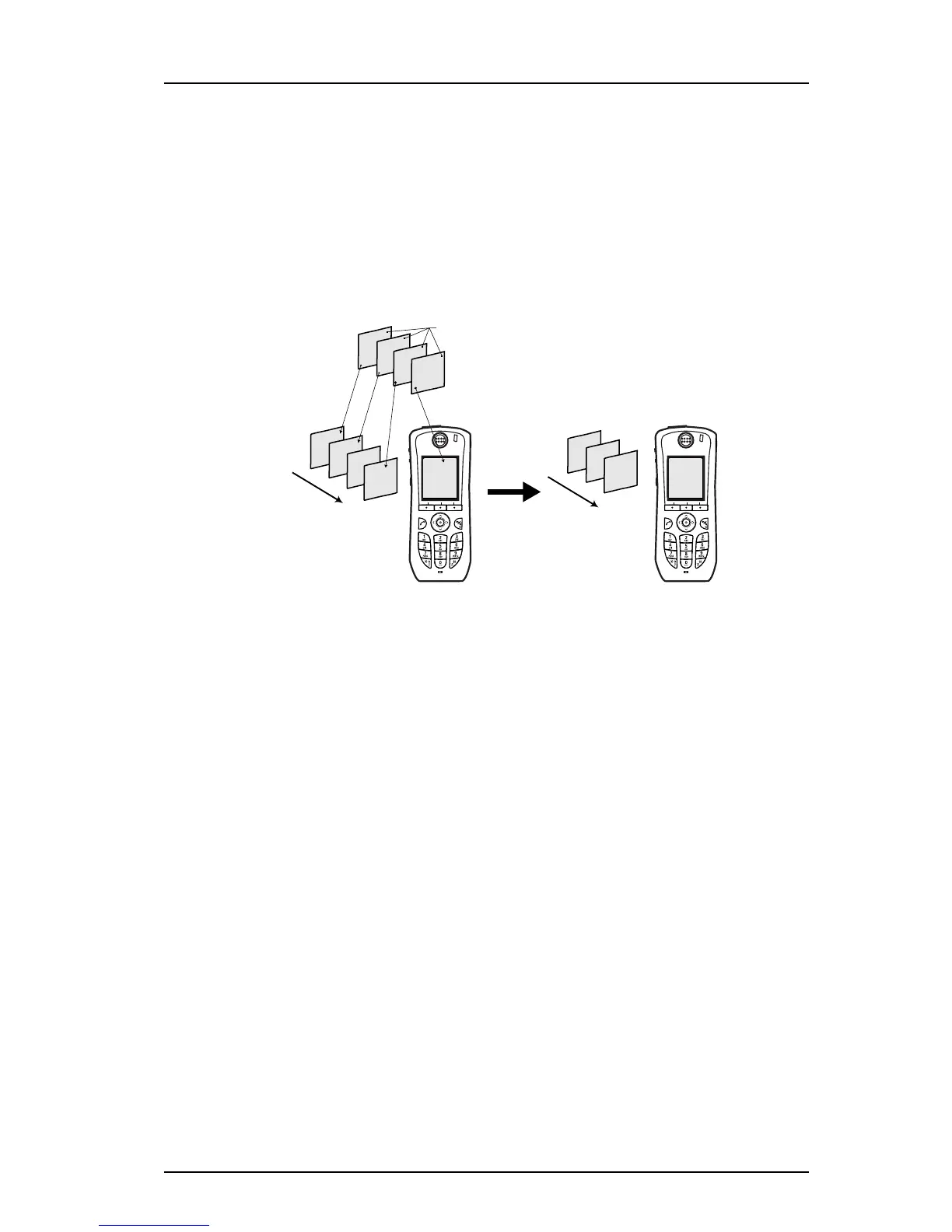
Figure 4. Describing how queing and prioritizing for messages with equal messages
works
In figure 4, a message with priority 2 is received at 13:59 and is displayed in the handset.
Another message with equal priority is received at 14:02 and will be placed in the queue. If
no messages with higher priority are received, the user needs to close the current displayed
message to show the next message in the queue. In this case, the message received at
14:02. The closed message will be indicated as a read message in the Messaging Inbox.
Figure 2.
Prio 7
14:04
Prio 2
13:59
Prio 2
14:02
Prio 4
14:03
Prio 4
14:03
Prio 4
13:58
Prio 7
14:04
Prio 2
14:02
Prio 2
13:59
New messages
M
es
sa
g
e que
ue
Prio 4
14:03
Prio 4
13:58
Prio 7
14:04
Prio 2
14:02
M
es
s
a
g
e q
u
e
u
e
The user closes
the message



 To Next Page