TD 92675GB
10 January 2011/ Ver. A
Configuration Manual
Ascom i62 VoWiFi Handset
59
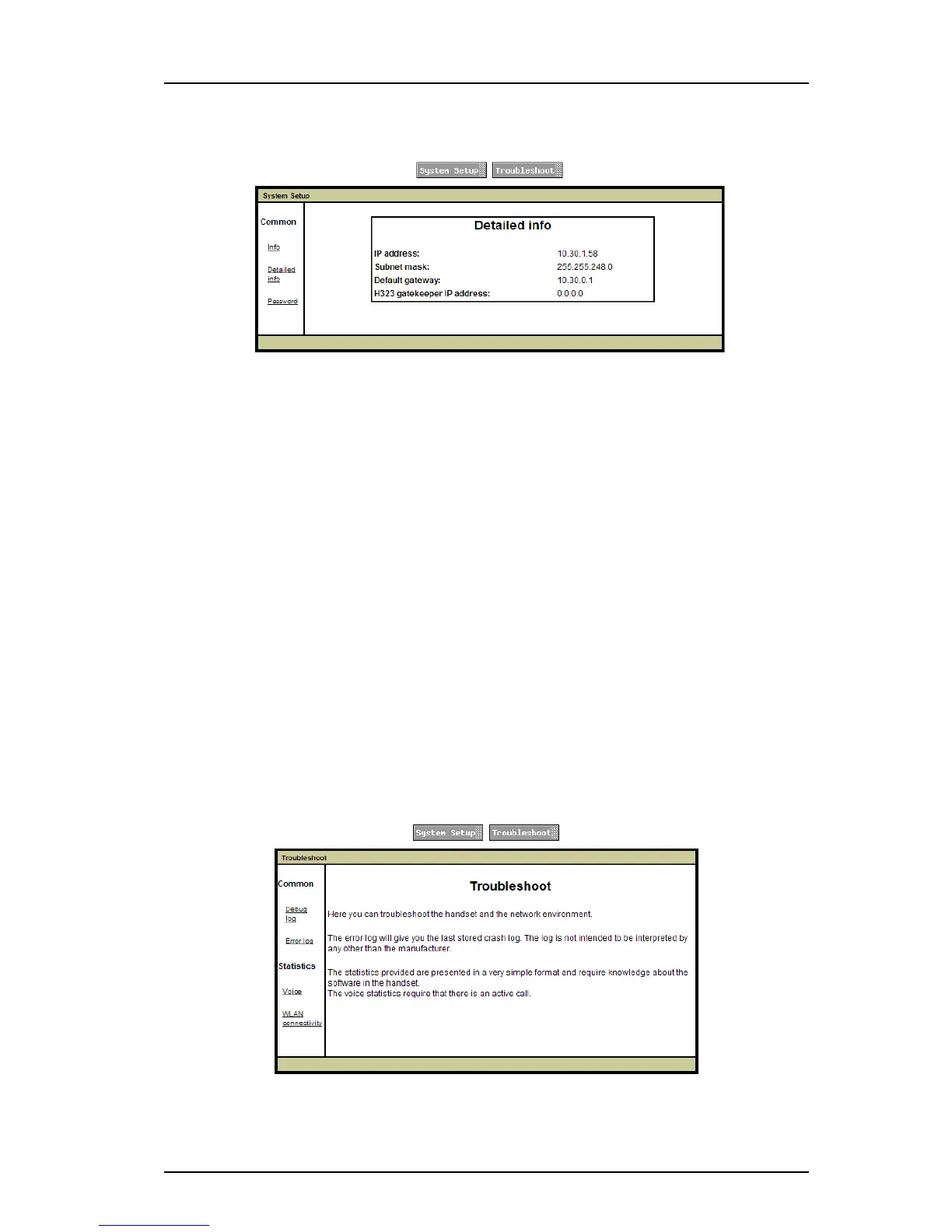
Figure 9. Internal Web Administration Page - Detailed Information
8.1.2 Troubleshoot View
1 In a web browser, enter the handset´s IP address to access the internal web
administration page for the handset. The IP address can be found in the handset´s
menu (Settings >Device info >Network info).
2 Click the "Troubleshoot" button.
3 If needed, enter administration user name and administration password to access
further pages.
Default user name and password for an administrator:
• User name: admin
• Password: changeme
In the Troubleshoot view, the following can be shown (see figure 10 on page 59):
•Debug log
• Error log
• Voice calls statistics
• WLAN connectivity statistics
Figure 10. Internal Web Administration Page - Troubleshoot view



 To Next Page