TD 92675GB
10 January 2011/ Ver. A
Configuration Manual
Ascom i62 VoWiFi Handset
61
9 Administration
9.1 Admin Menu Tree
The handset has a hidden menu for system administrators. The Admin menu contains:
• Software and hardware information
• WLAN, network, system, and license information
• Site survey tool
• Network setup menues
• Factory reset option
To activate the Admin Menu, select Menu > Setting and press 40022.
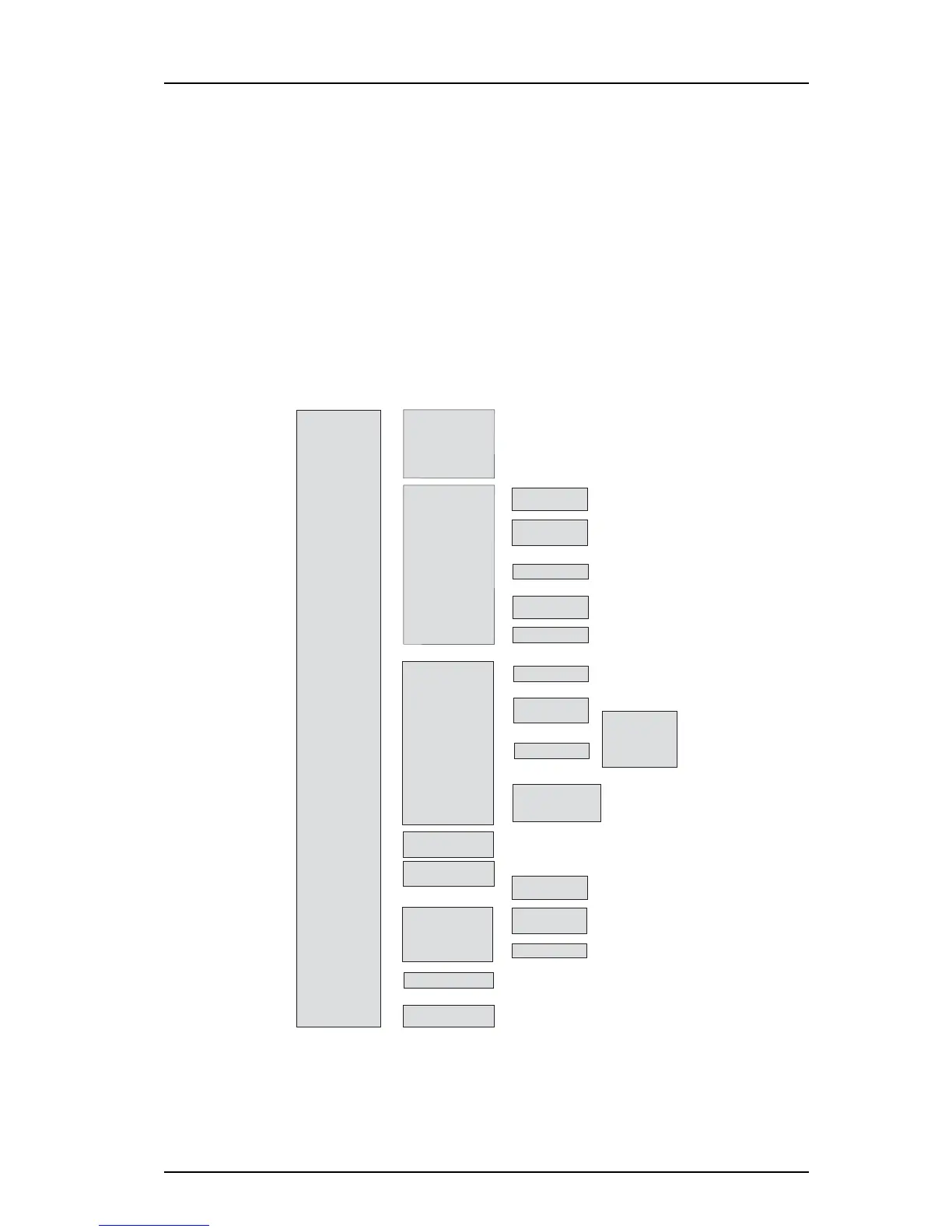
The following figure shows the menu tree for the Admin menu in i62.
Figure 11. Admin Menu in i62.
Other menues are described in User Manual, Ascom i62 VoWiFi Handset, TD92599GB.
Figure 6.
• Device info —>
• Site survey tool —>
• Network setup —>
• Unite —>
• VoIP —>
• Syslog —>
• Enter license key —>
• Factory Reset —>
• Software
• Hardware
• License
• WLAN info
• Network info
• User ID
• Show RSSI —>
• Scan all channels —>
• Scan selected channel —>
• Range beep —>
• Range beep level —>
• On
• Off
• Select
• Rescan
• [Channel]
• On
• Off
• [Level]
• Network name —>
• IP addresses —>
• SSID —>
• Security mode —>
• [Network]
• DHCP Mode
• Static IP —>
• [SSID]
• Open
• WEP
• WPA-PSK/WPA2-PSK
• Syslog mode —>
• Syslog server IP —>
• On
• Off
• [IP address]
• Yes
• No
• Phone IP
• Subnet mask
• Default gateway
• Primary DNS IP
• TFTP
• IP address
• Password
• Endpoint ID
• Protocol —>
• H.323
• SIP
• [License key]



 To Next Page