TD 92675GB
10 January 2011/ Ver. A
Configuration Manual
Ascom i62 VoWiFi Handset
45
Example 2
This example describes the message handling with the following message settings:
• TTP= 20 seconds
• TTR= Close manually
Tip: It is recommended to use these settings if the user shall not be interrupted during 20
seconds while reading a message, unless a message with higher priority is received. When
the user has read a message, its priority is no longer important, that is when TTP expires.
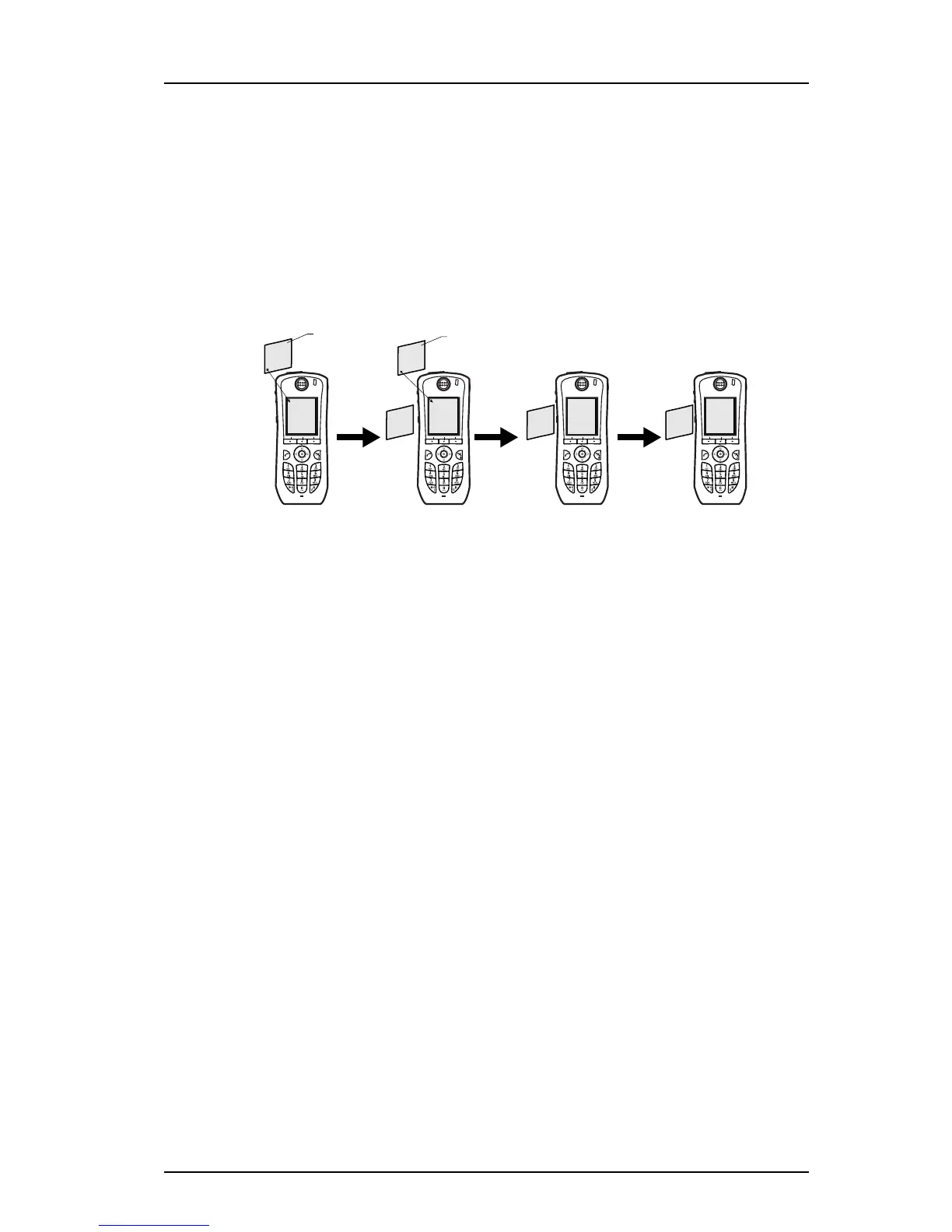
Figure 5.
In figure 5, a message with prio 2 is received and displayed in the handset, TTP for the
message is started.
After 10 seconds, a second message with priority 1 is received and displayed while the
message with priority 2 is put in the queue. TTP for the message with priority 2 is paused,
and TTP for the message with priority 1 is started.
After 20 seconds, TTP expires for the message with prio 1 and the message is placed in the
queue. The message with priority 2 is shown again and its TTP continues.
TTP expires after 10 seconds for the message with priority 2. In this case, all messages have
been shown 20 seconds each, and the oldest shown message with the highest priority is
displayed (in this case, the message with priority 1). The handset does not indicate when it
shows the message again, since it already has been shown and indicated once. The message
with priority 2 is placed in the queue.
Figure 3.
Prio 2
New messages
10 sec.
Prio 2
TTP paused
20 sec.
Prio 1
TTP expired
Prio 1
TTP expired
10 sec.
Prio 2
TTP expired
Prio 1
New messages
Prio 2
TTP
continues
Prio 1
TTP started
Prio 2
TTP started



 To Next Page