10. Maintenance, cleaning, disinfection
User Manual – PhysioGo.Lite Electro page 84 / 96
Step Description
the treatments with unipolar currents due to the
possibility of frequent detection of high resistance in
patient circuit.
Electrode completely consumed, recommended
immediate replacement.
To end the test, click Stop button or wait to the end.
8.
To escape the test mode press the button . To leave Setup mode, press the button or
Alternative method: Rubber electrodes should be inspected using special ”Electrode Tester” or resistance meter.
In the case of using a resistance meter, electrodes should be considered to be used, when their resistance
measured at the ends (diagonally for rectangular shapes, and diametrically for round shapes) is higher than
1000 Ω.
In the case of working with used electrodes, the information about detection of high resistance in patient circuit
will be shown on the display, while performing treatment procedure.
Special messages
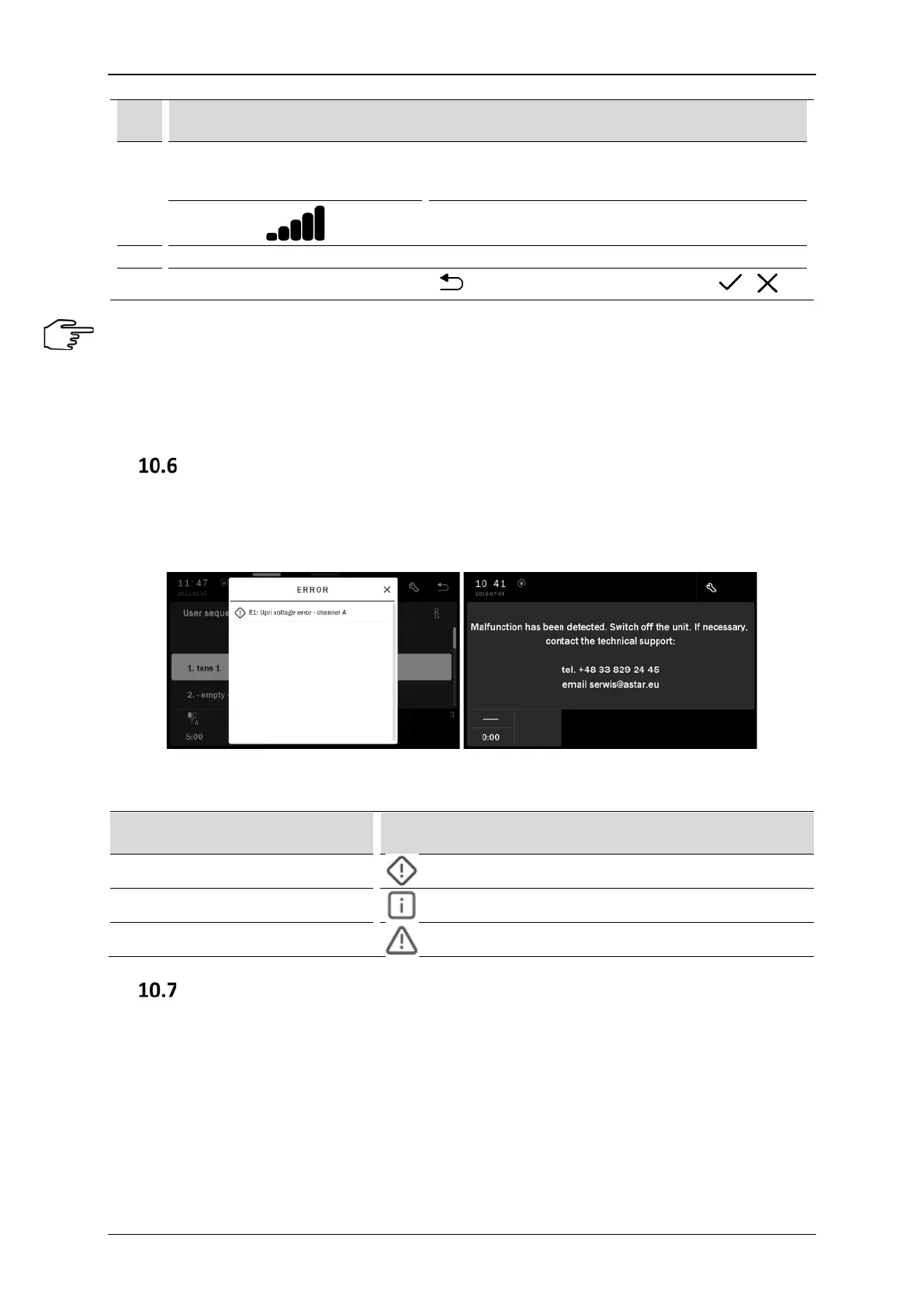
In case of an error occurrence, messages that facilitate error handling are displayed in the edition field. There
can also be shown a window that informs user about the need to contact the technical support. By using the
visible setup control, it is possible to display the unit logs, in order to pass them to the technical staff (see 6.3.6.4).
Figure 10.1. The unit error signaling and information visible after closing of the error message
Table 10.1. Signaling special messages
Type of message Symbol
Errors
General information
Warnings
Self-test procedure
Each time the PhysioGo.Lite Electro unit is started, a special self-test procedure is performed during which all
modules and functional blocks of the device are tested. If any errors or damage are detected, the relevant
information will be presented on the display screen. The module where the irregularity has been detected is
blocked and the associated function is not available.
If any mistakes of the hardware nature are detected, the unit will not start. An acoustic signal reminiscent of
"tapping" will be emitted. The number of signals ("taps") generated is adequate to the number of the error (see
Table 10.2 of error codes). For example, if seven signals are emitted (followed by a short break), this means that
the keyboard is damaged or one of the keys is locked.



 To Next Page