6. Device installation and start-up
page 25 / 96 Issue date 18.05.2021, rev. 1.0
As optional accessories you can purchase self-adhesive electrodes in different dimensions. This type of electrodes
is suitable for use with bipolar currents, especially TENS currents. They shall not be used for therapy with
unipolar currents! Selection of the electrodes type to a particular treatment should be based on doctor’s or
physiotherapist’s knowledge and experience.
First operation
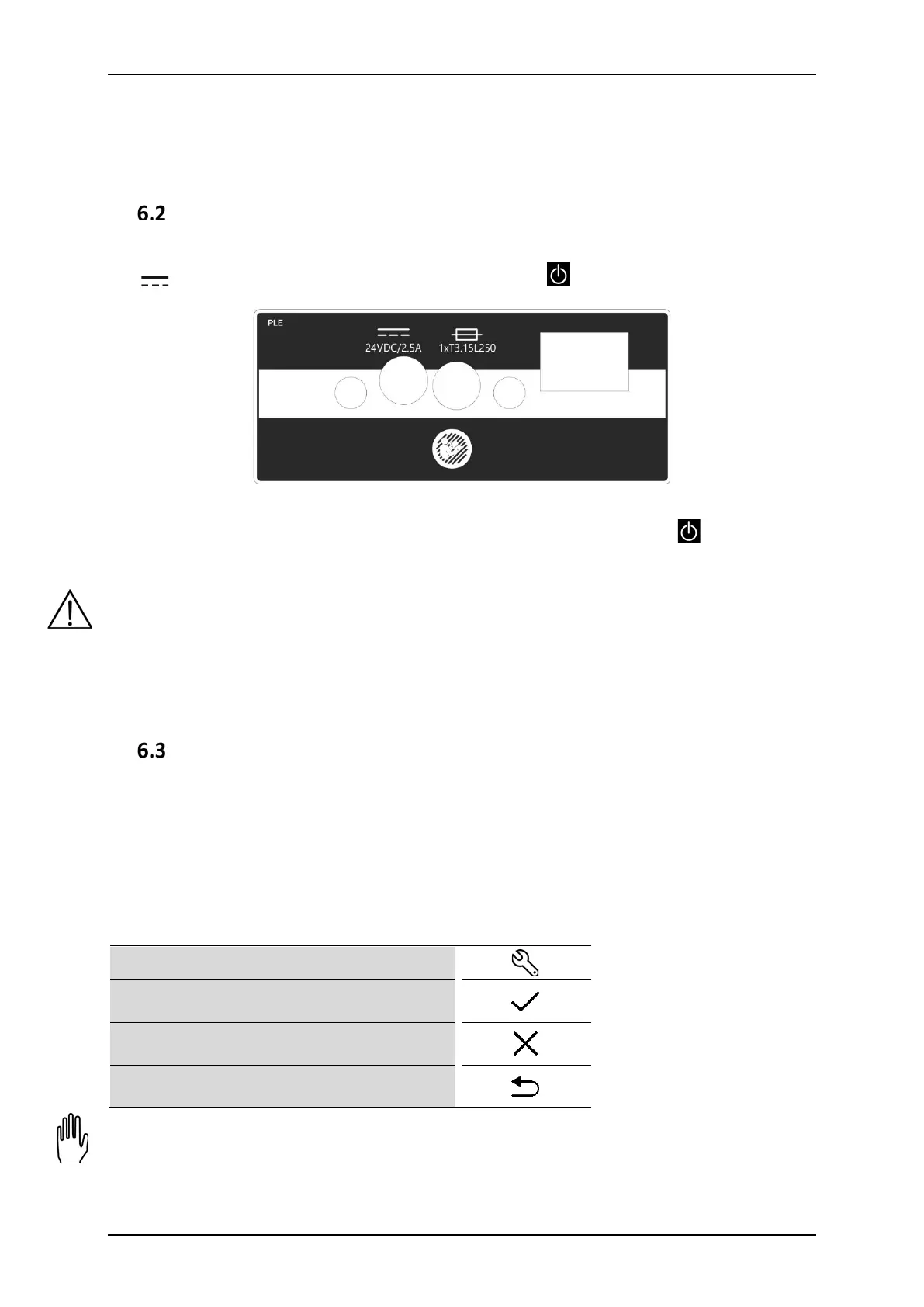
Connect the switch mode power supply with the use of mains cable. Then connect it to the unit's socket marked
with . Switch the power switch on. Then press the STANDBY key to start the operation. After switching
the mains supply on proper work of all blocks are tested.
Figure 6.3. Supply part label
In the case of battery operation, please hold on for at least 5 seconds the STANDBY key . Extension of the
holding time prevents unintentional activation during transport.
If after switching on mains supply the display is illegible and no light indicator is illuminated, check whether
mains fuse or mains cable operate correctly. Care shall be given to apply fuses with rating given on the name
plate. If fuse and cables are working properly, contact the authorized service.
If the self-test results in appearing on the display the information about unit or connected equipment defect
along with the error code, turn the unit off and contact the authorized service.
Do not touch the screen during the system start-up.
Setup mode
6.3.1 Basic information
Keyboard components designed for the unit operation are called ”keys”.
The area on the screen, where after its pressing a specific unit reaction is followed, is called ”button”.
The area on the screen that has the possibility to select or deselect any item, is called ”selection field”.
To enter Setup mode, press
To leave Setup mode, press
To leave Setup mode without changes, press
To go back one level, press
Setup mode is available only if the treatment is not performed. Some setting options depend on the connected
accessories. In the absence of some accessories, the options will not be available.



 To Next Page