7. Unit operation
page 35 / 96 Issue date 18.05.2021, rev. 1.0
Symbol Description
4 Indication of a current flow with an amplitude above a certain threshold (see 5.6.3)
5 Presentation of the treatment elapsing time
6 Current identification (AC/DC) (see 5.6.5)
7 Tab field – channel 1
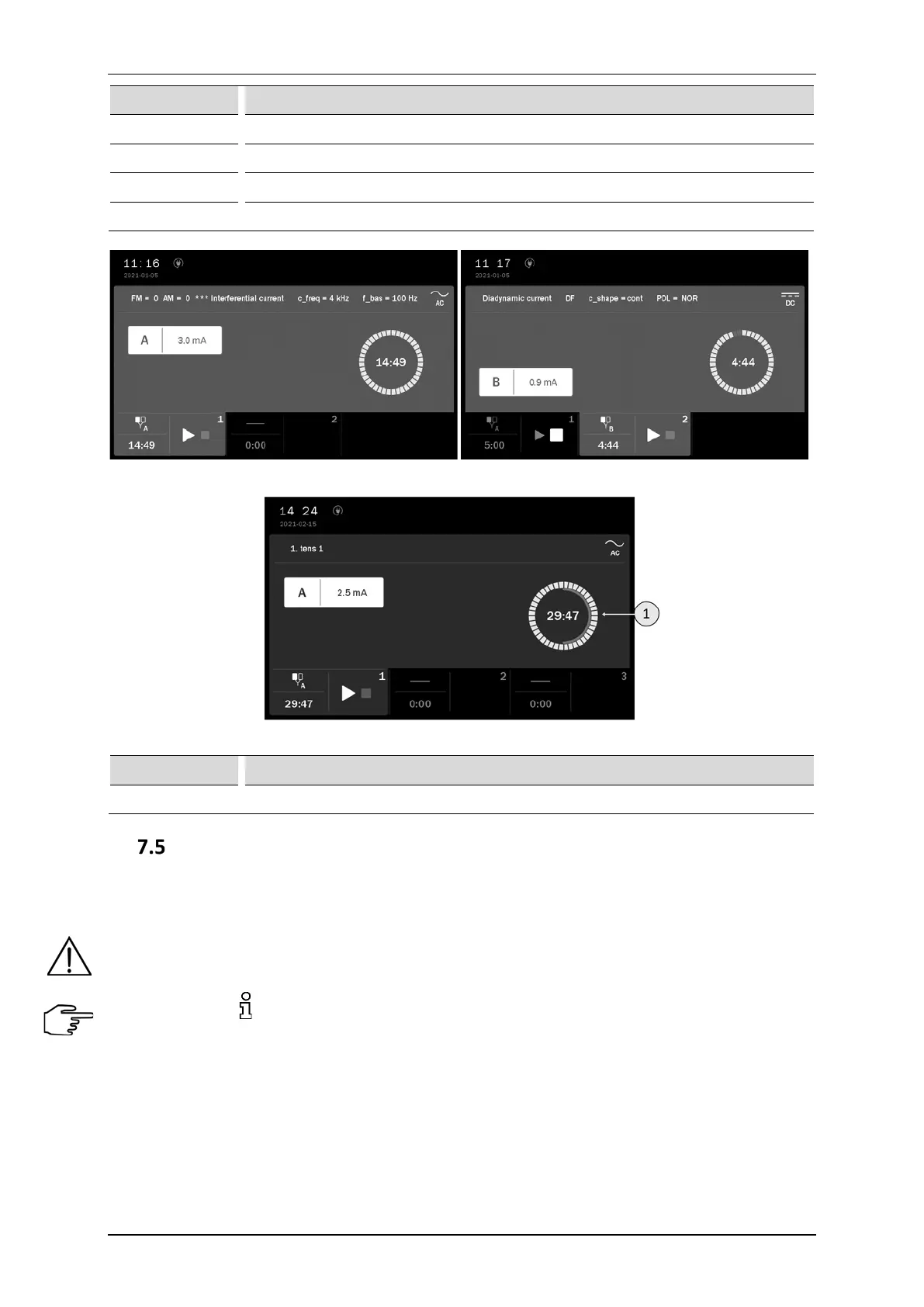
Figure 7.3 Screenshot sample view for single circuit electrotherapy A and B
Figure 7.4 Screenshot sample view for electrotherapy sequences
Symbol Description
1 Indication of the treatment elapsing time and sequence step
Operation with preset treatment programs and sequences
The simplest method of unit’s operation is to use its preset programs or treatment sequences. The unit includes
a database containing several dozens of most frequently met disorders together with suggested treatment types
and parameters. In this mode, the operation is reduced to selection of disease entity from the list.
The values of the preset treatment programs parameters are based on the available literature data and they
are determined as average values. Parameters should be treated exclusively as indications. Sole responsibility
for application of preset treatment programs bears the User.
Pressing the button after program / sequence selection results in appearing information which contains:
• description of electrodes placement technique,
• illustrations with highlighted points or areas of the body covered by the treatment,
• suggested number of procedures, the frequency of repetition,
• impact on the patient,
• notes,
• treatment parameters.



 To Next Page