7. Unit operation
User Manual – PhysioGo.Lite Electro page 32 / 96
Symbol Field Description
User-defined treatment programs edition mode
Information mode
Setup mode
3 Edition field
This field shows:
• available therapies
• treatment parameters in manual mode
• list of preset treatment programs and sequences
• list of user-defined treatment programs and sequences
• settings
4
Details are described in chapter 7.3.2
Note: If the edition / main menu field is grayed out, it means that it is inactive.
General configuration
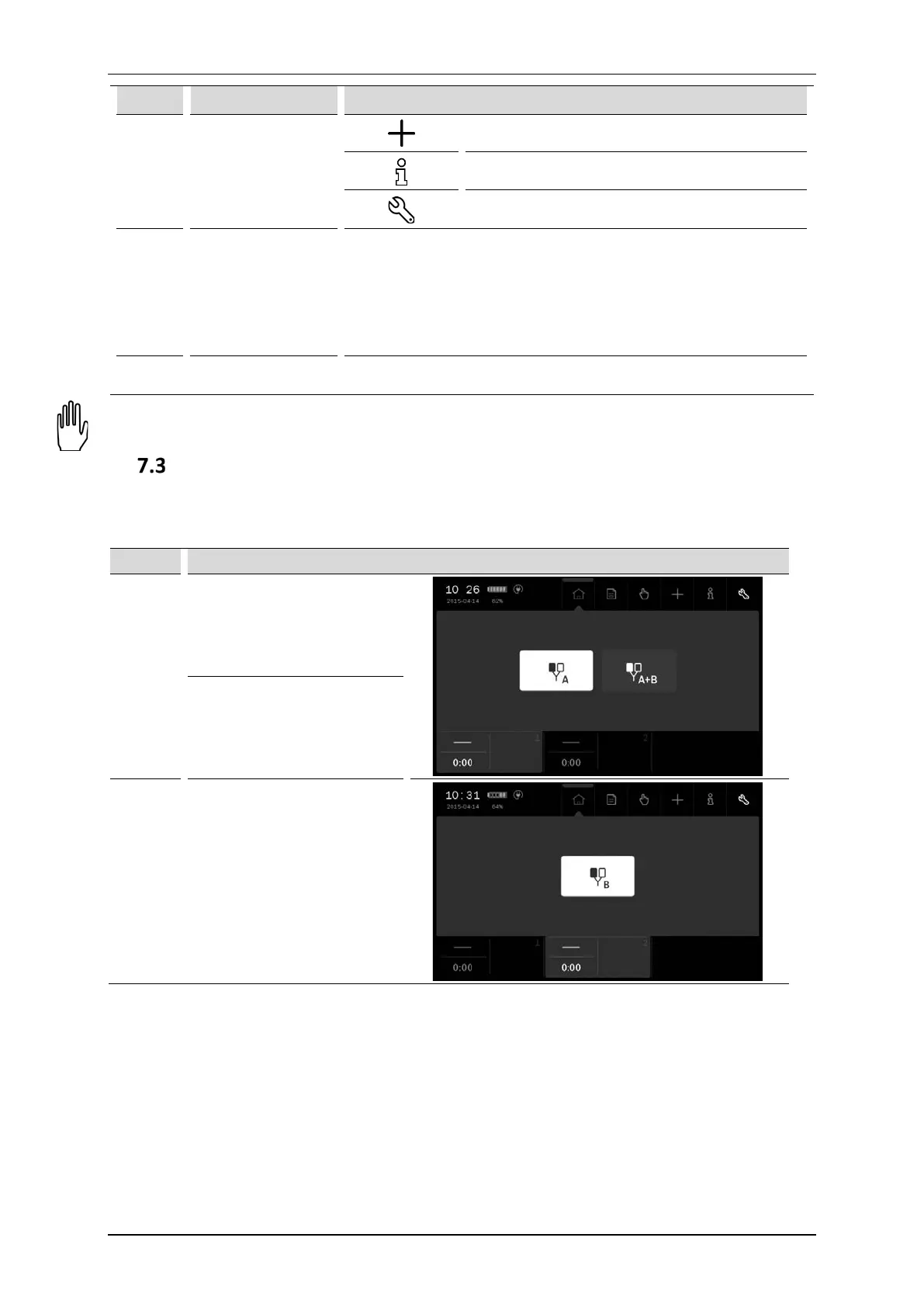
7.3.1 Treatment channel configuration
Channel Therapy
1
Single circuit electrotherapy – A
Dual circuit electrotherapy –
A+B
2 Single circuit electrotherapy – B
7.3.2 Channel selection tabs
The screen displays two channel selection tabs. They present:
• selected therapy symbol,
• treatment time,
• information related to the particular channel operating status.
The color of the tab is identical to the background color of the edition field. In the background, other operating
tabs are black.



 To Next Page