5. Unit description
User Manual – PhysioGo.Lite Electro page 18 / 96
5.2.1 Operation status and battery level indicators
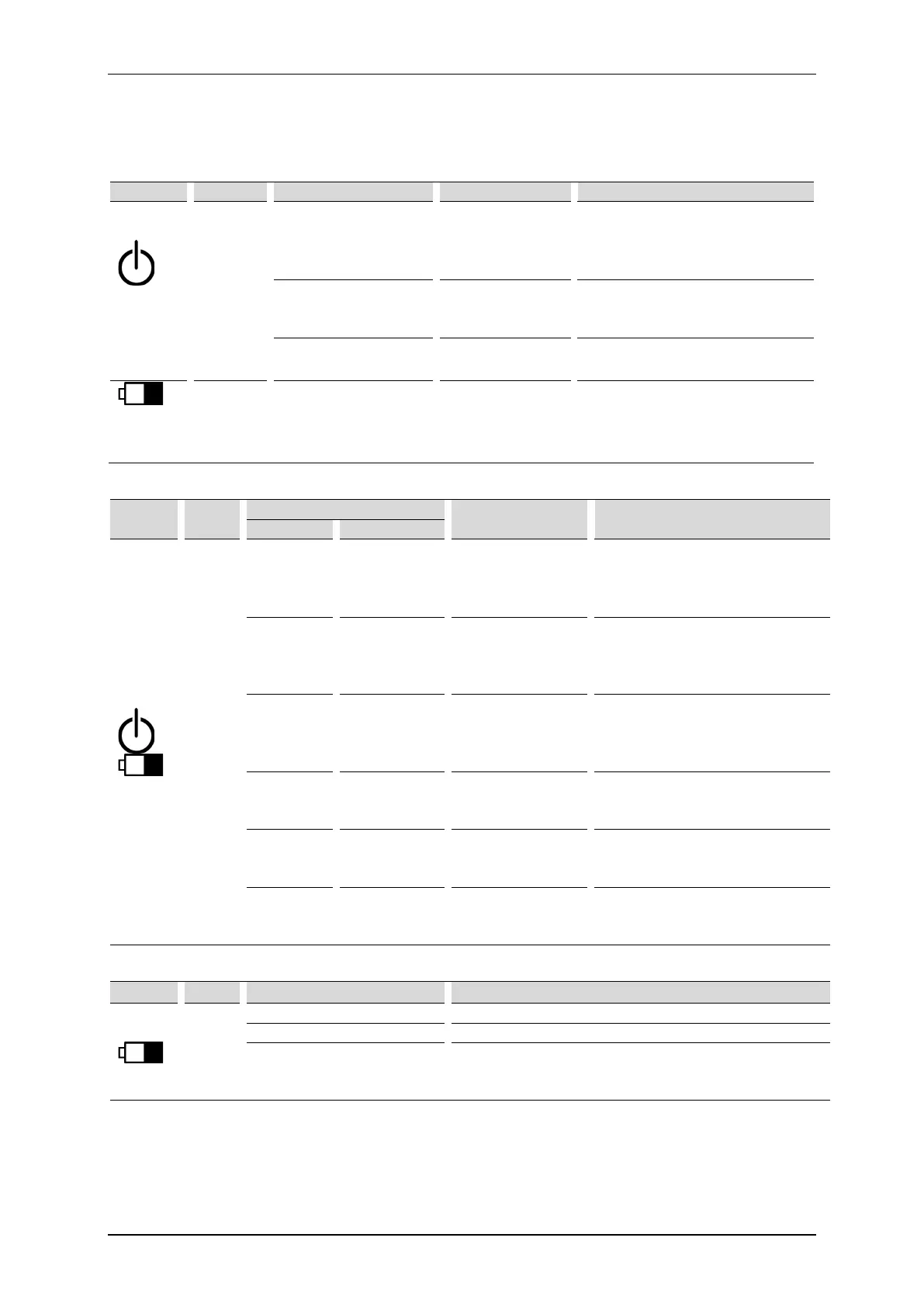
Symbols and description of unit operation status signaled by LED indicators are summarized in the table below.
Table 5.2. Non-battery unit
Operation
status
indicator
Green
No light OFF („0”)
Turning ON:
• Turn the mains switch on
•
Blinks ON („1”)
Turning ON:
Steady light ON („1”) The unit is ready for operation.
Battery
level
Yellow No light --- No battery.
Table 5.3. Unit equipped with battery
Symbol Color
Mains switch Explanation
Green
Yellow
No light No light OFF („0”)
Turning ON:
• Turn the mains switch on
Blinks
slowly
No light
ON („1”)
Mains cable
connected
Unit is in standby mode. Battery is
fully charged.
Turning ON:
•
Blinks
slowly
Blinks slowly
ON („1”)
Mains cable
connected
Unit is in standby mode. Battery is
being charged.
Turning ON:
•
Steady light Blinks slowly
Mains cable
The unit is turned on.
Battery is being charged.
Steady light No light
Mains cable
The unit is turned on.
Battery is fully charged.
No light Steady light
Mains cable
Unit is running on battery supply.
Table 5.4. Additional information about battery indicator
Yellow
Blinks fast for 4 seconds
Battery module has been disconnected.
5 pulses
Battery error. Turn the unit off using STANDBY key and
switch the power switch off. Restart it after 10 seconds.
If the problem repeats, contact your authorized service.



 To Next Page