7. Unit operation
User Manual – PhysioGo.Lite Electro page 38 / 96
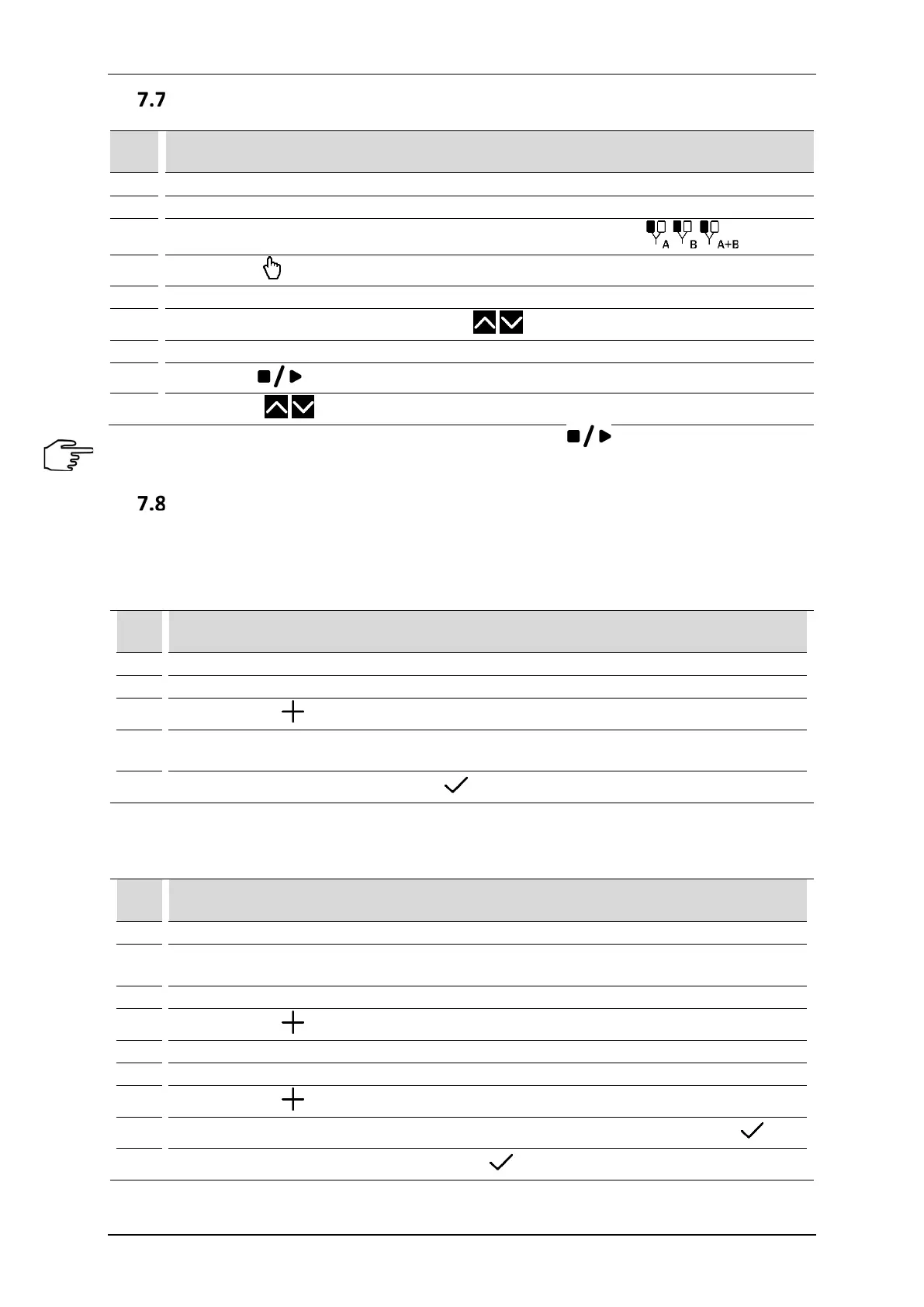
Manual mode operation
Step Description
Connect patient’s cables.
3.
Select the tab 1 or 2 depending on needs or availability. Select the therapy
4.
Press the filed Manual mode
Select the type of current on one of the three screens.
6.
Select the parameter for edition, using the keys set its value.
Prepare the patient for the treatment according to indications in point 7.1
8.
Press the key
9.
Using the keys set the current or voltage amplitude.
If it is necessary to interrupt the treatment procedure (pause), press key. To resume the treatment
procedure, it is recommended to follow the instructions shown on the display.
User programs
The User has the possibility to save in to the device memory own sets of treatment parameters in the form of
programs.
Saving of user program:
Step Description
Prepare the unit to work in manual mode (steps 1 – 5 see section 7.7).
Set the program parameters.
3.
Press the button from main menu.
4.
Select the item number under which the program will be saved. Confirm your choice by pressing
the selected field again.
5.
Enter the program name. Press the button .
The user-defined programs are selected in the same way as preset treatment programs. In Program modes menu
select the option User programs.
Edition of user program:
Step Description
1. Prepare the unit to work in the program mode (see section 7.5).
2.
Select the option User programs from Program modes menu. Confirm your choice by pressing the
selected field again.
Select the program for edition.
4.
Press the button from main menu.
Select the action – Edit.
7.
Press the button from main menu.
8.
Select the item number under which the program will be saved. Confirm your choice with .
9.
Enter or edit the program name. Press the button .



 To Next Page