99
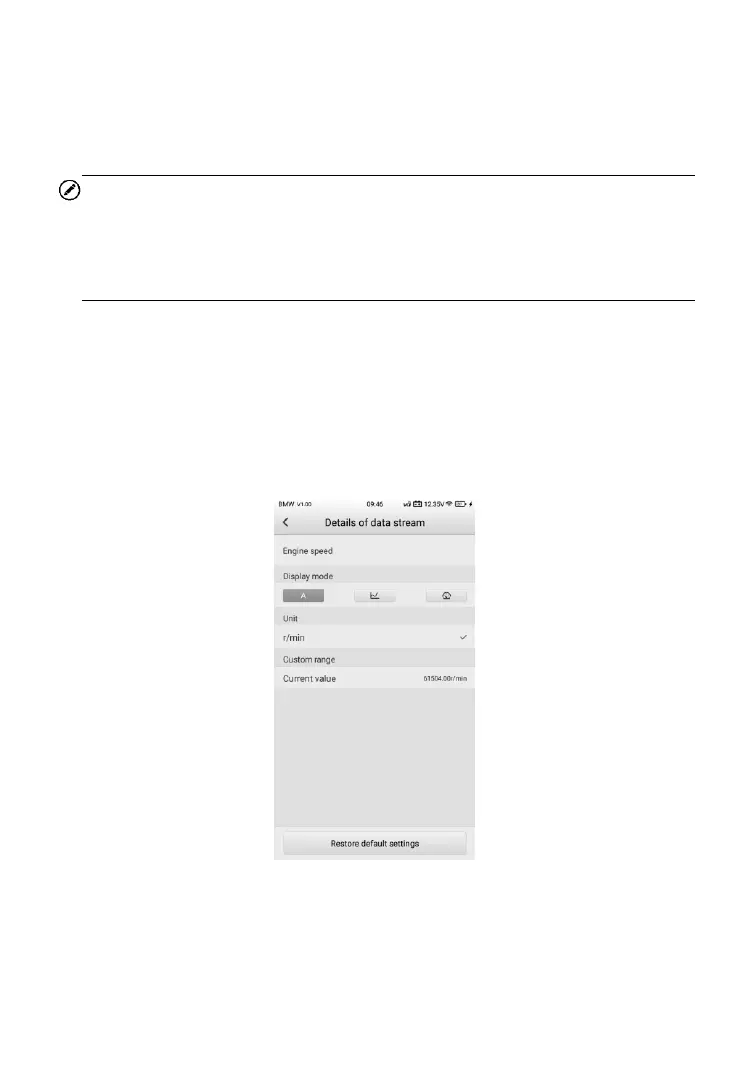
Analog Gauge Mode – displays the parameters in the form of an analog
meter graph.
Text Mode – this is the default mode that displays the parameters in
texts, displaying in list format.
NOTE
Status parameters, such as a switch reading, can primarily be viewed in test
form such as ON, OFF, ACTIVE, and ABORT. Whereas, value parameters,
such as a sensor reading, can be displayed in text mode and additional graph
modes.
Waveform Graph Mode – displays the parameters in waveform graphs.
③ Function Buttons
The operations of available function buttons on Live Data screen are
described below:
Create PDF – Creates a printable live data PDF file.
ESC – returns to the Function menu.
Figure 8-14 Sample Details of Data Stream Screen













 To Next Page