117
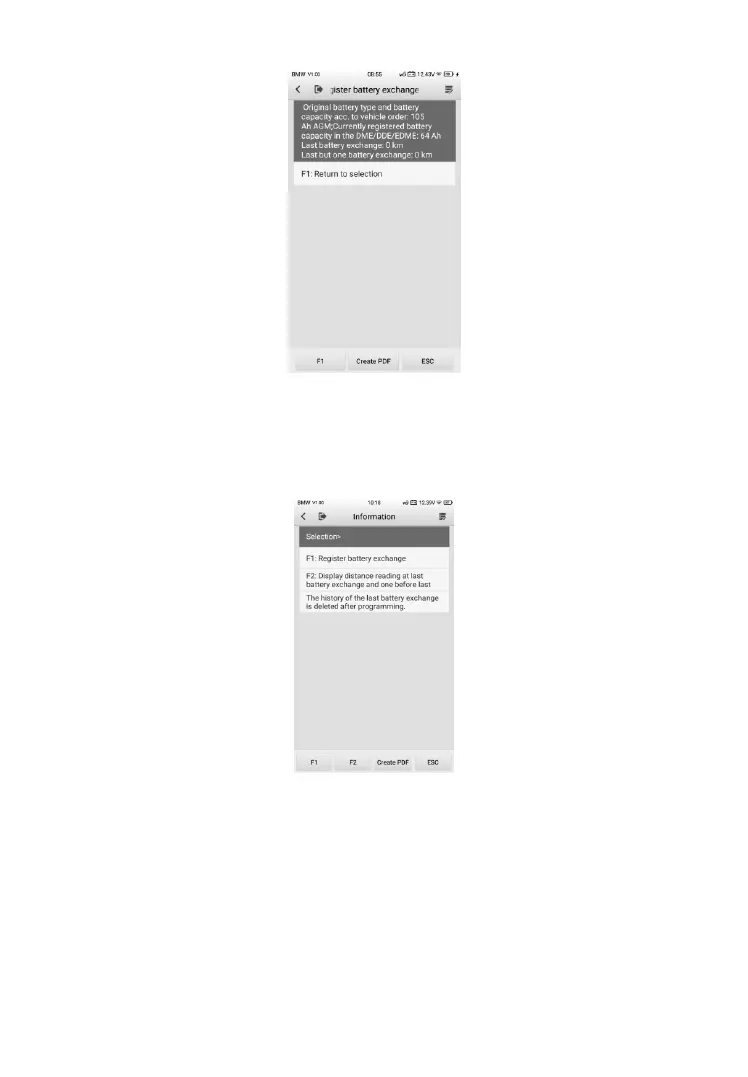
Figure 9-12 Sample BMS Screen 3
➢ To register the battery replacement
1. Tap on the appropriate step to complete. In our example, tap
function 1 (F1) Register battery replacement.
Figure 9-13 Sample BMS Screen 4
2. Read carefully the information on the screen. Scroll through lists to
view all the functions.
There are three functions. Select function 1 (F1) for example.













 To Next Page