118
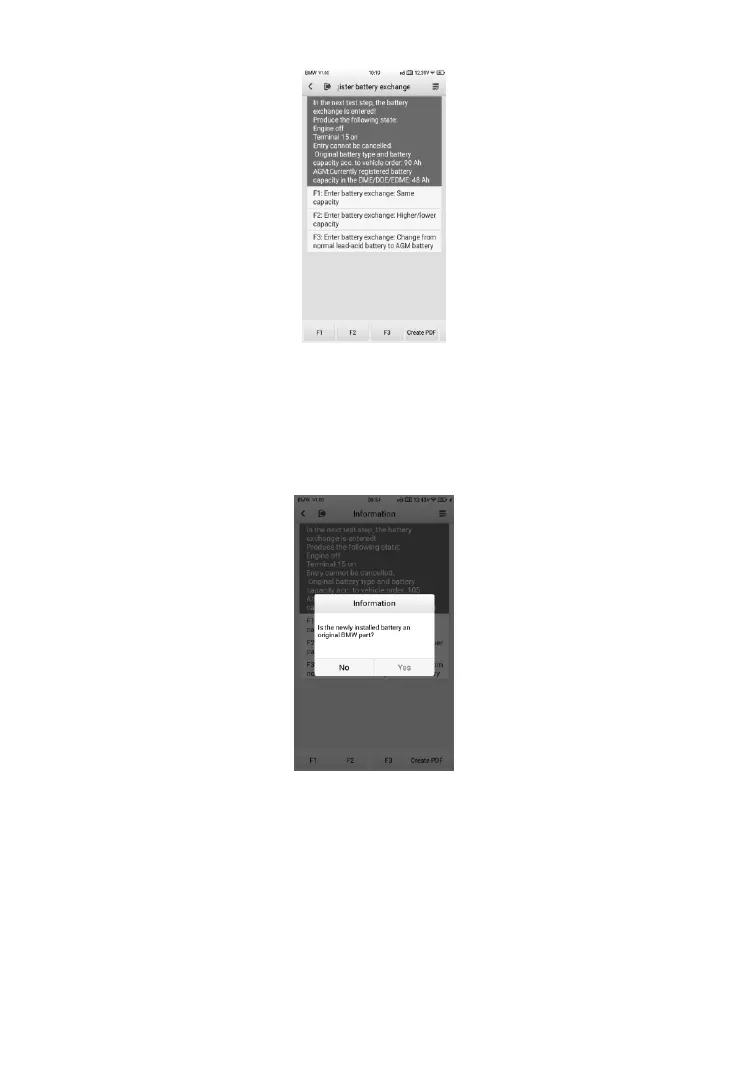
Figure 9-14 Sample BMS Screen 5
1) Enter battery replacement: same capacity
2) Enter battery replacement: different capacity
3) Enter battery replacement: Changing from the normal lead-
acid battery (white housing) to AGM battery (black housing)
Figure 9-15 Sample BMS Screen 6
3. Read carefully the information on the screen and tap Yes to continue.
4. Follow the on-screen instructions to input the data matrix code of the
newly installed battery that should be on the label of the battery. Tap OK
to continue.













 To Next Page