Page 40 of 78
6.2 Navigating the Mentor Web UI
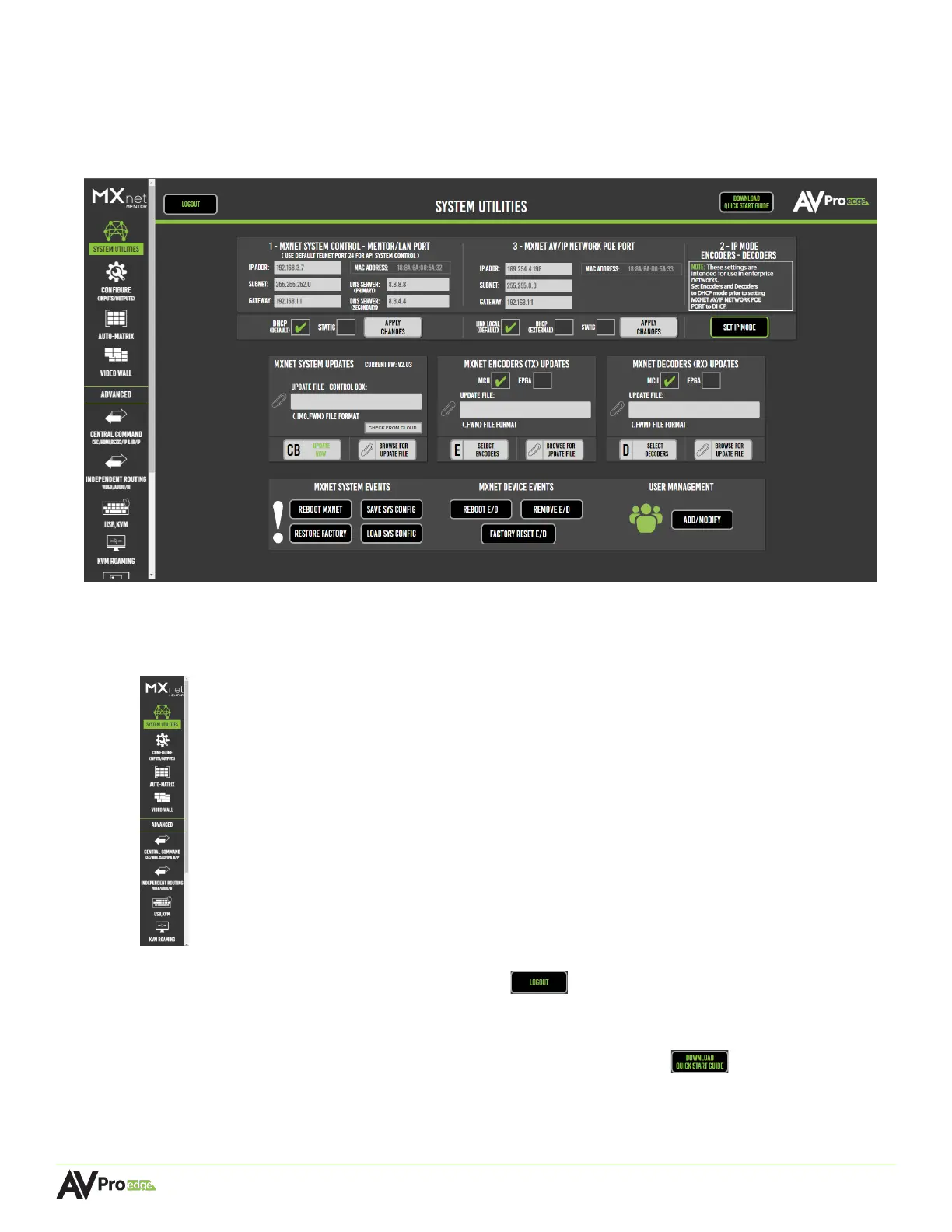
The Mentor home screen features the System Utilities as the default page. This page provides a variety
of MXNet system information, including the network configurations, current firmware versions on the
CBOX, and user accessibility settings.
• To navigate through all the different pages, use the scroll bar and select the icons located on
the left-side column of the page.
• To log out of Mentor, select the logout button in the top-left corner of the page.
• For fast and simple installations, the MXNet Quick Connect Guide can be downloaded directly
from Mentor by selecting the download quick start guide button at the top-right
corner of the page.



 To Next Page