Page 53 of 78
6.10 Video Wall
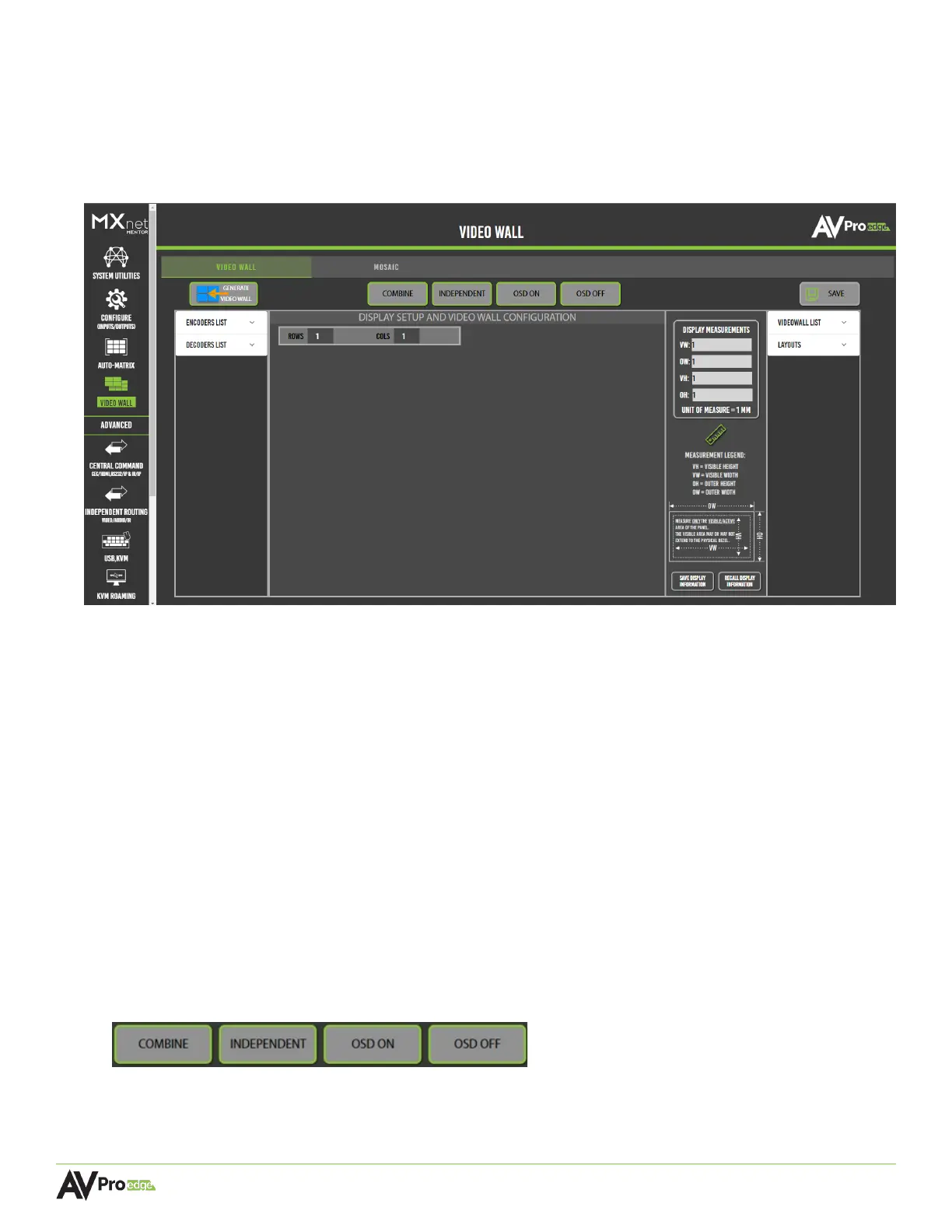
This page contains various tools and settings for creating custom video walls, including bezel
adjustments, automatic cropping, aspect ratios, and more. Video wall layout options consist of two
arrays: standard and mosaic, indicated by the two tabs at the top of the page labeled Video Wall and
Mosaic. Both layouts retain their video resolution, including Dolby Vision, HDR, and HDR10+ metadata.
6.10.1 Standard Layout
The standard video wall layout consists of a grid array (2x2, 3x3, 4x4, etc.) with identical displays.
The aspect ratio remains the same and the source’s image is scaled across all the displays of the
video wall. Advanced grid layouts (1x2, 2x8, etc.), where the aspect ratio of the video wall being
very different from that of the individual displays, may also be configured.
6.10.2 Mosaic-Style Layout
Mosaic, or artistic, video walls do not follow the traditional standard grid-like pattern. Instead, they
offer a unique and creative approach for customizing video walls, allowing the ability to mix and
match displays of different sizes and orientations. Mosaic-style video walls usually play one single
source across all video wall displays for an eye-catching effect.
6.10.3 Creating a Video Wall Array
The buttons at the top of the Video Wall page allow how the source’s image will appear across the
displays of the video wall.
COMBINE One image is shown on all displays as a continuous image.
INDEPENDENT One image is shown on all displays independently.
OSD ON and OSD OFF Displays will show their OSD (On-Screen Display) information.



 To Next Page