Page 43 of 78
6.4 Configure Inputs and Outputs
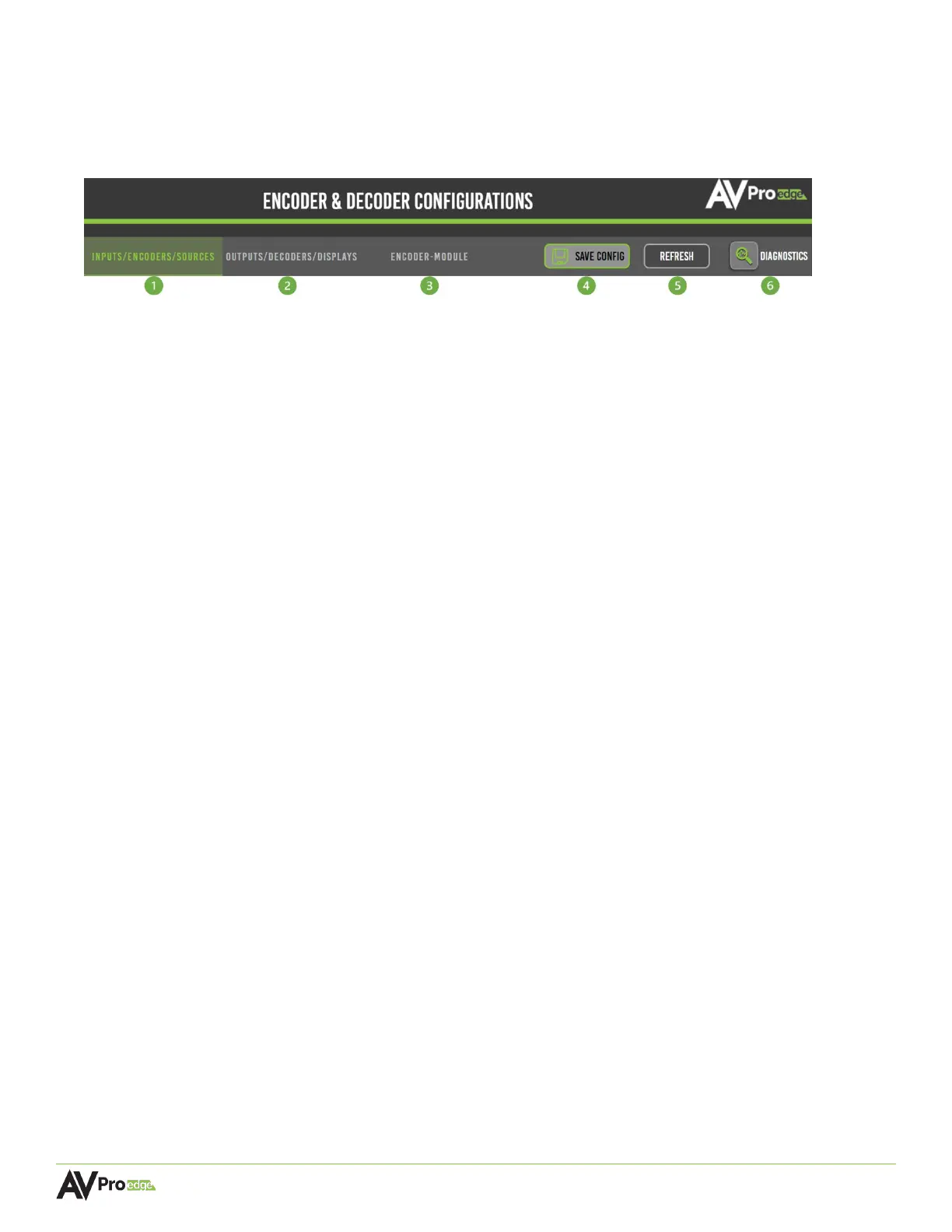
The Encoder & Decoder Configurations pages provide many useful tools and settings for configuring the
encoders and decoders. The first three tabs will be highlighted in green to indicate which page is
currently selected.
1 INPUTS/ENCODERS/SOURCES
Shows a list of all the encoders connected to MXNet along with various options for configuration.
2 OUTPUTS/DECODERS/DISPLAYS
Shows a list of all the decoders connected to MXNet along with various options for configuration.
3 ENCODER-MODULE (for AVDM Encoders only)
Shows a list of all the downmixing encoders connected to MXNet along with various options for
configuration.
4 SAVE CONFIG
Select to download a .xlsx file (Microsoft Excel Worksheet) of all the current settings and
configurations of the encoders and decoders.
5 REFRESH
Select to refresh the web page.
6 DIAGNOSTICS
Select to view critical system information for the encoders and decoders.



 To Next Page