Page 52 of 78
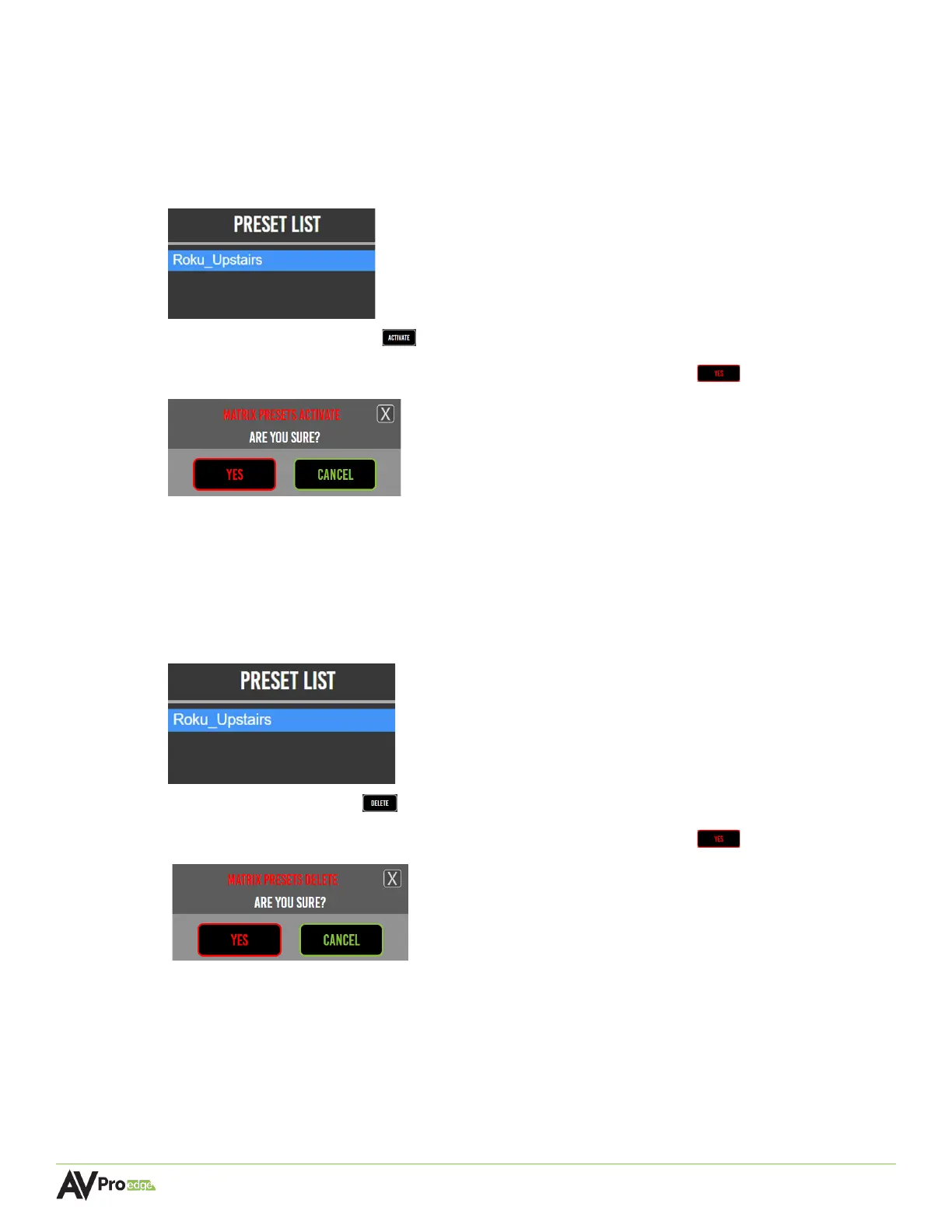
6.9.6 Activating a Preset
Once a matrix preset has been saved under the Preset List, it can be activated to automatically
route the selected source signals to the selected output.
1 Select the preset’s name from the Preset List, it will then be highlighted in blue to indicate
the selection was made.
2 Select the activate button .
3 A dialog box will prompt the selection again. Select the yes button to confirm.
4 Switching commands will now be sent to the selected encoders and decoders, and the
source’s signals will be automatically routed to the outputs that were saved to the preset.
6.9.7 Deleting a Preset
1 Select the preset’s name from the Preset List, it will then be highlighted in blue to indicate
the selection was made.
2 Select the delete button .
3 A dialog box will prompt the selection again. Select the yes button to confirm.
4 The preset will now be permanently removed from the Preset List and is no longer able to
be activated.



 To Next Page