Page 71 of 78
6.15 Custom Images
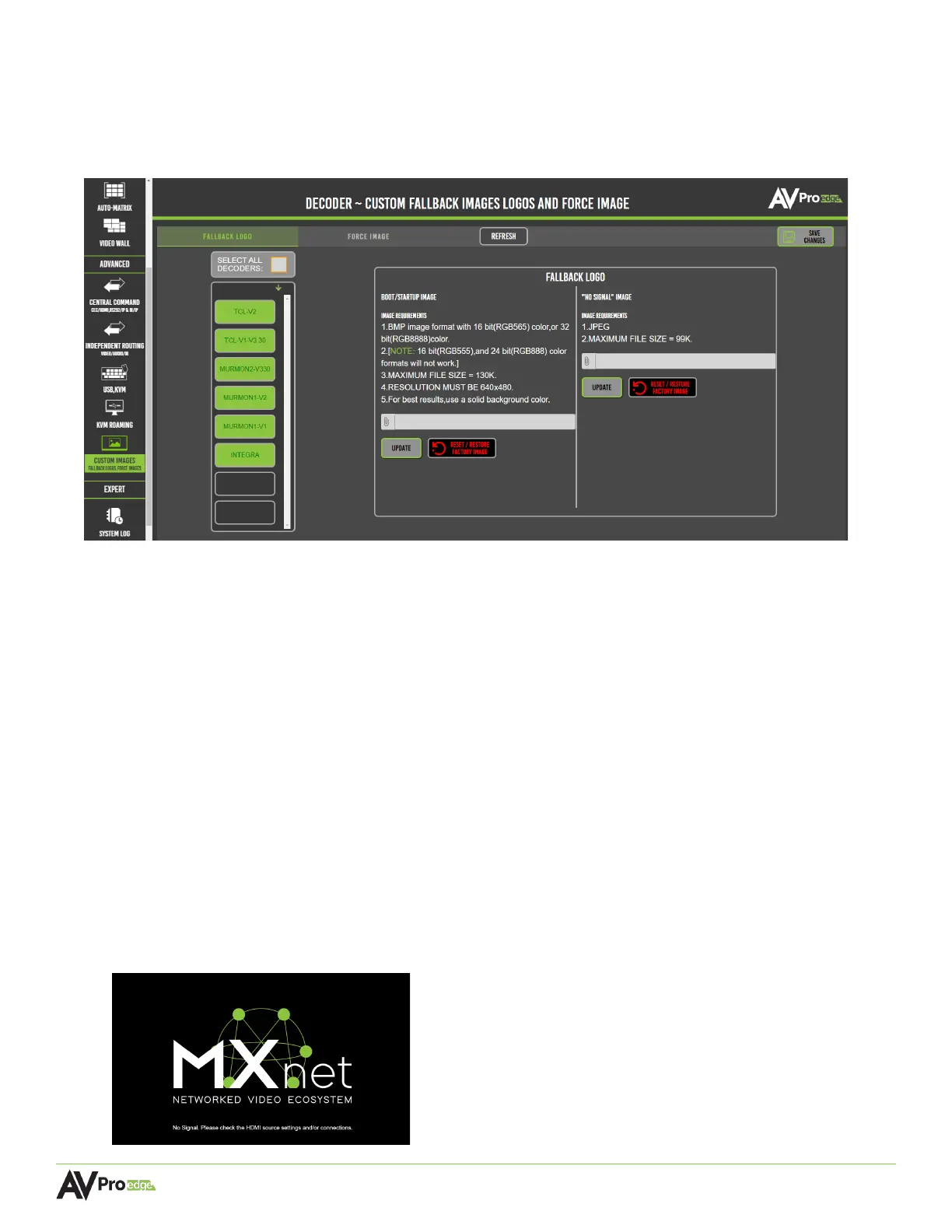
This page provides tools and features for setting up custom logos and images to the displays, ideal for
digital signage solutions in a commercial installation. It is separated into two tabs, Fallback Logo and
Force Image.
6.15.1 Fallback Logo
The Fallback Logo page provides options and settings for uploading a custom image to appear on
selected displays upon initial startup after a reboot or when a device is disconnected from a
decoder.
Image Requirements:
BOOT/STARTUP IMAGE
• BMP file format
• 16-bit (RGB656) color, or 32-bit (RGB8888) color
• 130KB maximum file size
• 640 x 480 pixel resolution
“NO SIGNAL” IMAGE
• JPEG file format
• 99KB maximum file size
If no custom images are uploaded, Mentor will display the following default image:



 To Next Page