Page 65 of 78
6.12 Independent Routing
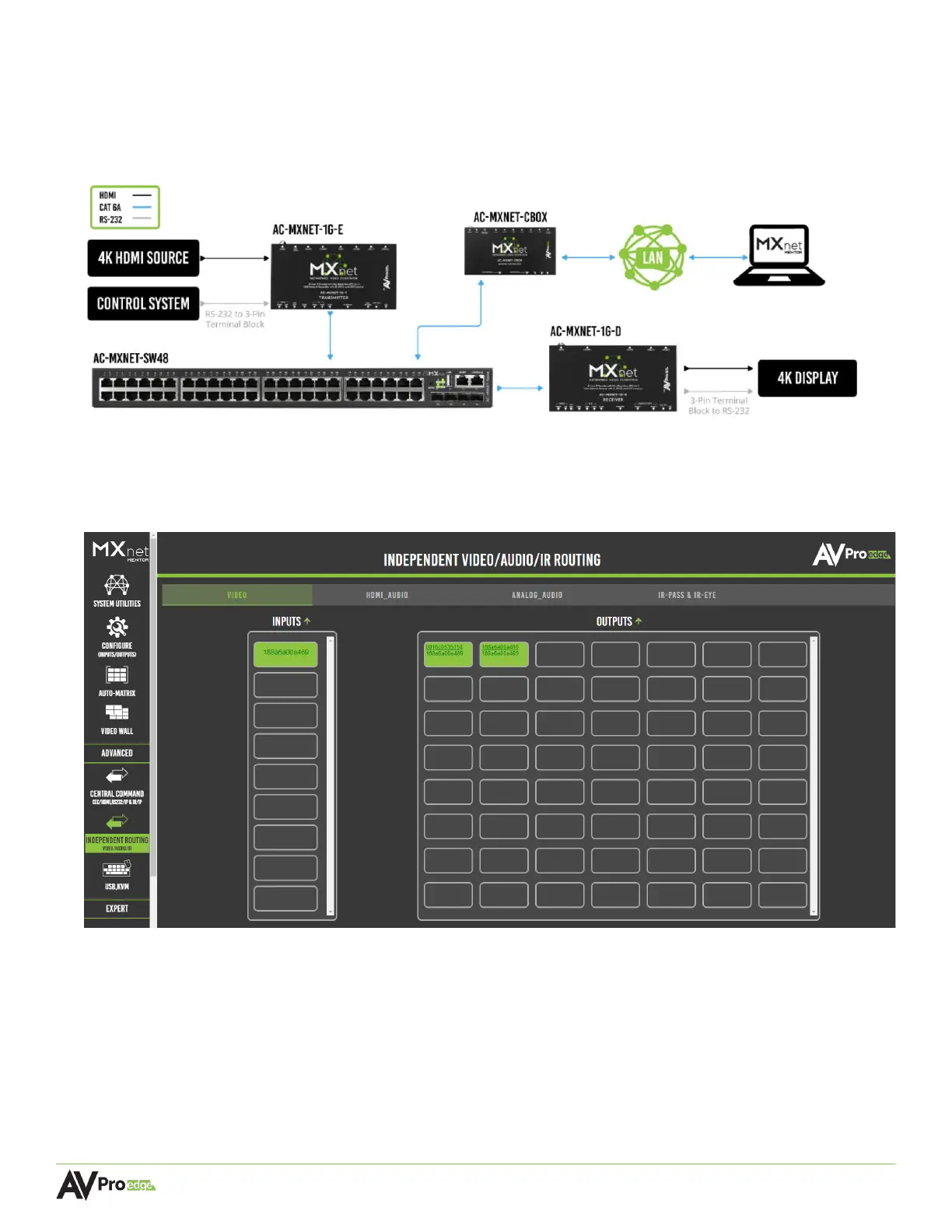
This page provides a simple way to separately route video, audio, and control signals from different
encoders to different decoders, as well as any equipment connected to either the RS232 or IR EYE and
I-PASS ports on the encoders and decoders.
The routing pages closely resemble the Auto-Matrix page with additional tabs located at the top for
separating video, audio, and IR functionality. Each input can be independently configured to route
video, audio, and IR signals.
6.12.1 Creating a Routing Path
1 From the Inputs column, select the desired source’s input. This will highlight the input with an orange
border to indicate the selection was made.
2 From the Outputs grid, select the desired output(s) to route the selected source to. This will highlight
the output(s) with an orange border to indicate the selection was made.
3 Switching commands are now sent to the source’s encoder and the output’s decoder(s), and the
selected source’s signals will now be present on the selected output(s).



 To Next Page