Page 49 of 78
COLOR DEPTH Indicates the source is sending either 8-bit or 10-bit color depth
CHROMA Indicates the source is sending either RGB or YUV color space
HDMI AUDIO Indicates the source is sending either PCM or non-PCM audio
10 HOT-PLUG DETECT/RESET
Toggle button, green indicates a hot-plug detect has been identified by MXNet. Click on reset
button to force a refresh of the HDMI signal between the connected devices.
11 HDCP VERS
Shows the version of HDCP detected from the connected device.
12 ENCODER/DECODER LIGHTS
Toggle button, allows for control of the front panel LEDs on the encoder/decoder, can be done
on all or individually selected encoders/decoders. Click to toggle between FLASHING, OFF, or
ON.
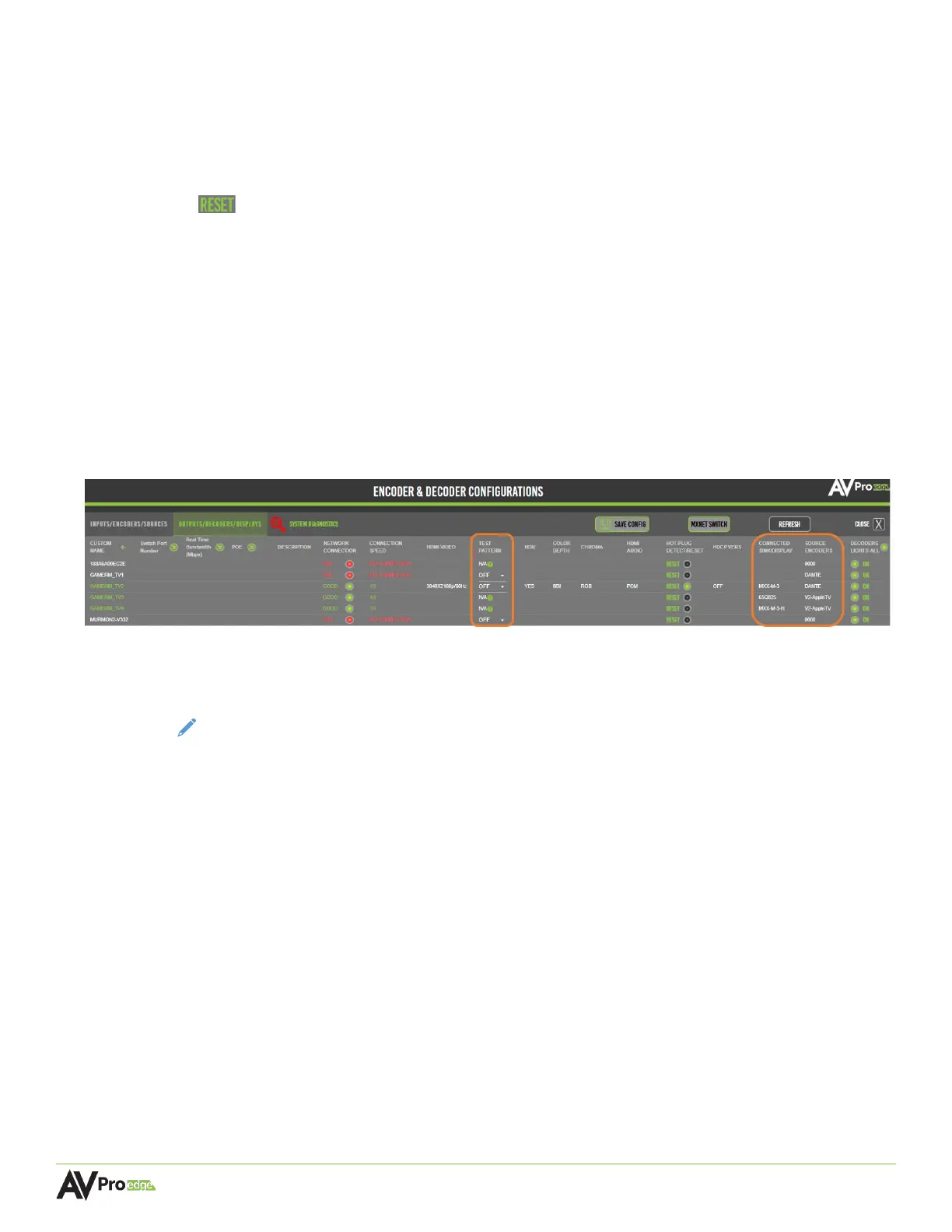
The following three columns shown below are only available on the Outputs/Decoders/Displays
diagnostics page.
TEST PATTERN
Dropdown menu containing options for a 1080p or 4K30 color bar test pattern that will be
generated by the selected decoder for testing and troubleshooting purposes.
NOTE:
This setting is not available on the AC-MXNET-1G-DV2.
CONNECTED SINK/DISPLAY
Shows the manufacturer or model number of the connected display.
SOURCE ENCODERS
Shows the source signal routed to the decoder.



 To Next Page