Page 62 of 78
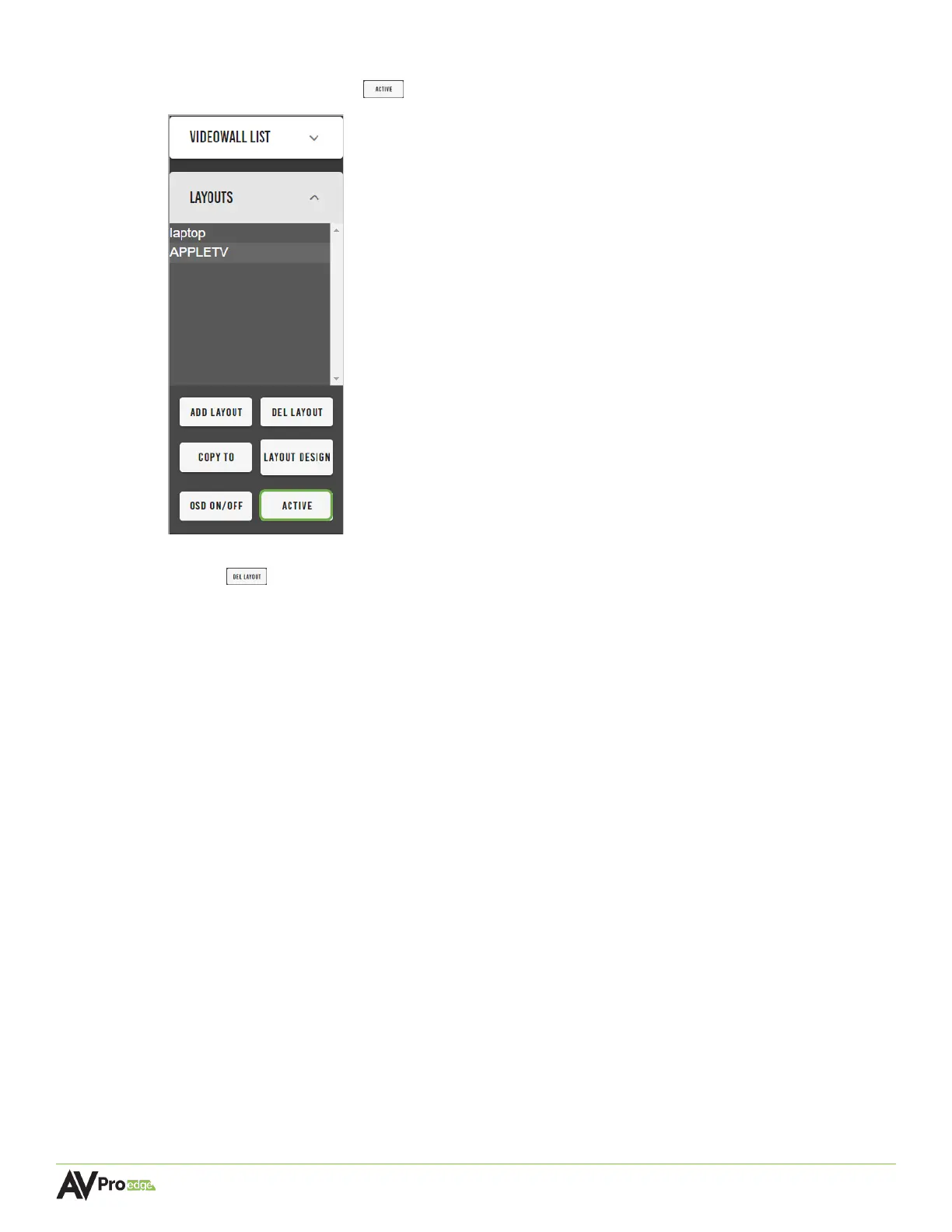
4 To switch mosaic video wall layouts, select the layout name from the Layouts list, then
select the active button .
5 To delete a layout, select the layout name from the Layouts list, then select the del layout
button . The layout will now be permanently removed from the Layouts list and is no
longer able to be activated.


 To Next Page
 Loading...