Page 73 of 78
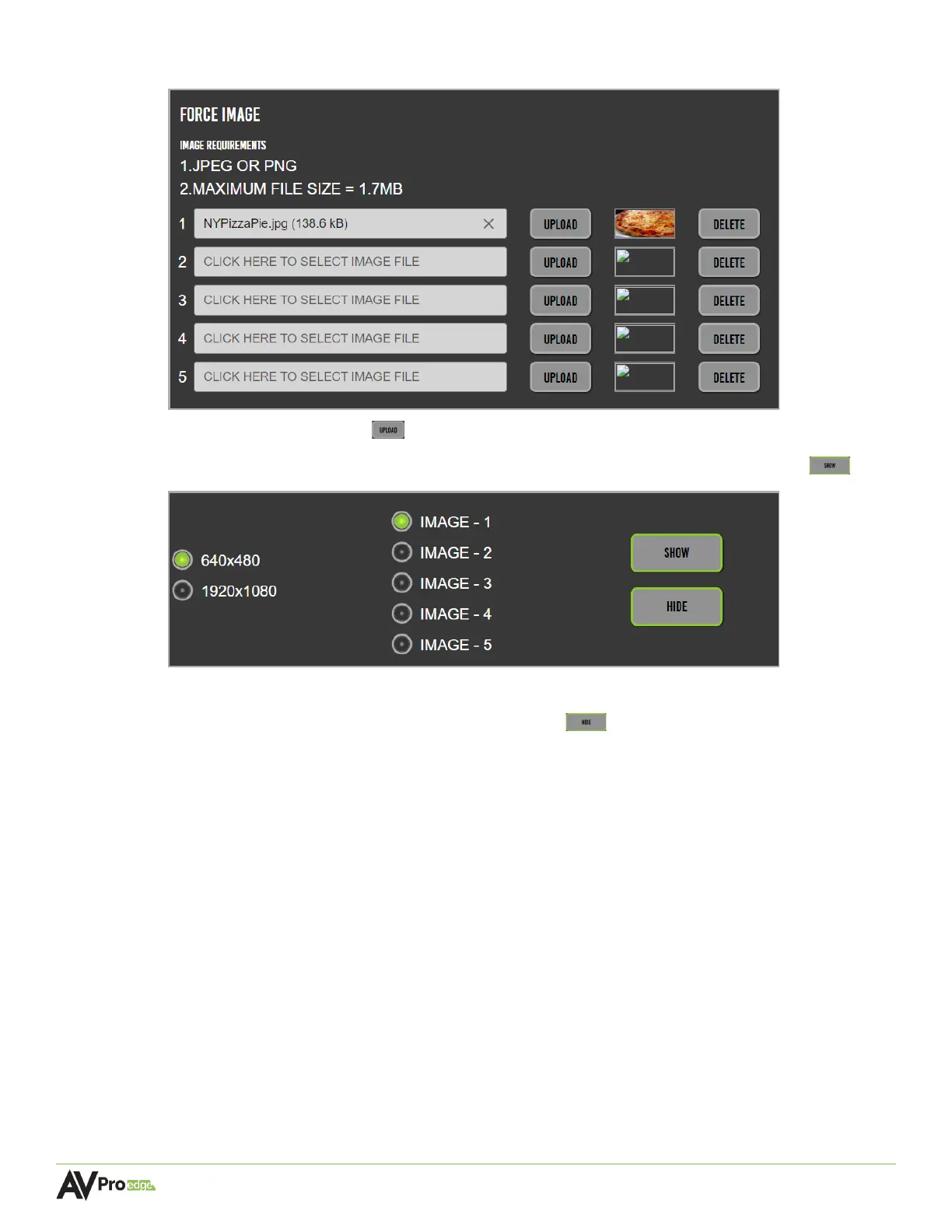
3 Select the upload button , a thumbnail will generate a preview of the selected image.
4 Select the desired resolution, the image number, followed by the show button .
5 The uploaded image will now be shown on the selected display(s).
6 To remove a forced image, select the hide button .



 To Next Page