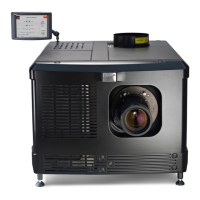
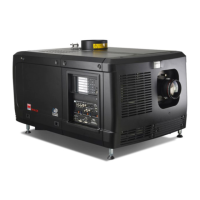
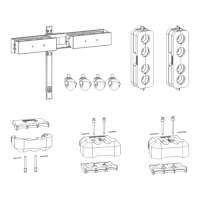
R5905754 /13 DPxK-32B72
1, 2 and 3 are adjustment points.
4 is a locking point and NOT used during Scheimpflug adjustment.
Required tools
• Allen key 3 mm
• Nut driver 13 mm
• Nut driver 10 mm
How to adjust
1. Project a green focus pattern. For a 4K projector, use the 4K test pattern. Otherwise, use the 2K test pattern.
Image 5-24
2. Loosen the lock nuts (a, b, c and d). See Image 5-23.
3. Loosen the 4 set screws (A, B, C and D) by 1 cm. See Image 5-23.
4. Fully loosen lock nut 4. See Image 5-23.
5. Optimize the focus of the projected image as follows:
1. Turn the Scheimpflug adjustment nuts 1, 2 and 3 until the front of the nut is equally aligned with the front of
the threaded rod.
2. Adjust the focus in the center of the screen (F) using the motorized focus control.
Image 5-25: Center focusing
6. Sharpen bottom left corner of the screen by adjusting nut 1.
Lenses & lens holder


 To Next Page
 Loading...