42-101-01175_01178 Revision D Page | 6
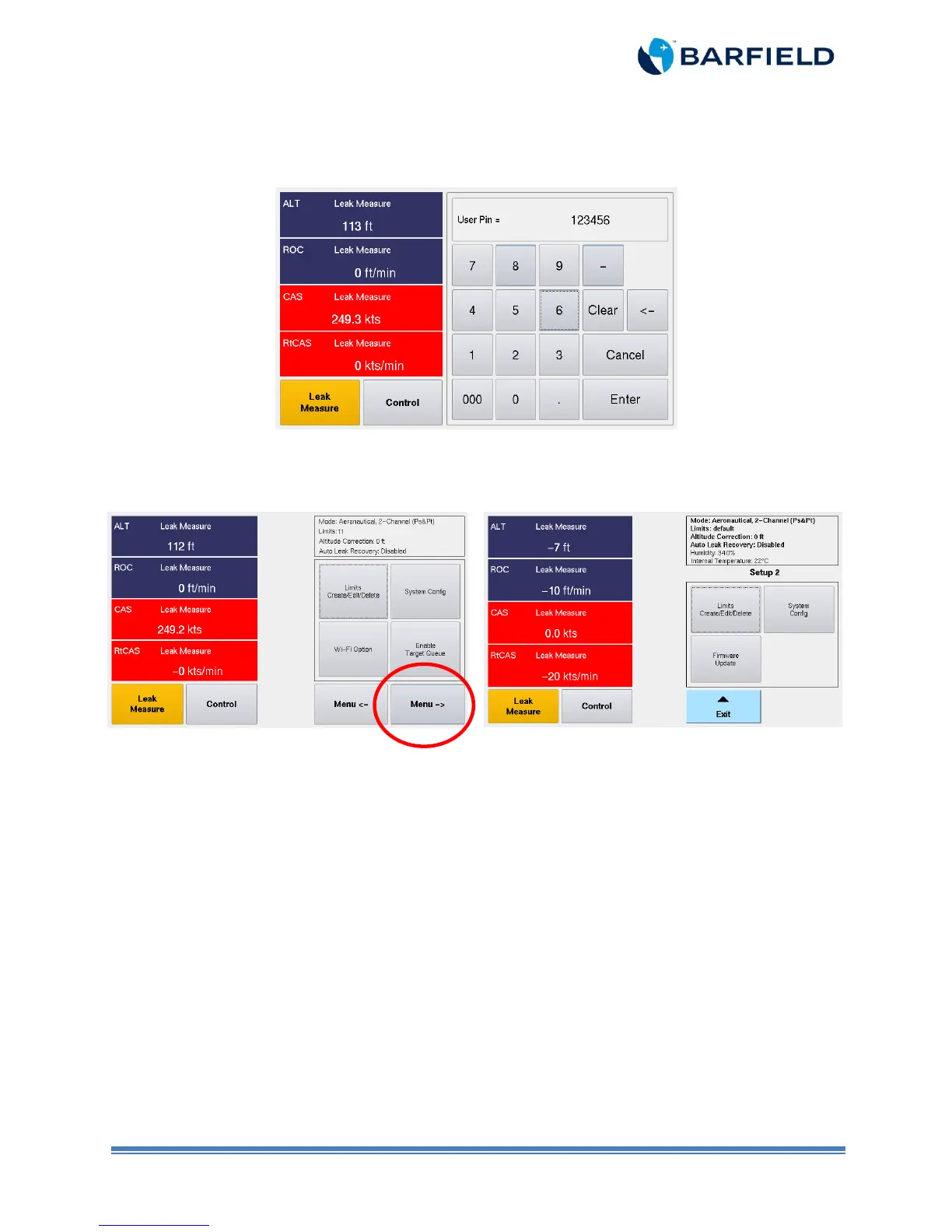
5. Enter user pin. The default pin code is 123456. You can personalize and create your
own pin code.
Figure 1.4 Keypad Screen
6. Unit displays a new screen with three options (Figure 1.5).
Figure 1.5 Setup 2 Screen
7. Touch “Firmware Update”. A new screen is displayed featuring the two software to be
updated (Figure 1.6).
Select “Flash – HUIM from USB” (Figure 1.7).
Menu with firmware 3.2.1 and older
Menu with firmware 3.2.4 and newer



 To Next Page