42-101-01175_01178 Revision D Page | 10
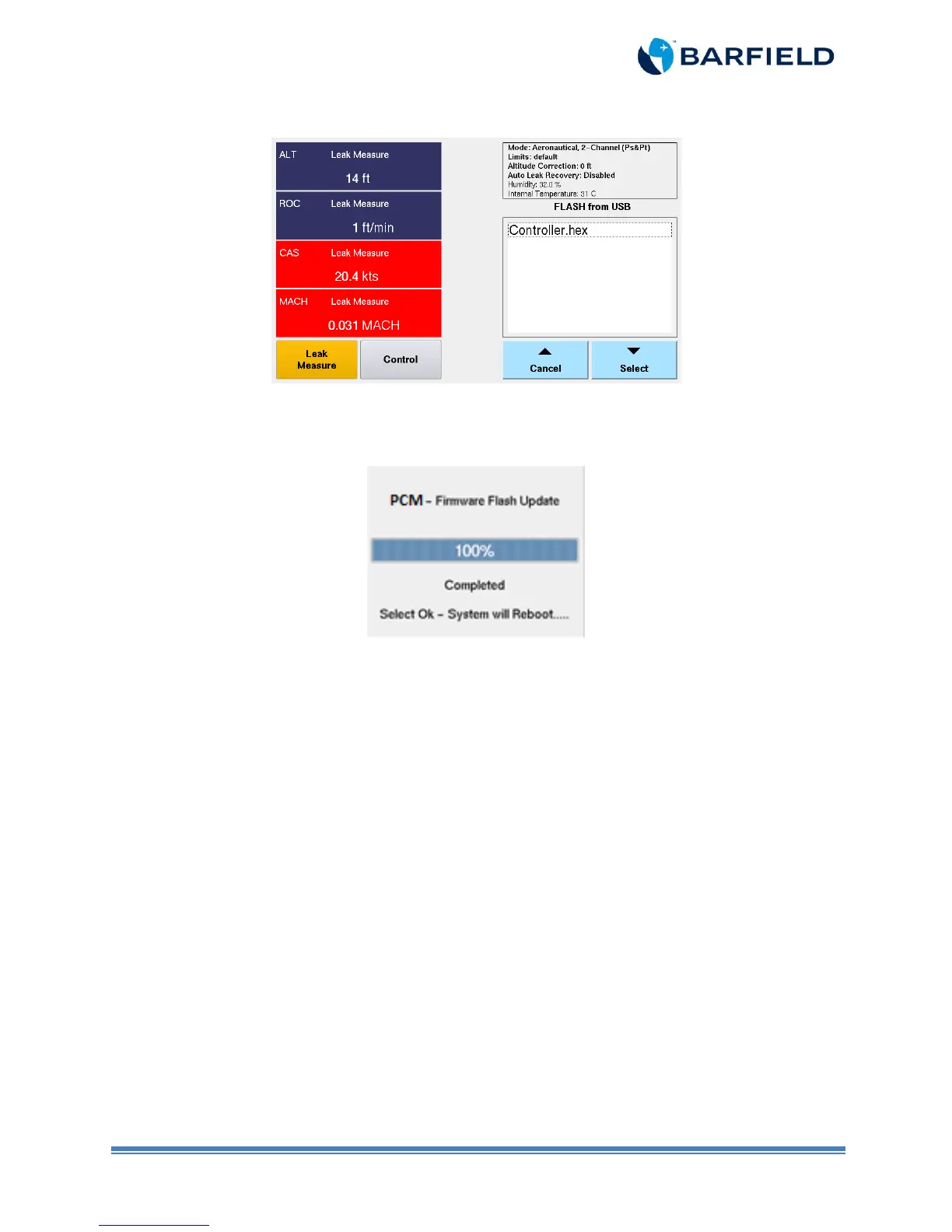
Figure 15 Flash Drive Screen
18. The unit will display a progression bar during the installation (Figure 1.16).
Figure 1.16 PCM Update Progress
19. Remove the USB Flash Drive.
20. Once installation is complete, the unit will prompt you with the following message:
“Completed, Select Ok – System will Reboot….” Select “OK”. The system will reboot and
the updated PCM firmware will now be operational.
21. The Test Set has both the HUIM firmware upgrade and the PCM firmware upgrade
installed.
22. During power ON initialization process, take note of the Initialization Log window to
confirm both the HUIM Ver (x.x.x) and the PCM Ver (x.x) versions are as expected.
23. The process is now complete and the unit is ready for use.
Note: The unit might, upon reboot, perform a Valves bias automatically during
the initialization. Please be patient, this step takes a few minutes (especially
around 40%).



 To Next Page