Chapter 2: Instrument Setup 39
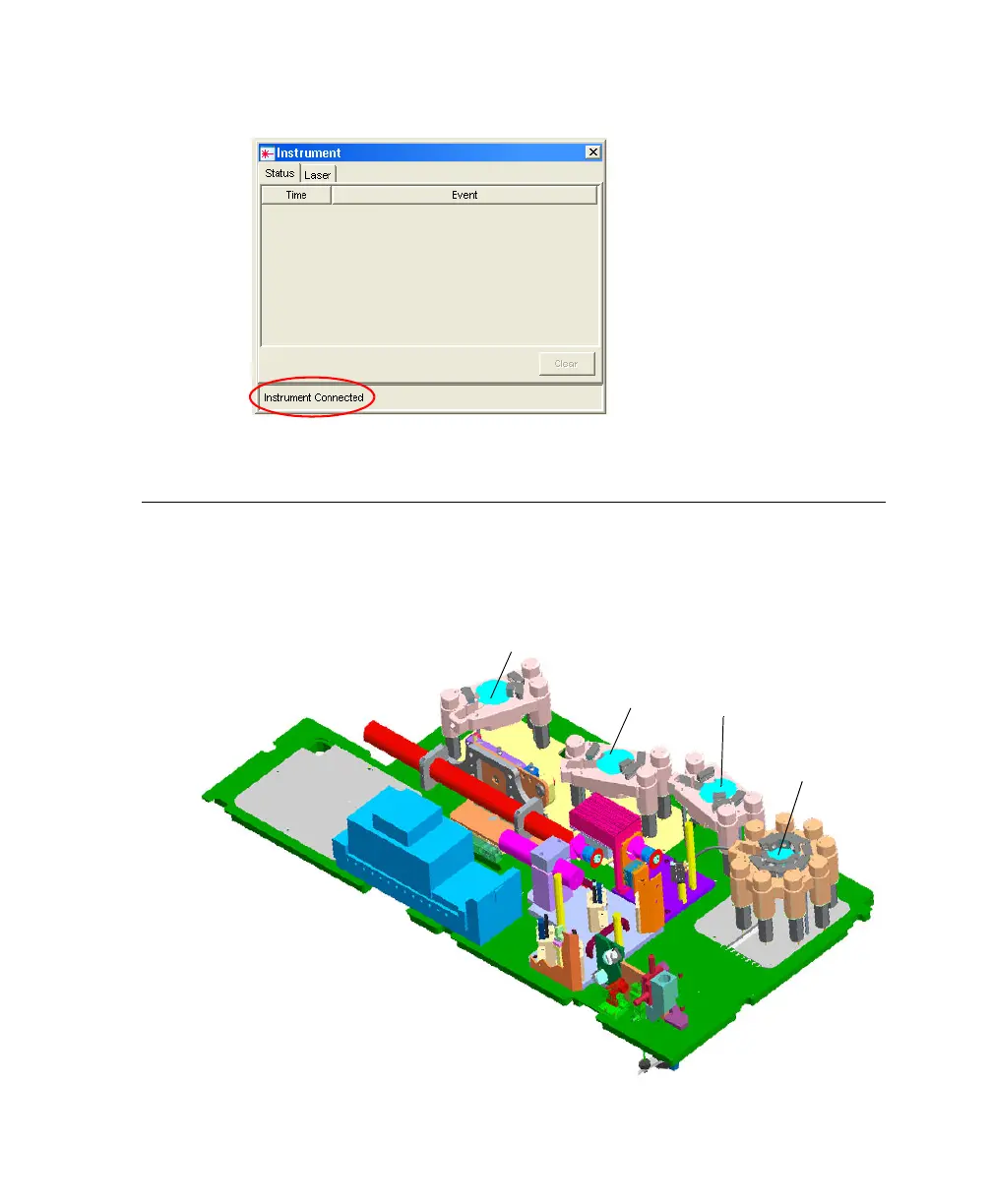
Figure 2-1 Instrument Connected message
Setting Up the Optical Filters and Mirrors
Before you run samples, set up the optical filters. The following figure shows the
location of the detector arrays (beneath the instrument covers of the BD LSR II
flow cytometer). Each detector array is labeled with its laser source.
blue octagon
violet trigon
UV trigon
red trigon
LSR2.book Page 39 Tuesday, April 25, 2006 3:34 PM



 To Next Page