96 BD LSR II User’s Guide
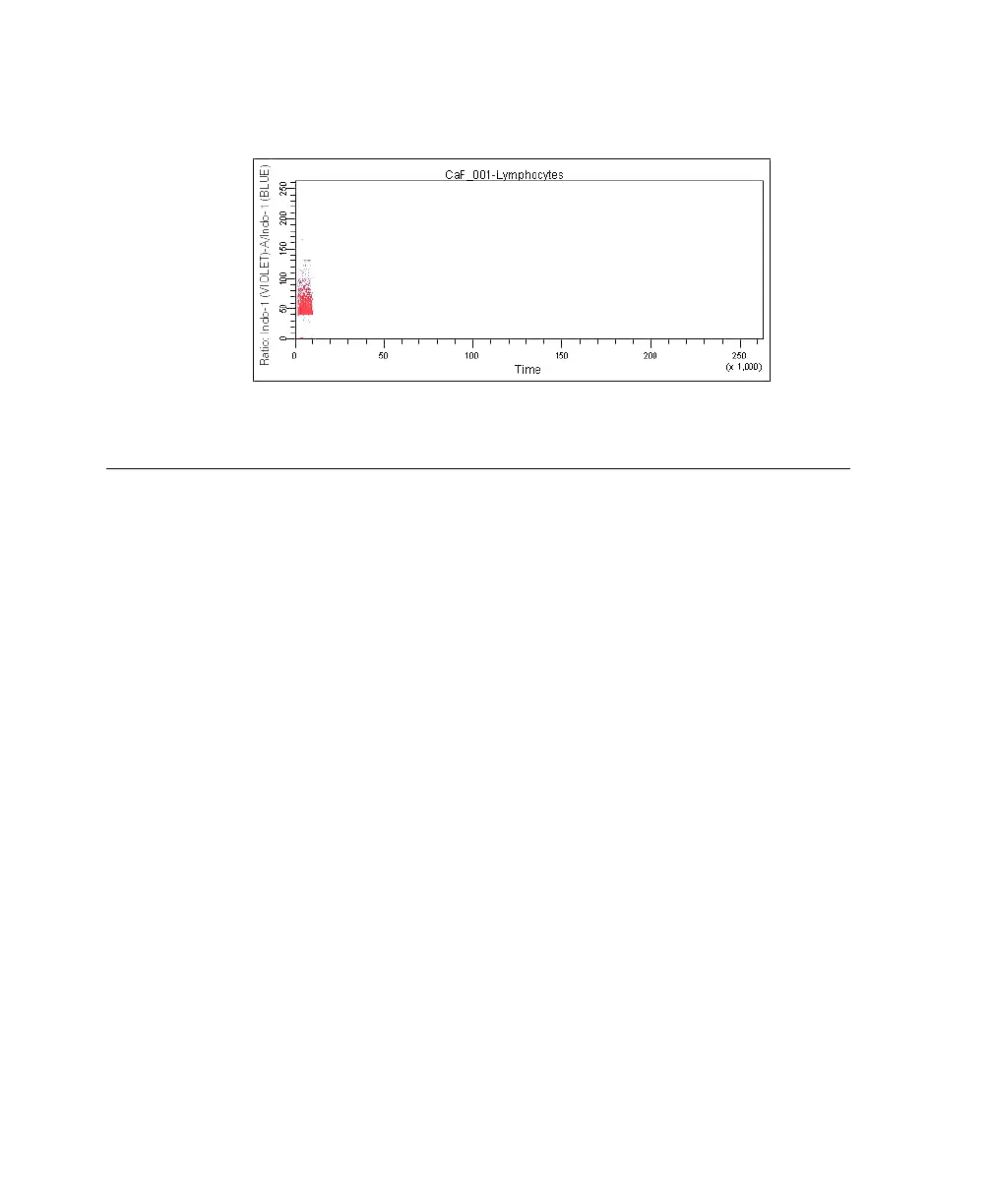
Your time vs ratio plot should resemble this:
Recording Calcium Flux Data
1 In the Acquisition Dashboard, change the Events to Display to 50,000
events.
2 Verify that the unstimulated sample is still running.
3 Use the cytometer’s SAMPLE FINE ADJ knob to adjust the event rate to
about 200 events/second.
The event rate is displayed in the Acquisition Dashboard.
4 Click Record Data.
NOTICE Keep the instrument in RUN mode as you perform steps 5
through 7 below. Do not stop recording. The unstimulated sample data
must be maintained. If recording is stopped, ensure that the subsequent
data is appended to the unstimulated sample data.
5 When approximately 10,000 events have been recorded, remove the
unstimulated sample tube from the cytometer.
6 Add the stimulus to the tube and mix thoroughly.
LSR2.book Page 96 Tuesday, April 25, 2006 3:34 PM



 To Next Page