54 BD LSR II User’s Guide
Verifying Instrument Configuration and User
Preferences
To obtain accurate data results, the current BD FACSDiva software instrument
configuration must reflect your BD LSR II instrument optics. Verify the
configuration and preferences before you create an experiment.
1 Choose Instrument > Instrument Configuration and verify the current
configuration.
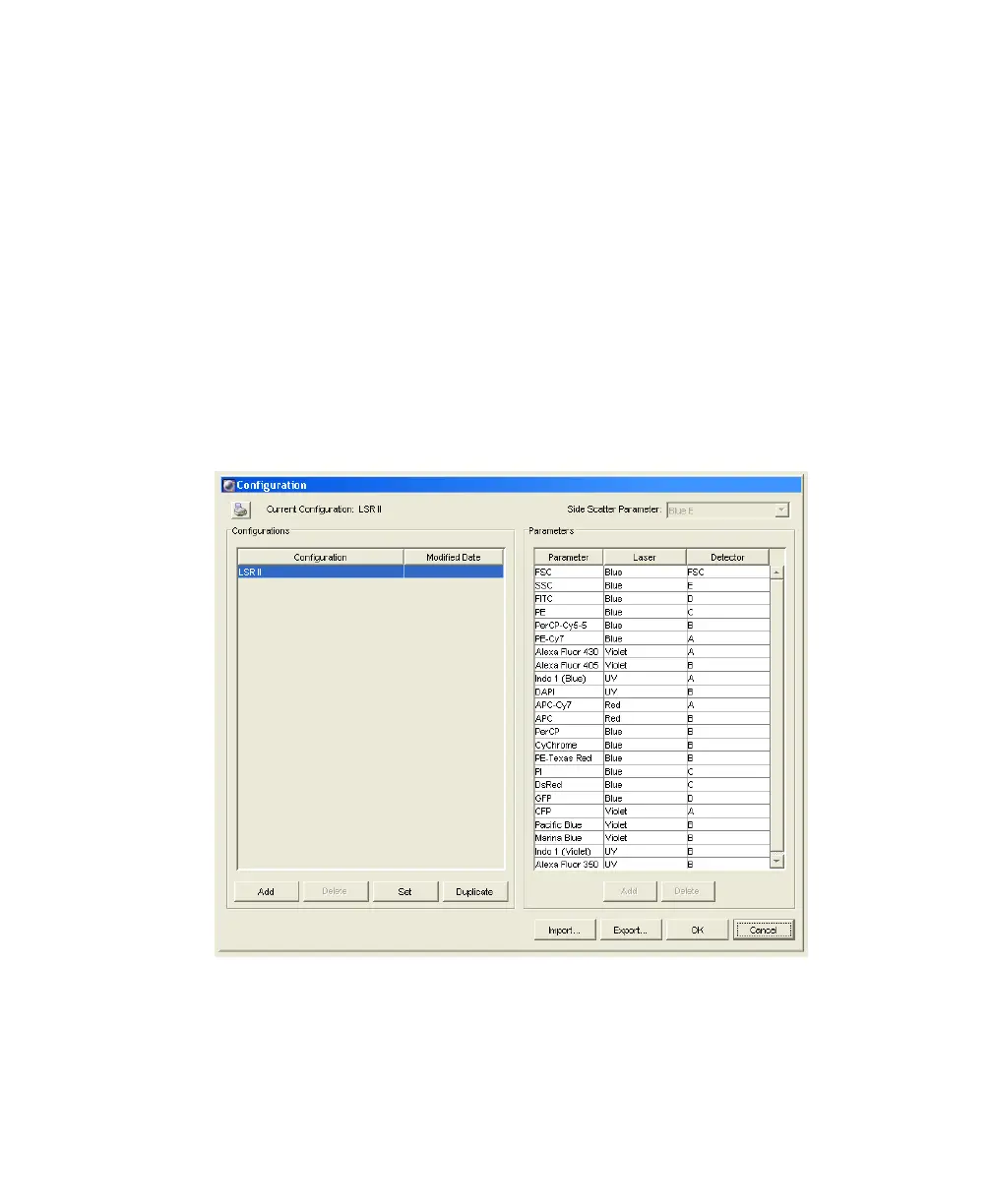
Figure 3-1 shows an Instrument Configuration dialog whose current
configuration is the standard default configuration.
Figure 3-1 Instrument Configuration dialog
Check that the configuration includes the parameters to be measured and
that the channels correspond to the optical mirrors and filters. For our bead
LSR2.book Page 54 Tuesday, April 25, 2006 3:34 PM



 To Next Page